MAKE IT YOUR OWN
Add a small local image to a printable
Use one private image in a fixed bookplate, certificate or event-insert slot. Keep the original image and review the result before printing.
Choose a supported still image
Select bookplates, certificates or event inserts in Studio, confirm that you have permission to use the image, and choose a PNG or baseline/progressive JPEG. The input must be no larger than 2 MB, 4096 pixels per edge and eight million pixels in total. SVG, GIF, animated PNG, WebP and remote-image links are not supported. A file extension alone is not trusted.
Studio applies the browser-decoded orientation, reduces the image to at most 256 pixels per edge and flattens transparency onto white. Only normalized RGB pixels remain in the draft: not the filename, EXIF text, location metadata or original compressed file. This is deliberately a small-image feature, not a high-resolution photo editor.
Keep the image inside its fixed slot
The image keeps its aspect ratio and is contained without cropping in the authored slot. Its dimensions do not move the cut edge or silently resize the printable. Monochrome output converts the normalized pixels to grayscale. One image repeats on nonblank pieces only; the current limit is 24 image-bearing pieces per export.
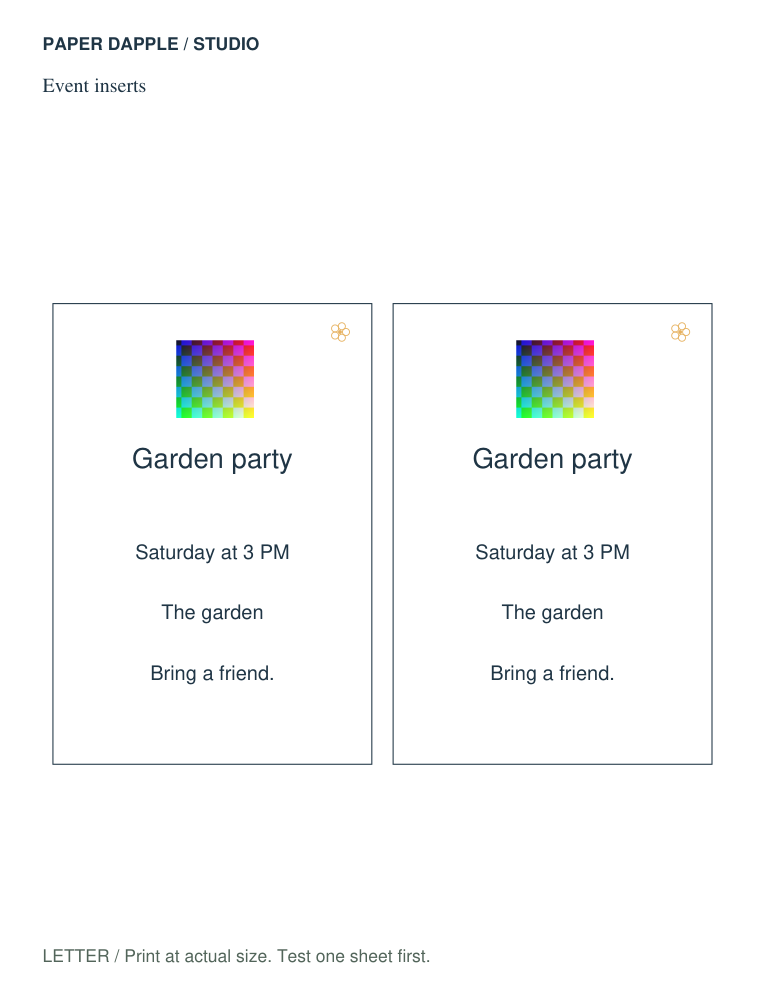
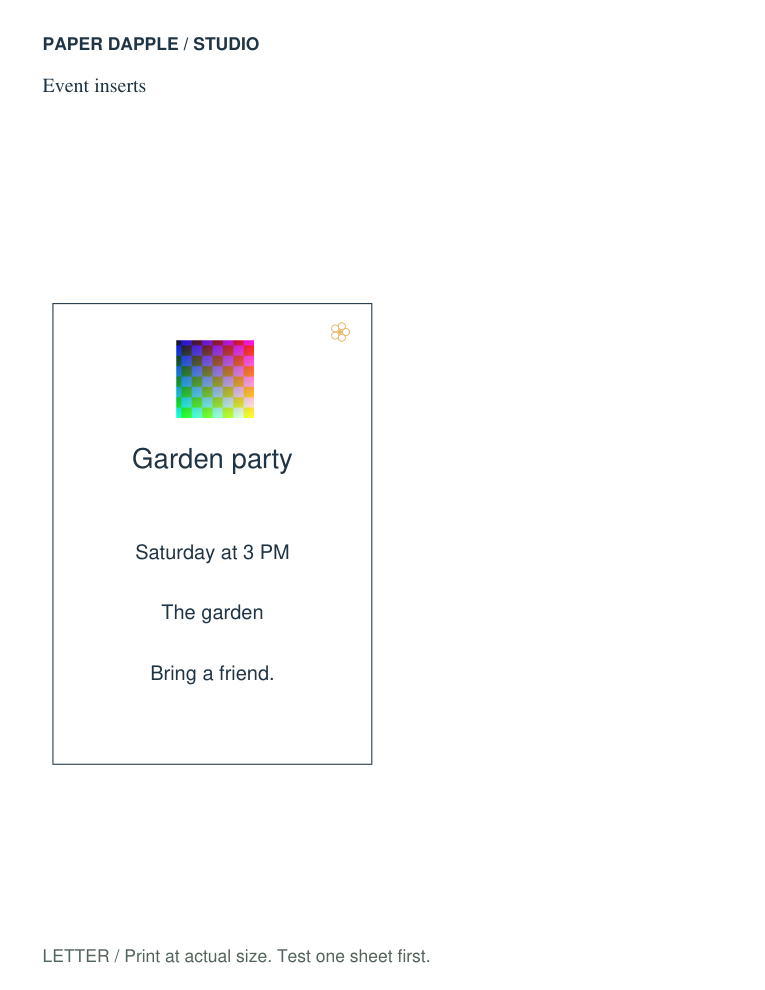
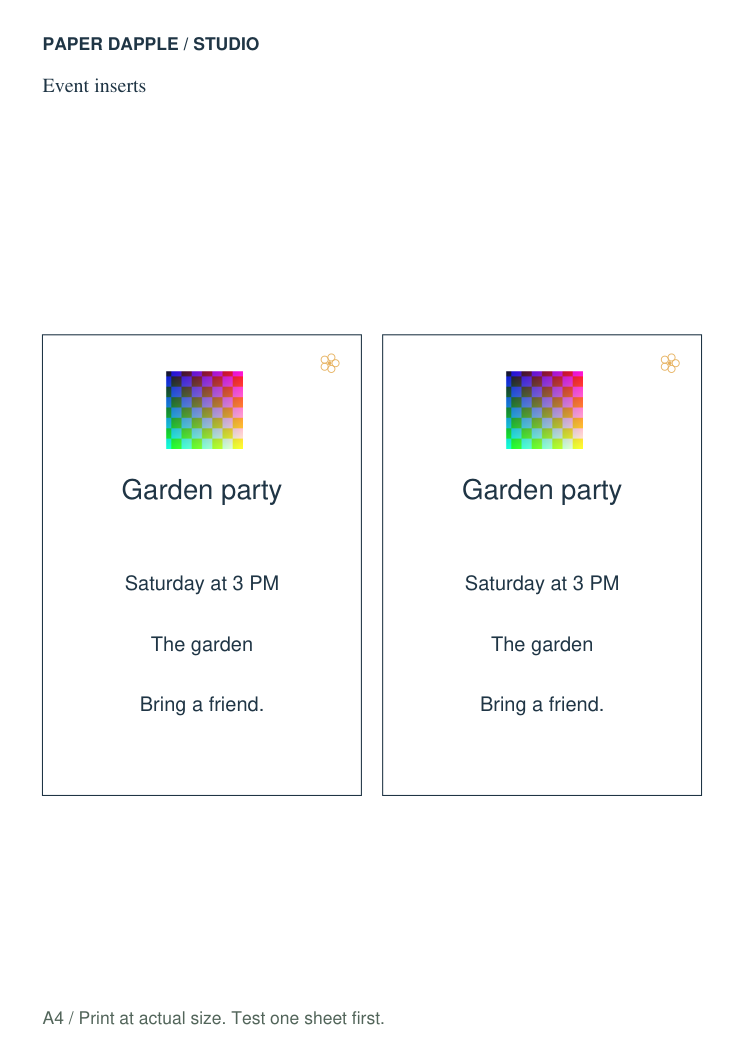
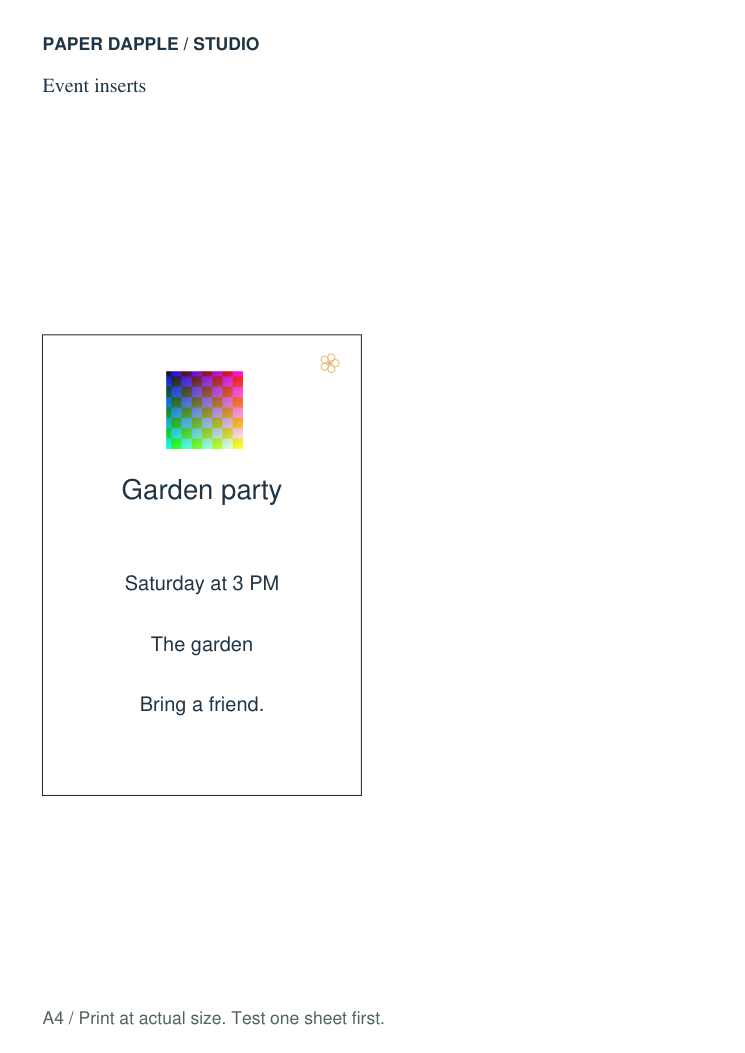
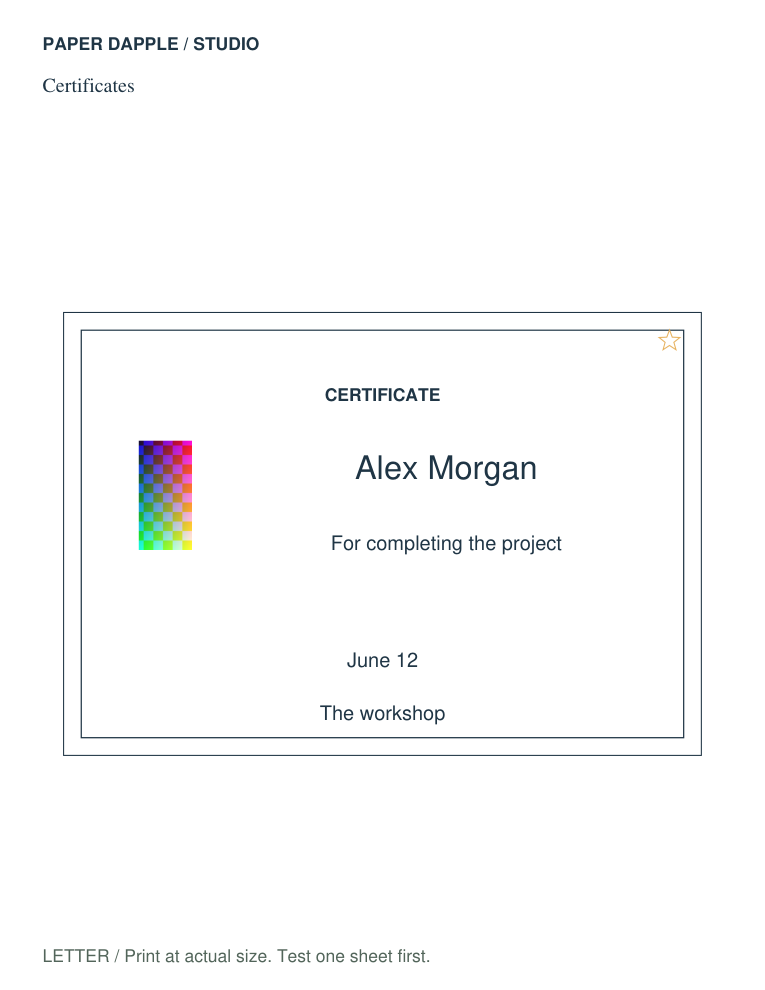
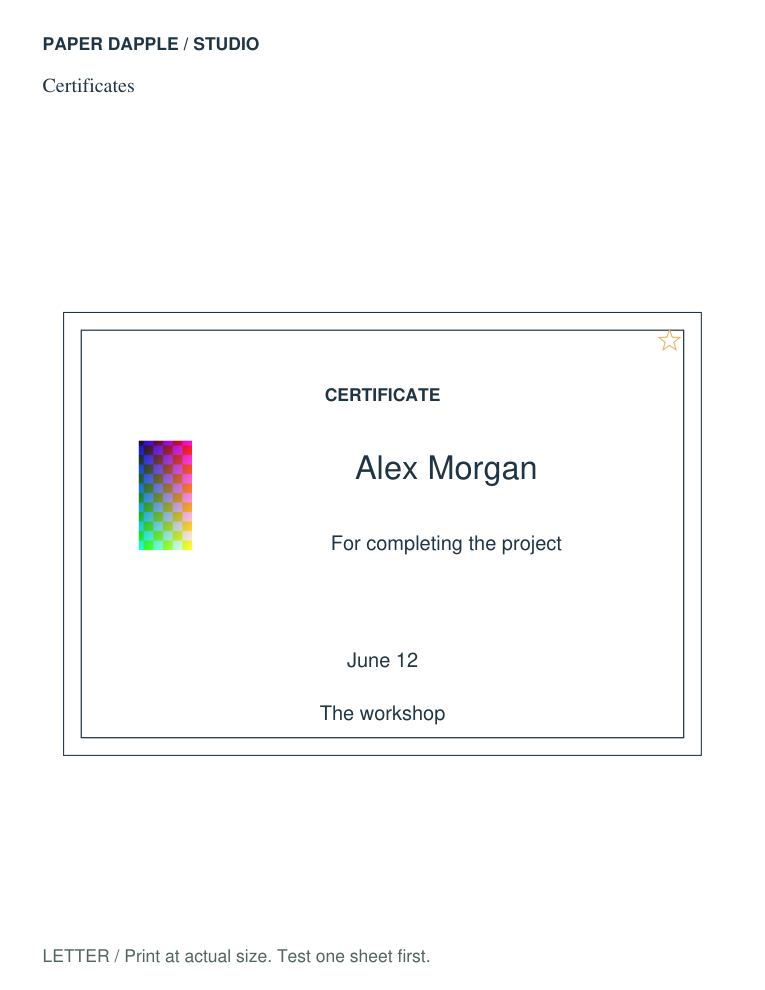
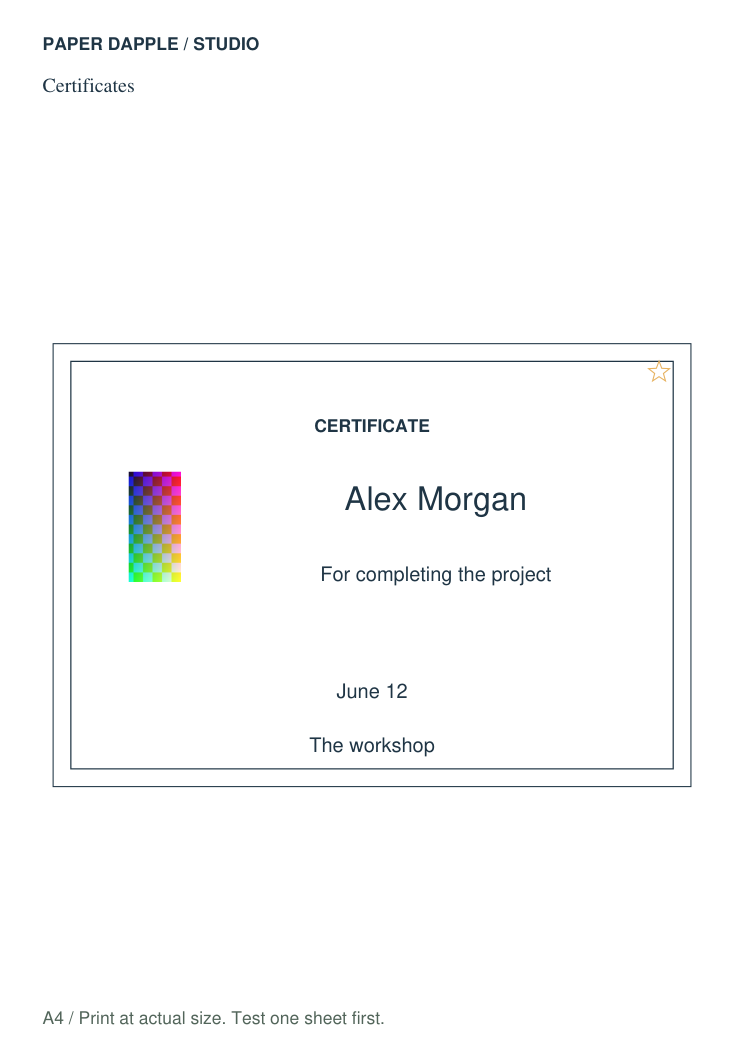
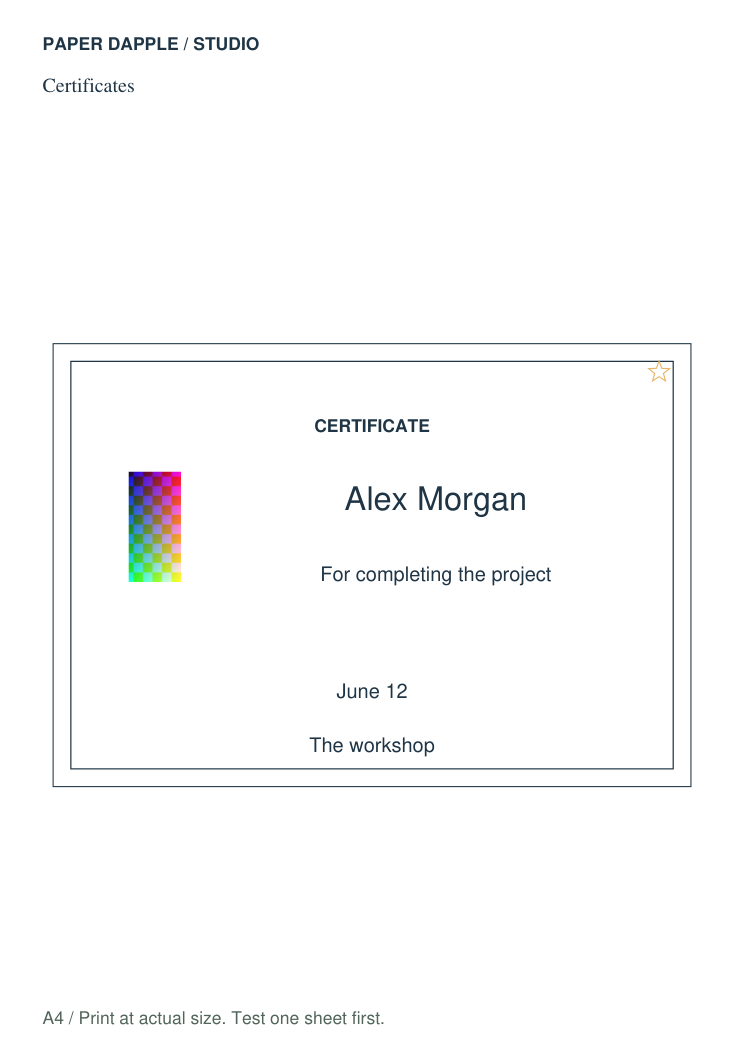
The examples below use an original synthetic color pattern, not a photograph of a finished product. Print a trial before using a photo, logo or fine detail. The program does not determine whether you own an image or whether permission covers your intended use.
Control the private copies
Opening an image does not upload it or save it in browser storage. An explicitly downloaded Studio project includes the normalized pixels, and a PDF or SVG export includes the placed image. Keep those local files under your control. Catalog recipes never include private images.
Removing an image removes it from the current draft; Undo may restore it. Clear private work removes the draft and its history. Copies already transferred to Print Tray must be removed there separately, and previously downloaded files must be deleted separately.
Open the workspace Check actual print scale
Real generated examples
Created by Release10 using fictional text or an original synthetic image. Not photographs, editorial approval or physical print tests.
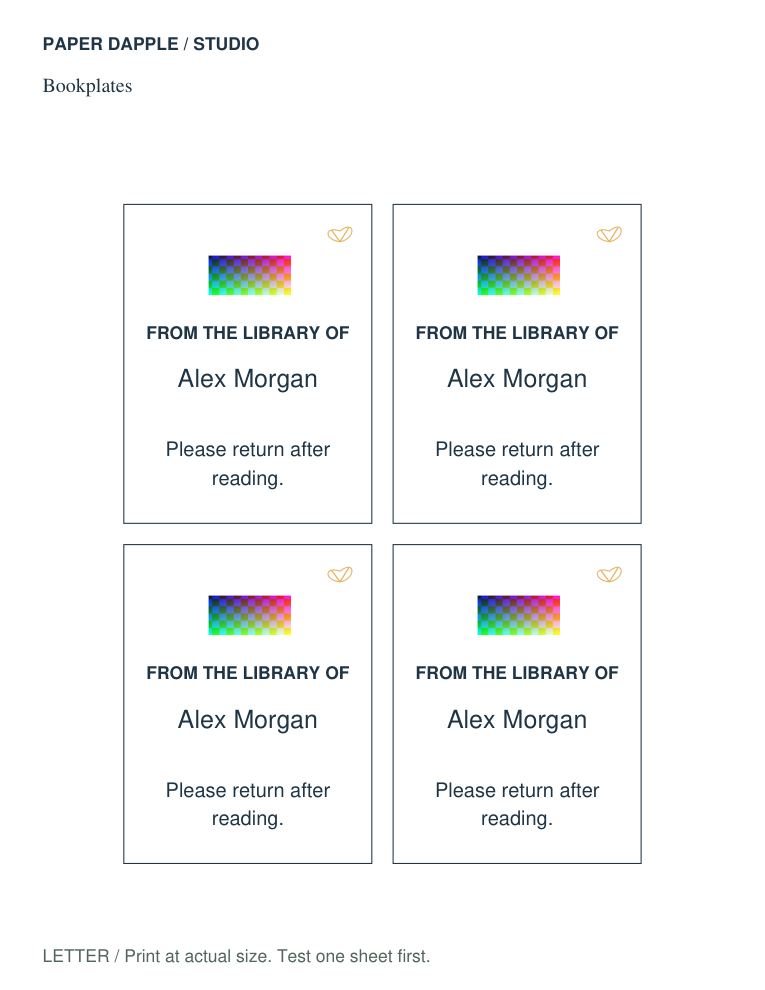
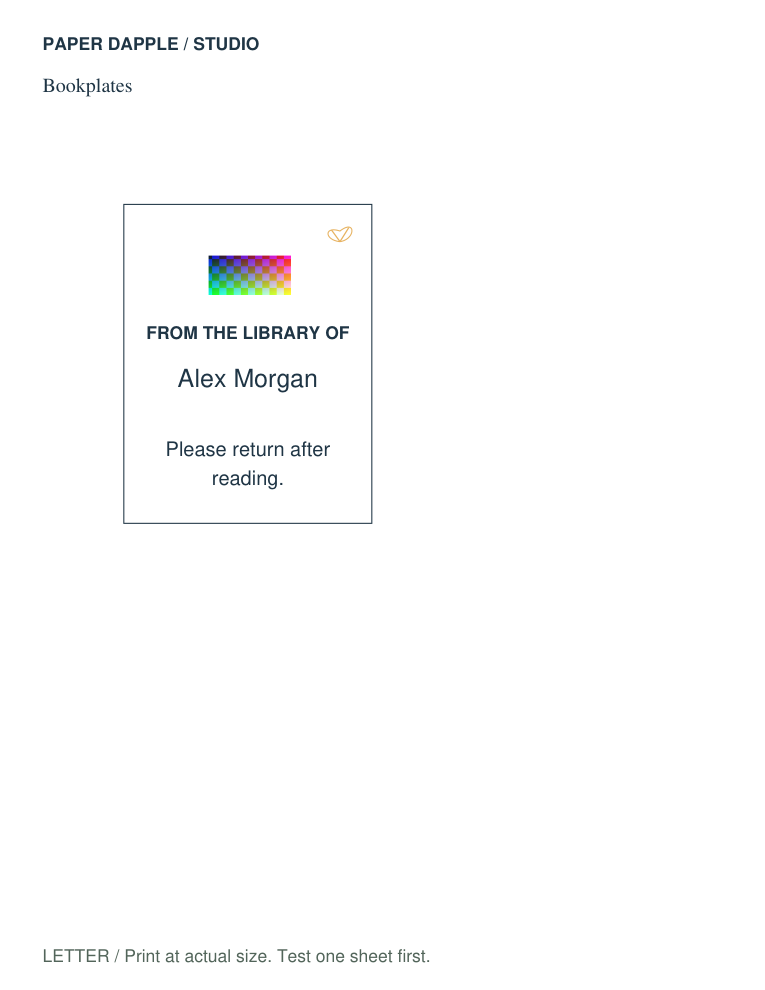
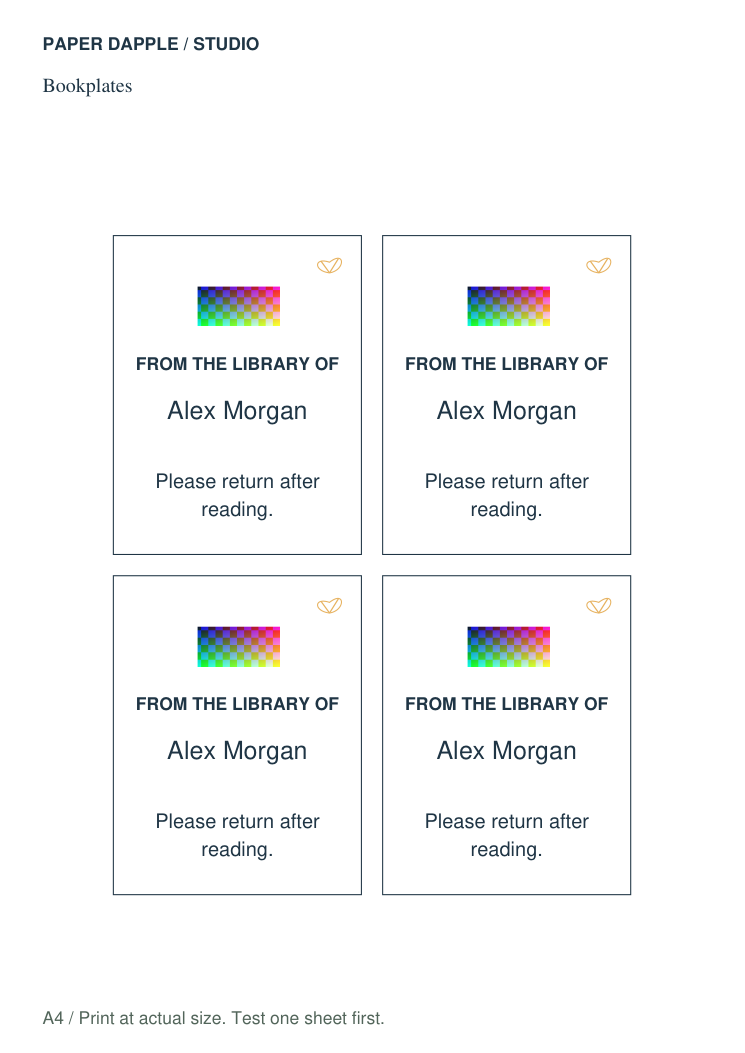
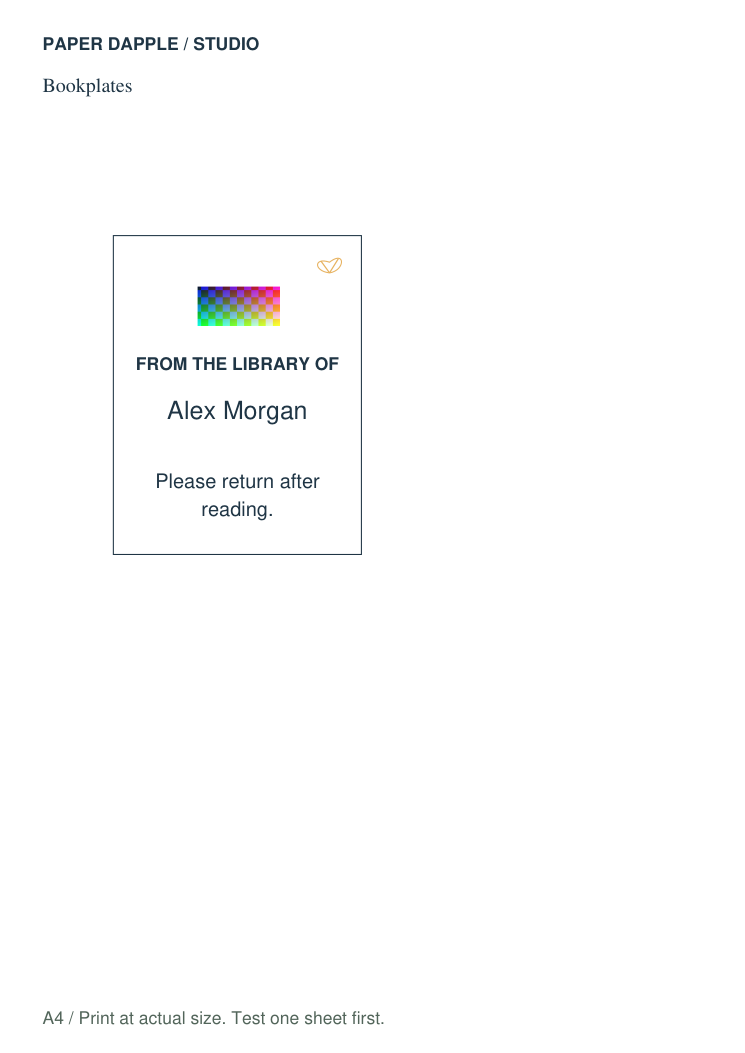
Certificates / LETTER / larger text / synthetic image · 2 pages
Event inserts / LETTER / larger text / synthetic image · 2 pages