Prepare an event
See the actual example and follow the steps.
Start on US Letter · Start on A4YOUR IDEAS, ON PAPER
Start with a supported project or open any creation tool. Private writing, images and settings stay in the open session unless you explicitly download a project file.
Choose a job, then a supported start. Adjust settings and review the current preview. Links contain public settings; your words and images stay private.
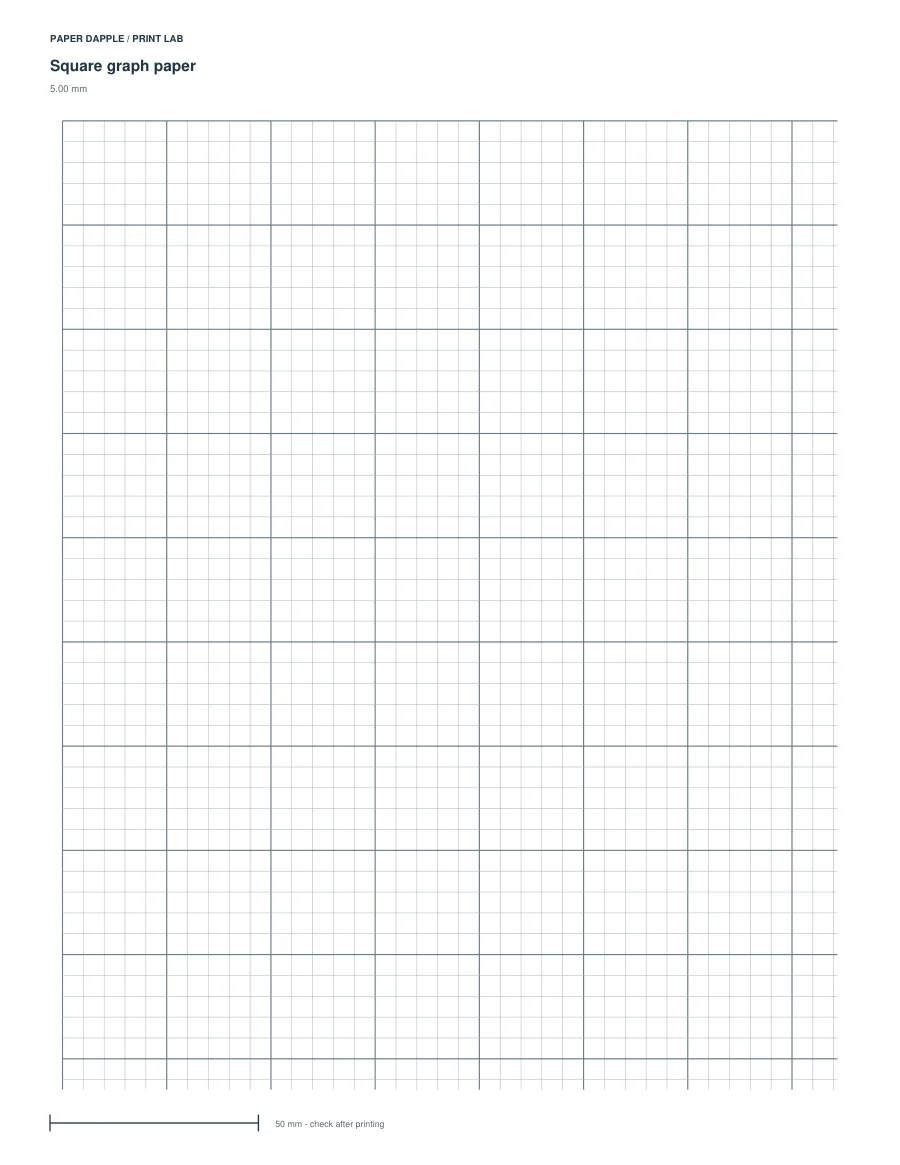
Generate paper, calendars and practice pages.
PDF (all pages); SVG (current page); PNG (current page, 300 ppi). Prepare this generator while online before using it offline. Review the current preview; settings must fit the selected paper.. Use PDF for measured printing.
US Letter · A4 · A5 · Half Letter
PDF (all pages); SVG (current page); PNG (current page, 300 ppi). Prepare this generator while online before using it offline. Review the current preview; settings must fit the selected paper.. Use PDF for measured printing.
US Letter · A4 · A5 · Half Letter
PDF (all pages); SVG (current page); PNG (current page, 300 ppi). Prepare this generator while online before using it offline. Review the current preview; settings must fit the selected paper.. Use PDF for measured printing.
US Letter · A4 · A5 · Half Letter
PDF (all pages); SVG (current page); PNG (current page, 300 ppi). Prepare this generator while online before using it offline. Review the current preview; settings must fit the selected paper.. Use PDF for measured printing.
US Letter · A4 · A5 · Half Letter
PDF (all pages); SVG (current page); PNG (current page, 300 ppi). Prepare this generator while online before using it offline. Review the current preview; settings must fit the selected paper.. Use PDF for measured printing.
US Letter · A4 · A5 · Half Letter
PDF (all pages); SVG (current page). Review the current preview; settings must fit the selected paper.
US Letter · A4 · A5 · Half Letter
PDF (all pages); SVG (current page). Review the current preview; settings must fit the selected paper.
US Letter · A4 · A5 · Half Letter
PDF (all pages); SVG (current page). Review the current preview; settings must fit the selected paper.
US Letter · A4 · A5 · Half Letter
PDF (all pages); SVG (current page). Review the current preview; settings must fit the selected paper.
US Letter · A4 · A5 · Half Letter
PDF (all pages); SVG (current page). Review the current preview; settings must fit the selected paper.
US Letter · A4 · A5 · Half Letter
PDF (all pages); SVG (current page). Review the current preview; settings must fit the selected paper.
US Letter · A4 · A5 · Half Letter
PDF (all pages); SVG (current page). Review the current preview; settings must fit the selected paper.
US Letter · A4 · A5 · Half Letter
PDF (all pages); SVG (current page). Review the current preview; settings must fit the selected paper.
US Letter · A4 · A5 · Half Letter
PDF (all pages); SVG (current page). Review the current preview; settings must fit the selected paper.
US Letter · A4 · A5 · Half Letter
PDF (all pages); SVG (current page). Review the current preview; settings must fit the selected paper.
US Letter · A4 · A5 · Half Letter
PDF (all pages); SVG (current page); PNG (current page, 300 ppi). Prepare this generator while online before using it offline. Review the current preview; settings must fit the selected paper.. Use PDF for measured printing.
US Letter · A4 · A5 · Half Letter
PDF (all pages); SVG (current page); PNG (current page, 300 ppi). Prepare this generator while online before using it offline. Review the current preview; settings must fit the selected paper.. Use PDF for measured printing.
US Letter · A4 · A5 · Half Letter
PDF (all pages); SVG (current page). Review the current preview; settings must fit the selected paper.
US Letter · A4 · A5 · Half Letter
PDF (all pages); SVG (current page). Review the current preview; settings must fit the selected paper.
US Letter · A4 · A5 · Half Letter
PDF (all pages); SVG (current page). Review the current preview; settings must fit the selected paper.
US Letter · A4 · A5 · Half Letter
PDF (all pages); SVG (current page). Review the current preview; settings must fit the selected paper.
US Letter · A4 · A5 · Half Letter
PDF (all pages); SVG (current page). Review the current preview; settings must fit the selected paper.
US Letter · A4 · A5 · Half Letter
PDF (all pages); SVG (current page); PNG (current page, 300 ppi). Prepare this generator while online before using it offline. Review the current preview; settings must fit the selected paper.. Use PDF for measured printing.
US Letter · A4 · A5 · Half Letter
PDF (all pages); SVG (current page); PNG (current page, 300 ppi). Prepare this generator while online before using it offline. Review the current preview; settings must fit the selected paper.. Use PDF for measured printing.
US Letter · A4 · A5 · Half Letter
PDF (all pages); SVG (current page); PNG (current page, 300 ppi). Prepare this generator while online before using it offline. Review the current preview; settings must fit the selected paper.. Use PDF for measured printing.
US Letter · A4 · A5 · Half Letter
PDF (all pages); SVG (current page); PNG (current page, 300 ppi). Prepare this generator while online before using it offline. Review the current preview; settings must fit the selected paper.. Use PDF for measured printing.
US Letter · A4 · A5 · Half Letter
PDF (all pages); SVG (current page). Review the current preview; settings must fit the selected paper.
US Letter · A4 · A5 · Half Letter
PDF (all pages); SVG (current page). Review the current preview; settings must fit the selected paper.
PDF (all pages); SVG (current page). Review the current preview; settings must fit the selected paper.
PDF (all pages); SVG (current page). Review the current preview; settings must fit the selected paper.
PDF (all pages); SVG (current page). Review the current preview; settings must fit the selected paper.
PDF (all pages); SVG (current page). Review the current preview; settings must fit the selected paper.
PDF (all pages); SVG (current page). Review the current preview; settings must fit the selected paper.
PDF (all pages); SVG (current page). Review the current preview; settings must fit the selected paper.
PDF (all pages); SVG (current page). Review the current preview; settings must fit the selected paper.
PDF (all pages); SVG (current page). Review the current preview; settings must fit the selected paper.
PDF (practice pages); TXT (practice text).
PDF (all pages); SVG (current page). Nominal width/depth10–200mm, height10–150mm; clearance0.5–3mm/side; at most8PDF tiles. Material thickness affects fit. SVG is the current tile, not a complete untiled net.
PDF (all pages); SVG (current page). Existing geometry pilot at nominal dimensions; physical fit has not been established.
US Letter · A4 · A5 · Half Letter
Save this generator settings file: This generator settings and output choices. Open settings in Print Lab. Save all Lab generators: The generators in this Lab workbench. Open workbench in Print Lab.
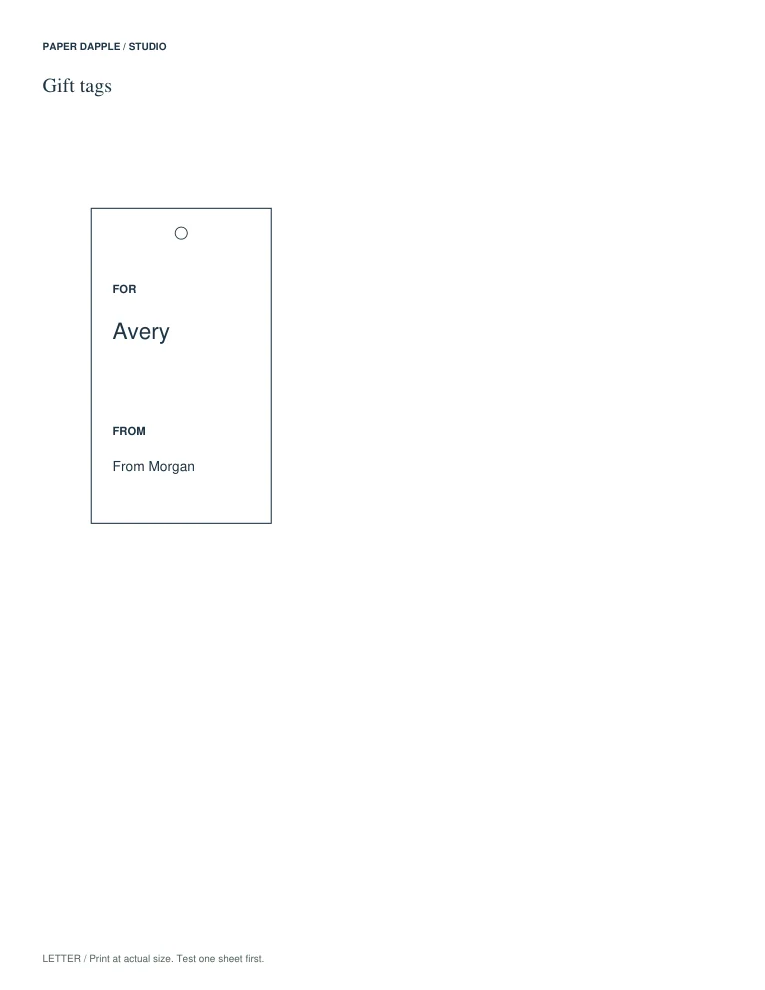
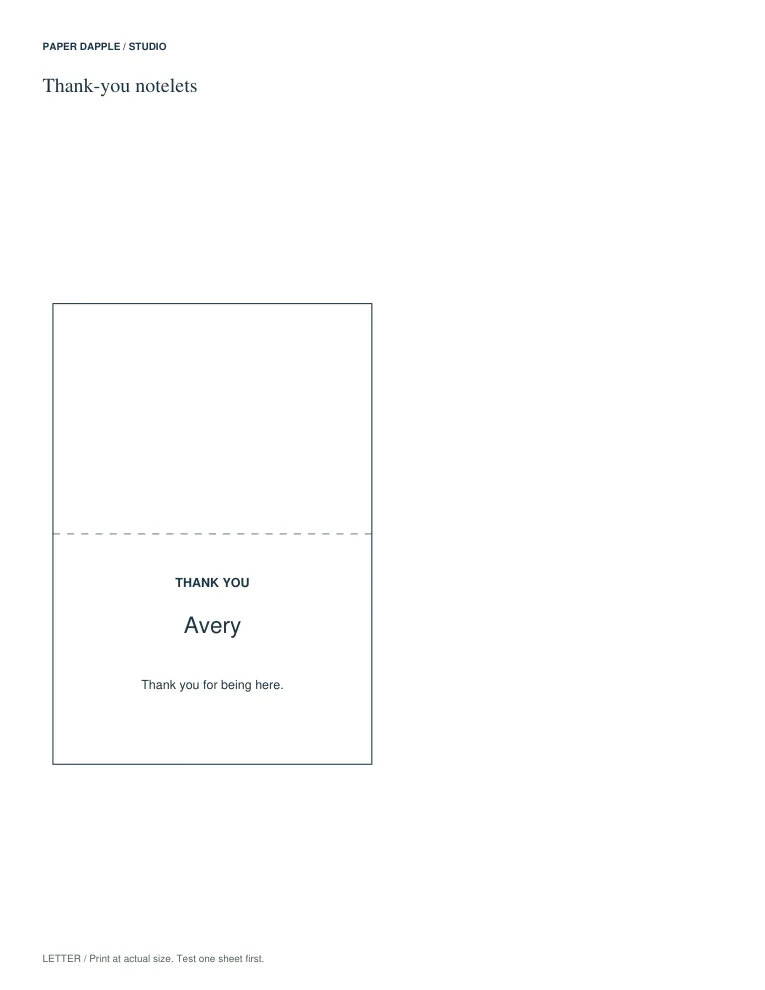
Put your words on a supported design.
PDF (all sheets); SVG (current sheet); CSV (entries).
PDF (all sheets); SVG (current sheet); CSV (entries).
PDF (all sheets); SVG (current sheet); CSV (entries).
PDF (all sheets); SVG (current sheet); CSV (entries).
PDF (all sheets); SVG (current sheet); CSV (entries).
PDF (all sheets); SVG (current sheet); CSV (entries).
PDF (all sheets); SVG (current sheet); CSV (entries).
PDF (all sheets); SVG (current sheet); CSV (entries).
PDF (all sheets); SVG (current sheet); CSV (entries).
PDF (all sheets); SVG (current sheet); CSV (entries).
PDF (all sheets); SVG (current sheet); CSV (entries).
PDF (all sheets); SVG (current sheet); CSV (entries).
PDF (all sheets); SVG (current sheet); CSV (entries).
PDF (all sheets); SVG (current sheet); CSV (entries).
PDF (all sheets); SVG (current sheet); CSV (entries).
PDF (all sheets); SVG (current sheet); CSV (entries).
PDF (all sheets); SVG (current sheet); CSV (entries).
PDF (all sheets); SVG (current sheet); CSV (entries).
Save editable Studio design: The current design and its entries; inspect the file guidance for images and unfinished drafts. Open project in Studio.
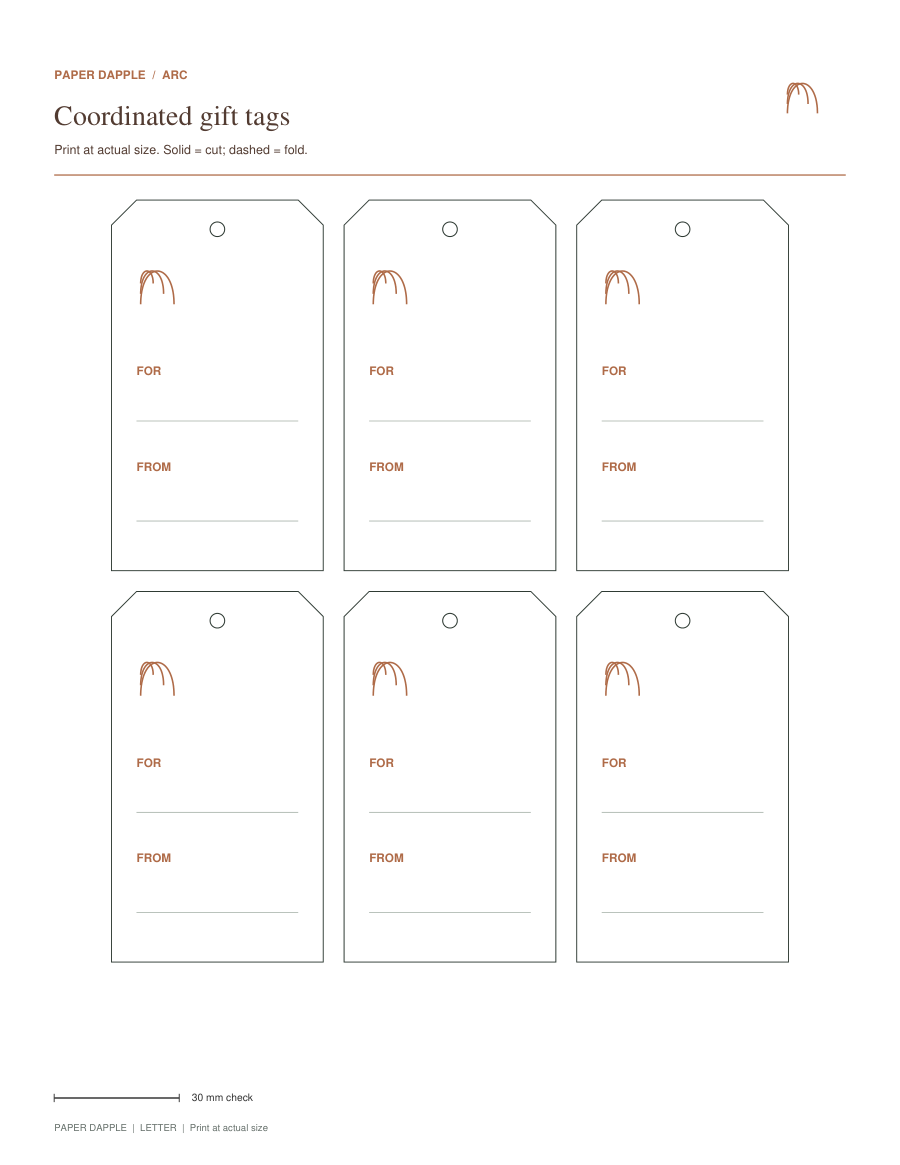
Use one private list across coordinated pieces.
PDF (coordinated pieces); ZIP (separate PDFs).
PDF (coordinated pieces); ZIP (separate PDFs).
PDF (coordinated pieces); ZIP (separate PDFs).
PDF (coordinated pieces); ZIP (separate PDFs).
PDF (coordinated pieces); ZIP (separate PDFs).
PDF (coordinated pieces); ZIP (separate PDFs).
PDF (coordinated pieces); ZIP (separate PDFs).
PDF (coordinated pieces); ZIP (separate PDFs).
PDF (coordinated pieces); ZIP (separate PDFs).
PDF (coordinated pieces); ZIP (separate PDFs).
PDF (coordinated pieces); ZIP (separate PDFs).
PDF (coordinated pieces); ZIP (separate PDFs).
Save editable Matching Set: The current set design and rows. Open set file in Matching Sets.
Arrange exact public files and reviewed private snapshots.
PDF (reviewed packet); ZIP (separate PDFs).
Save public packet recipe: Exact public files and packet choices; excludes private creator work. Open recipe in Print Tray. Save private workspace project: Private workspace and supported creator drafts in an explicit local file. Open project in Print Tray; review before replacing current work.
Graph, dots, ruled, music and calendar offer current-page PNG at 300 ppi. Prepare supported offline access while connected. PDFs keep the measured print format.
See the actual example and follow the steps.
Start on US Letter · Start on A4
See the actual example and follow the steps.
Start on US Letter · Start on A4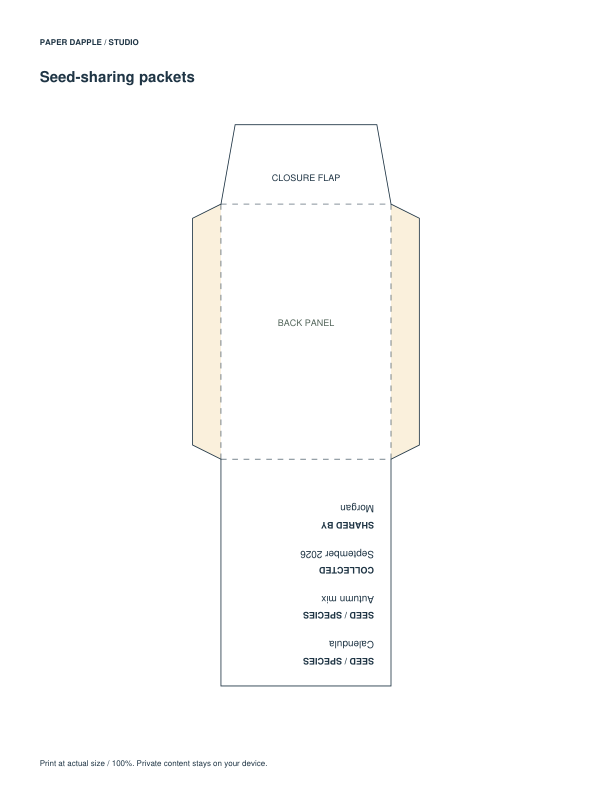
See the actual example and follow the steps.
Start on US Letter · Start on A4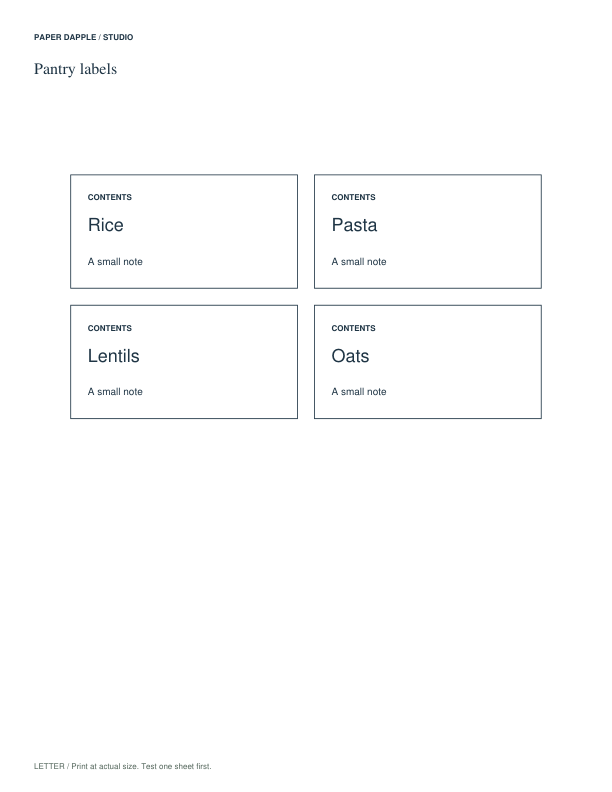
See the actual example and follow the steps.
Start on US Letter · Start on A4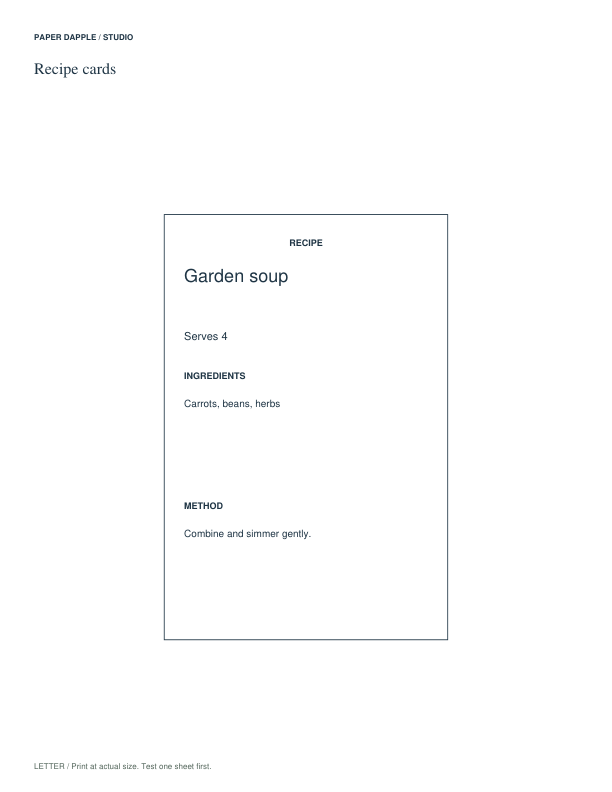
See the actual example and follow the steps.
Start on US Letter · Start on A4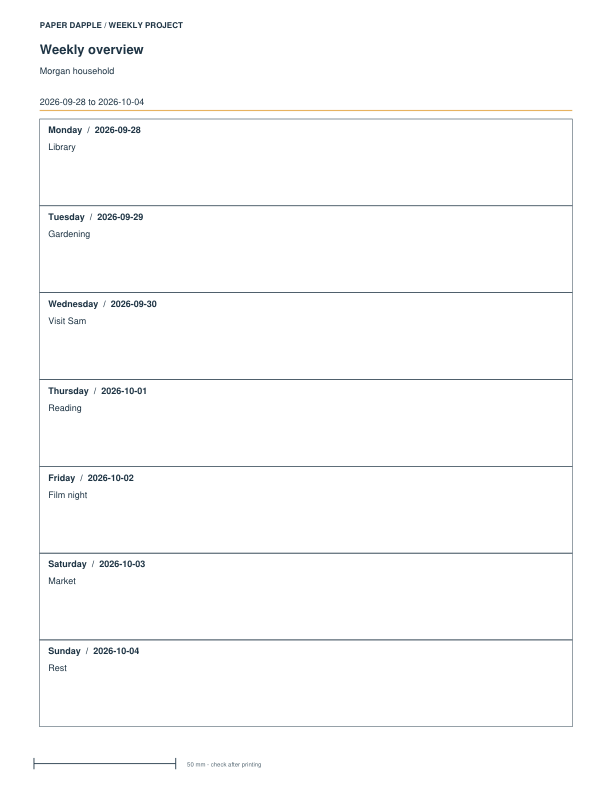
See the actual example and follow the steps.
Start on US Letter · Start on A4
See the actual example and follow the steps.
Start on US Letter · Start on A4
See the actual example and follow the steps.
Start on US Letter · Start on A4STUDIO
Personalize supported tags, cards and labels with Studio.
Open StudioPRINT LAB
Choose a page layout and its settings in Print Lab.
Open Print LabMATCHING SETS
Create a coordinated collection with Matching Sets.
Open Matching SetsPRINT TRAY
Choose exact files, arrange their order and review them in Print Tray.
Open Print TrayVISUAL ADDITION PRACTICE
See how ten ones become one ten, try two guided additions, then practice eight more with the matching answers.
Start when the learner can identify tens and ones and count up to ten ones. This task adds two numbers from 10 to 49, with sums below 100.
Letter or A4 · Three pages · Matching answer key
For more questions, subtraction or a different answer-page order, choose a general worksheet packet.
A LITTLE GUIDANCE
Download your PDF before closing the workspace. To edit later, explicitly save a project where the tool offers it.
A project may include private writing or images. A catalog recipe keeps public file choices only.