CALENDAR PLANNING

See three months together

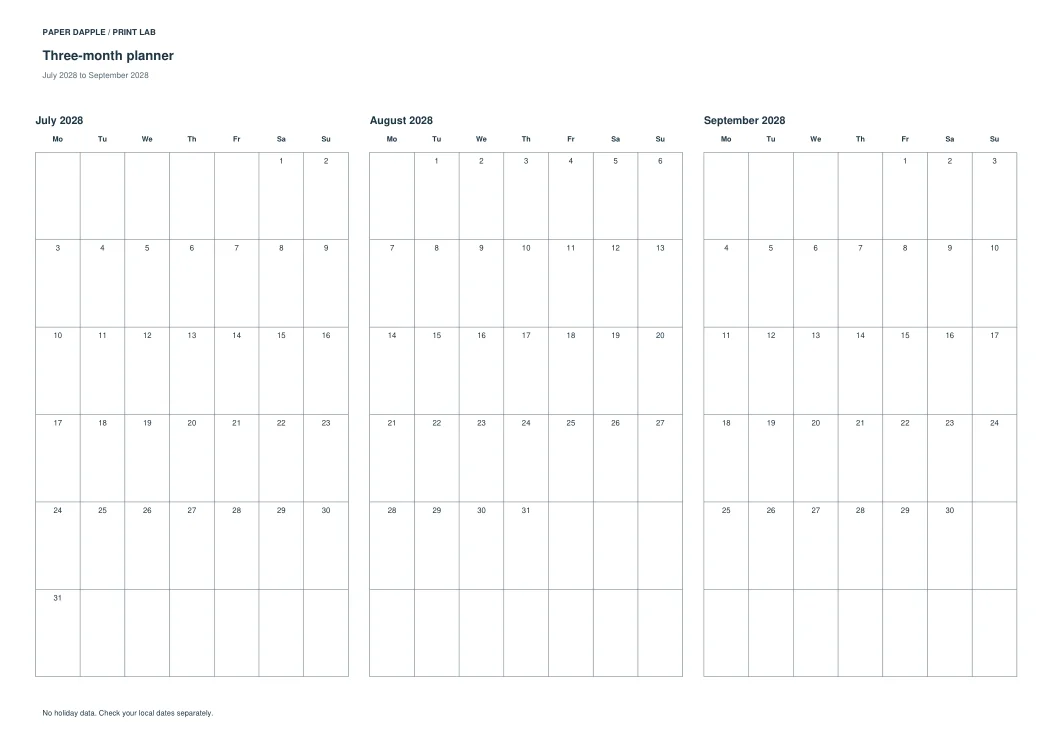
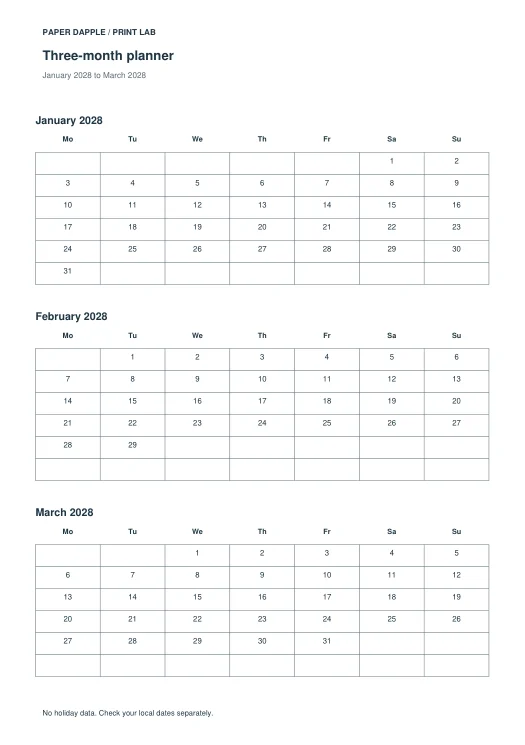
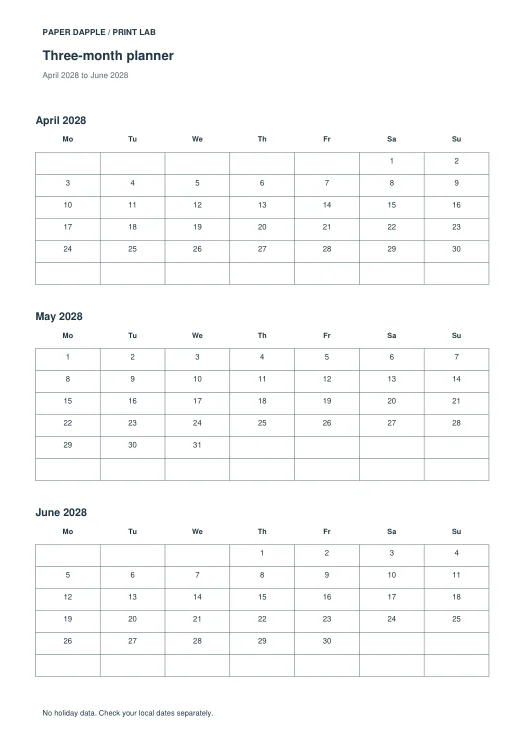
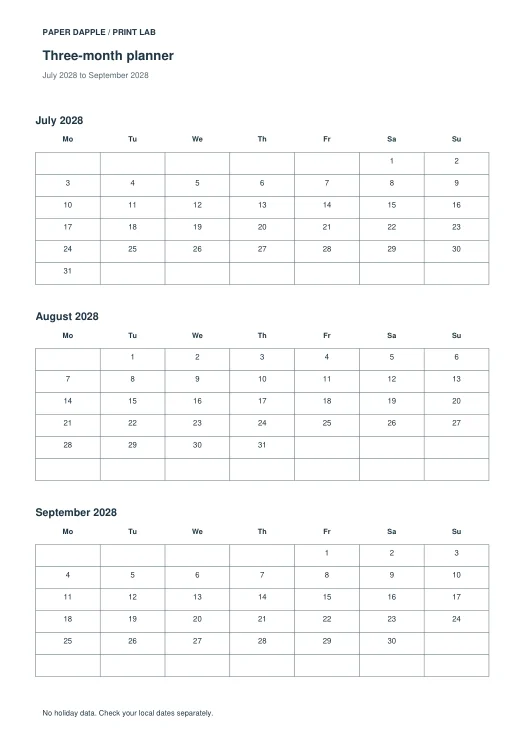
Put three consecutive months on each page. Start in any month, not just a calendar quarter; generate three to twenty-four months in steps of three.

Make it work for your task

  1. Choose the first month, year, paper and orientation.
  2. Use monthly pages or a three-month layout. For three-month pages, choose a multiple of three months.
  3. Choose Monday or Sunday first. Optional dated notes use YYYY-MM-DD | your note; invalid and out-of-range dates are rejected.
  4. Inspect all generated months and the notes appendix. Download the PDF or add the complete calendar to Tray.

Know the boundaries

Dates use the Gregorian calendar for 1900–2200. No holiday, school-term or religious observance data is supplied. Your notes are not verified events. Notes print in a separate dated appendix; marked days on three-month pages refer to that appendix. Language and typography remain the existing supported scope.

Actual application examples

These files were generated with the current code and example data. They are not completed-project photos or physical review evidence.

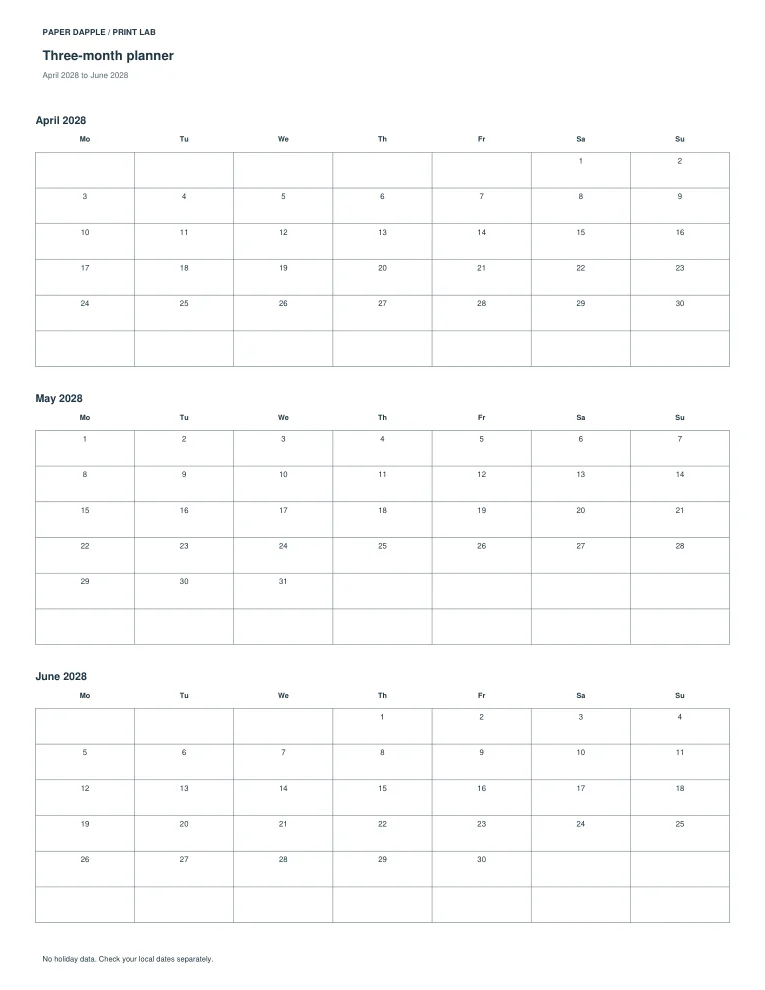
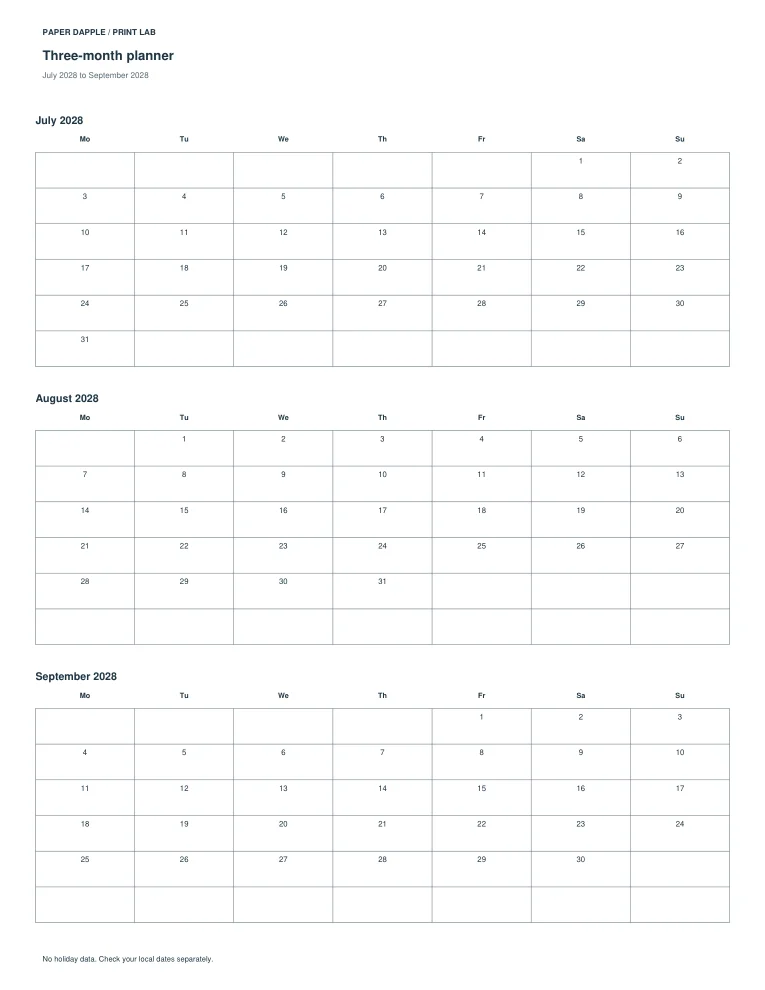
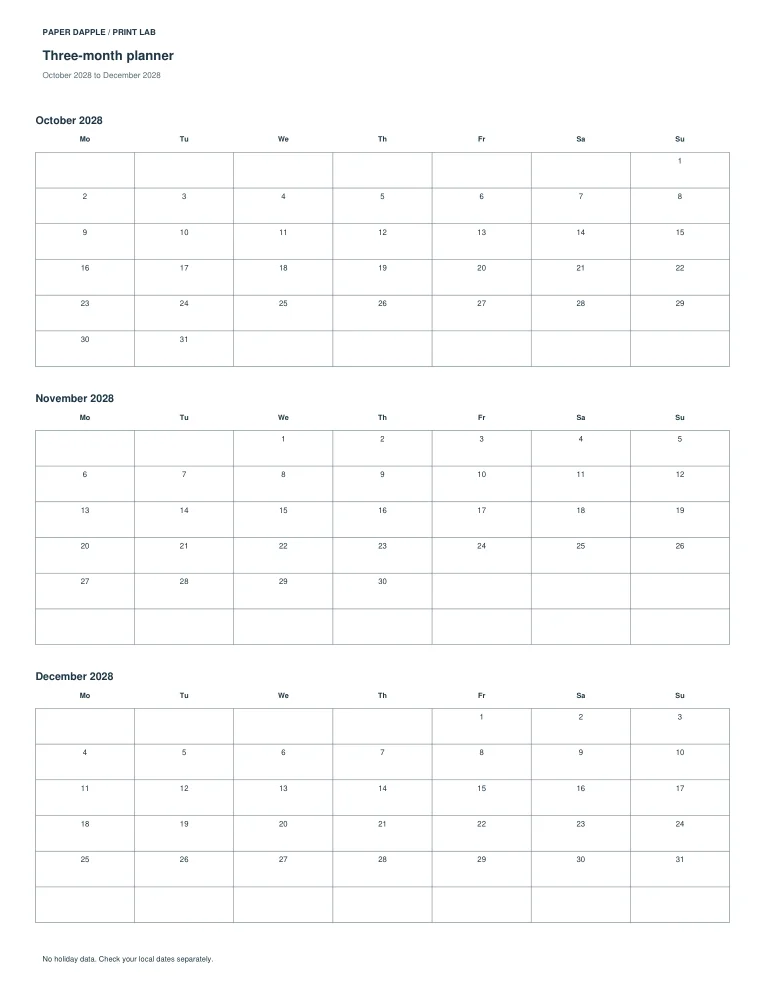
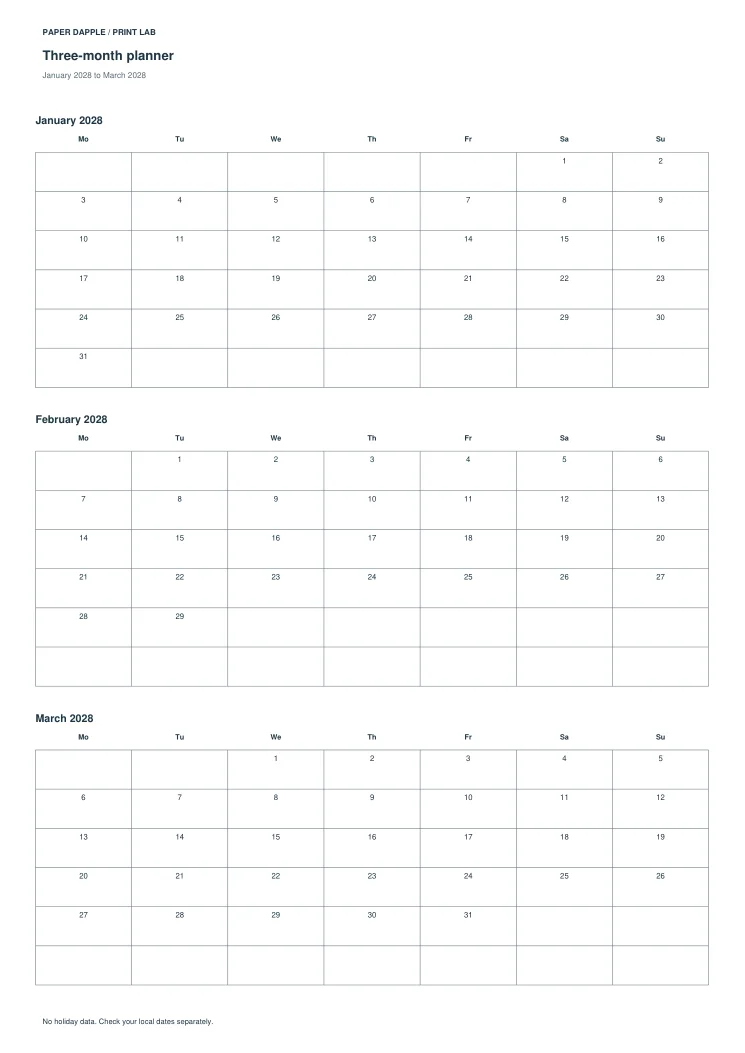
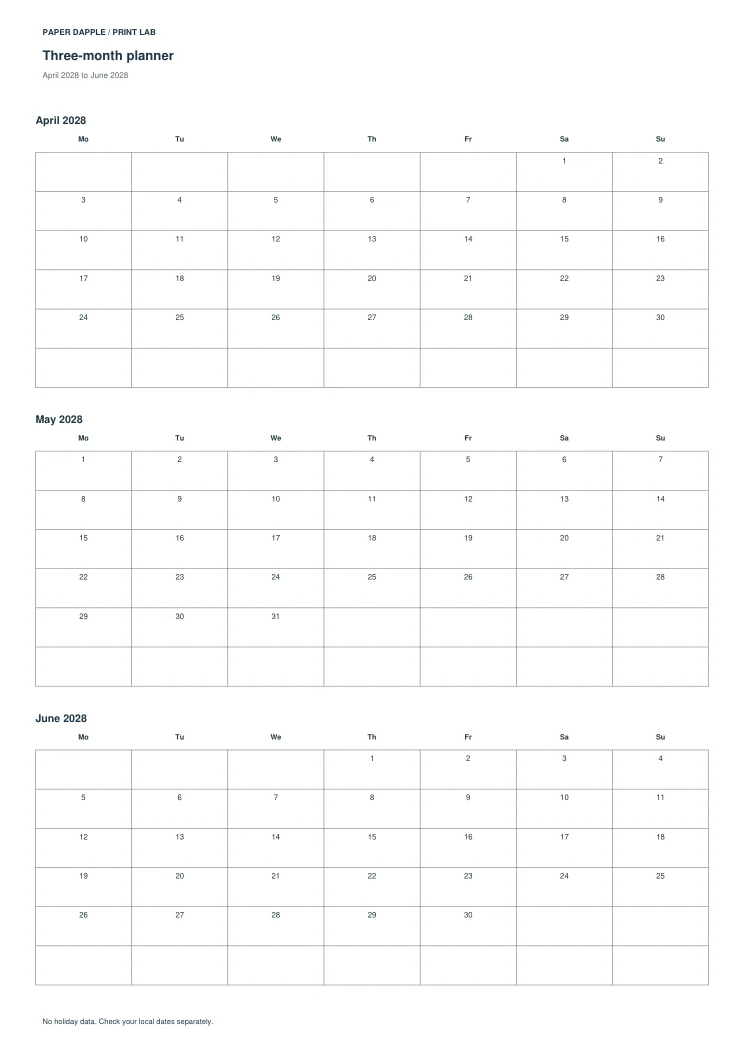
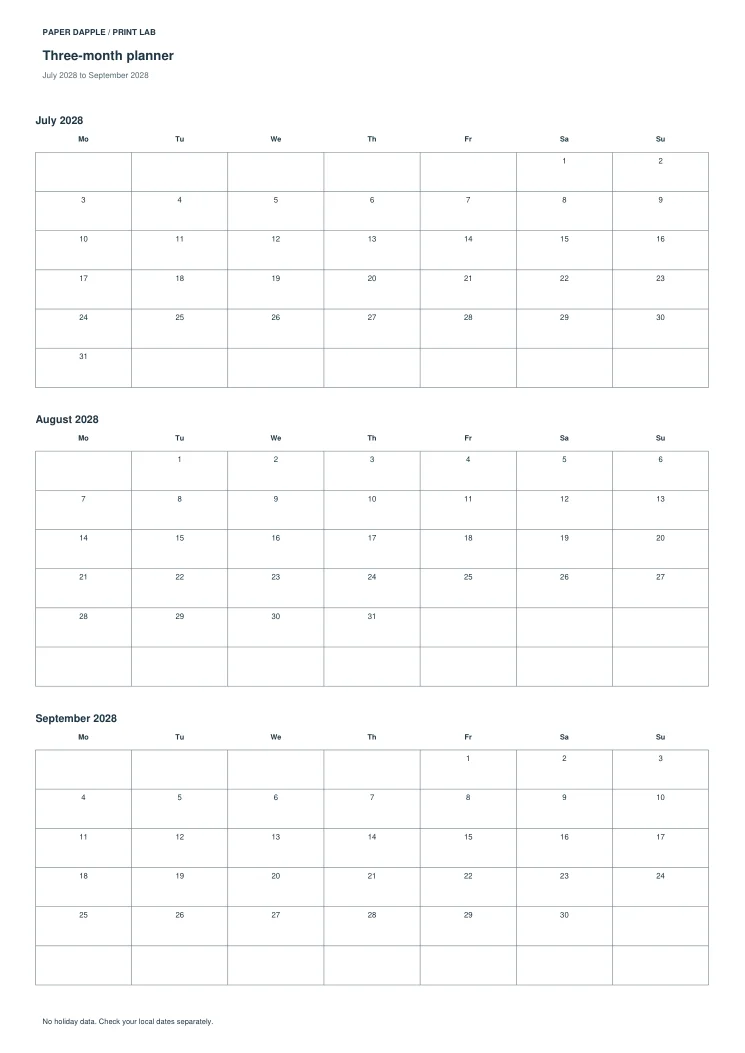
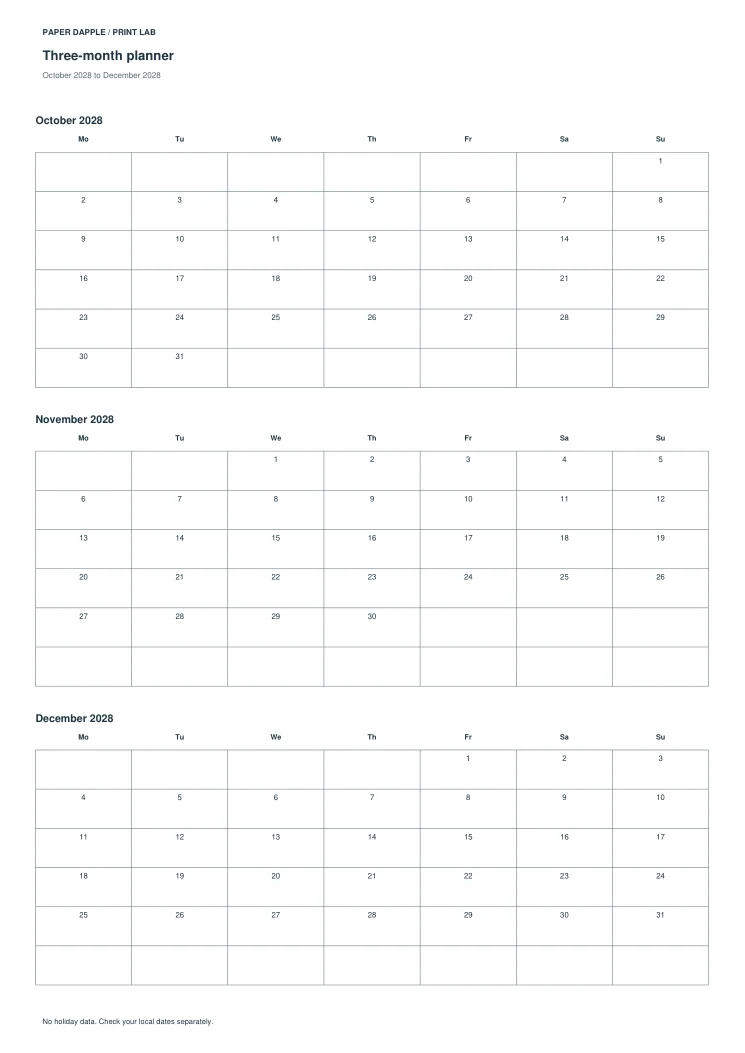
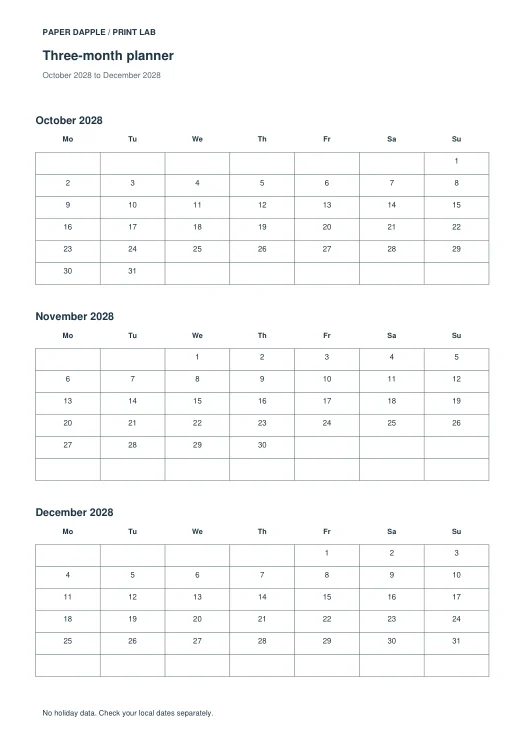
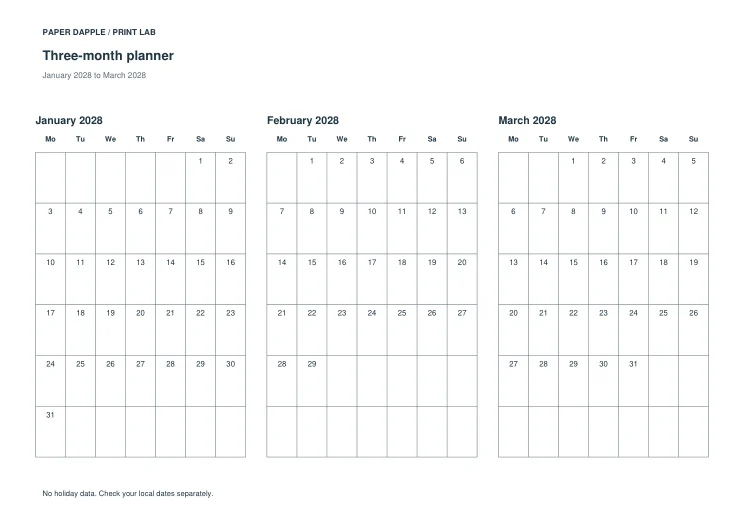
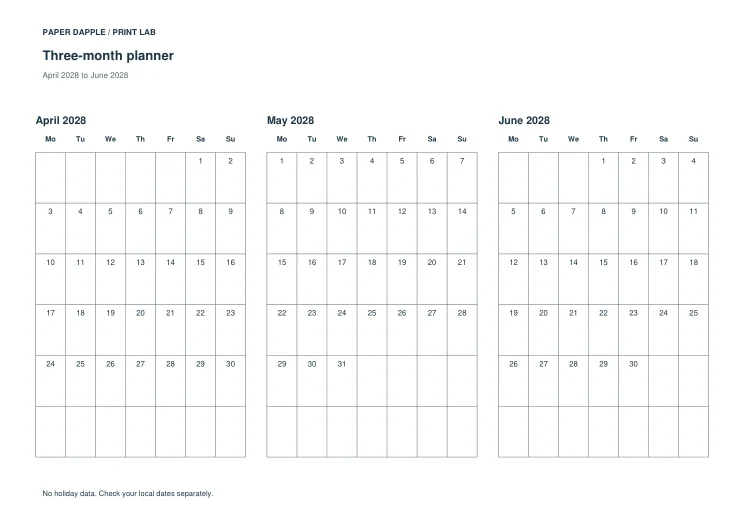
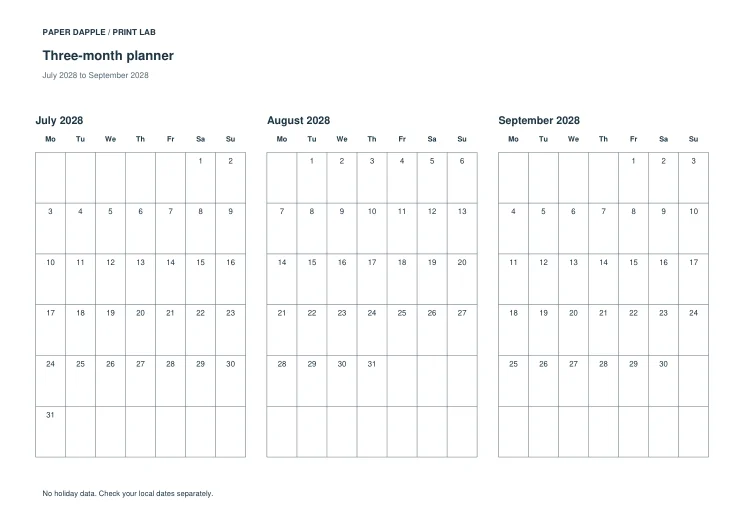
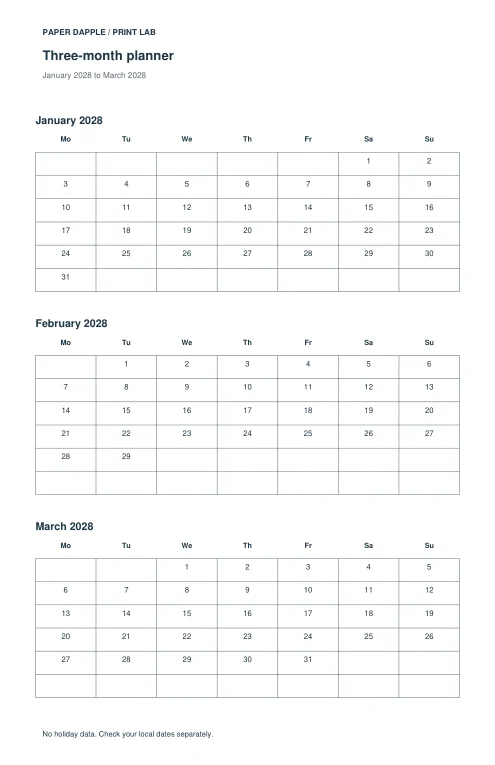
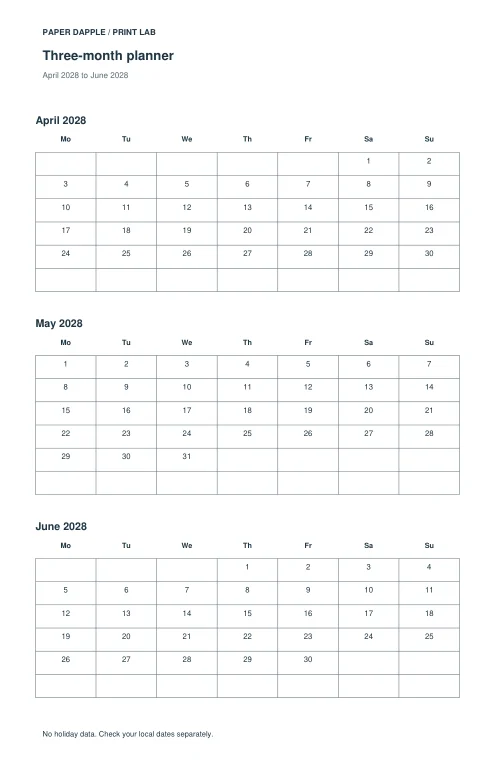
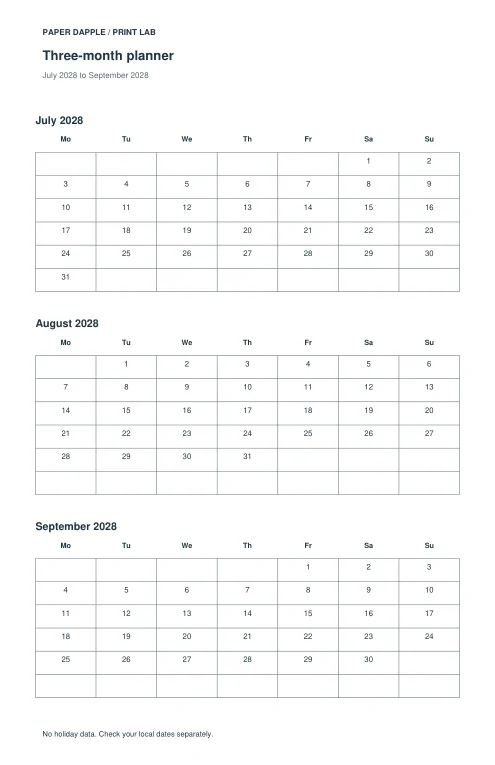
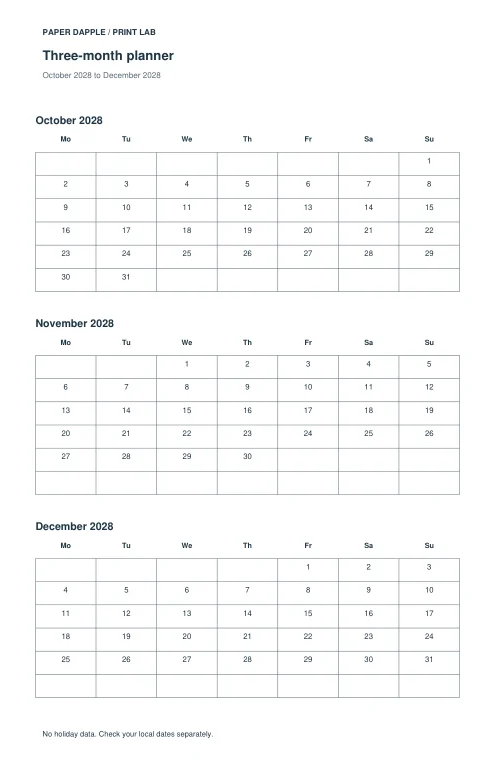
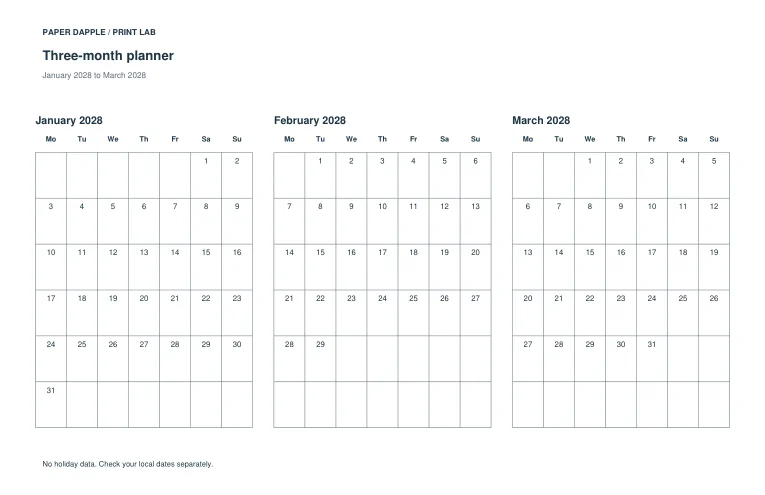
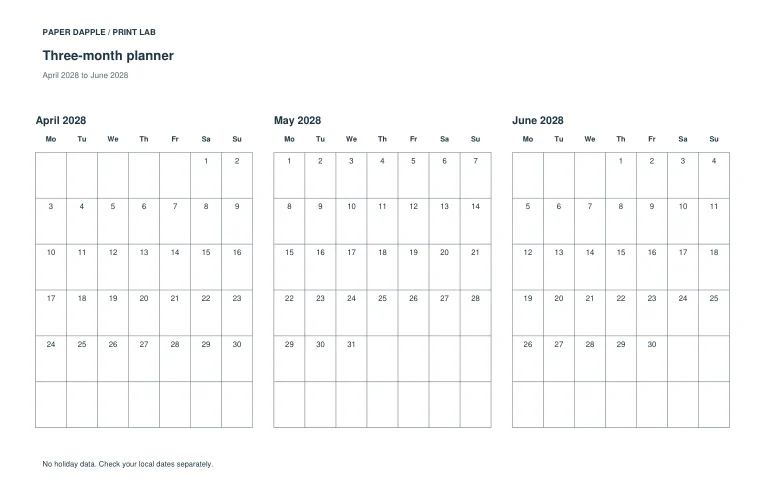
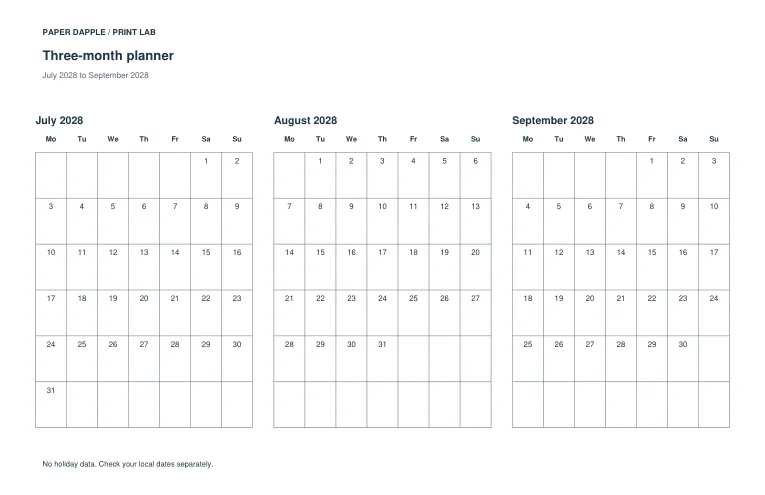
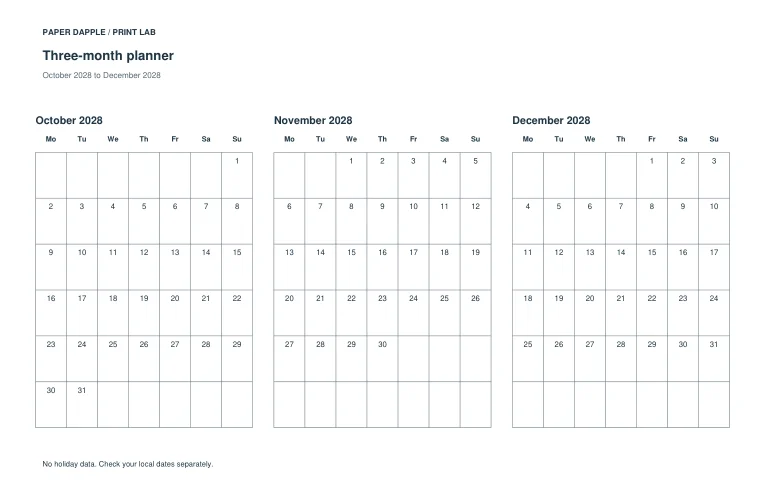
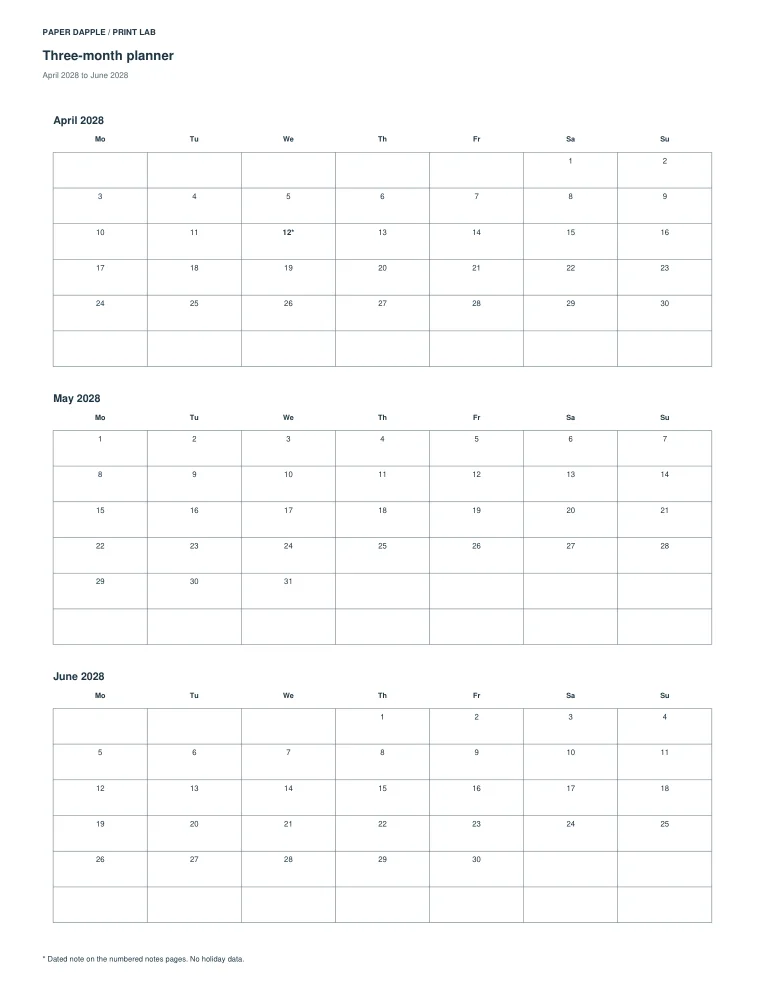
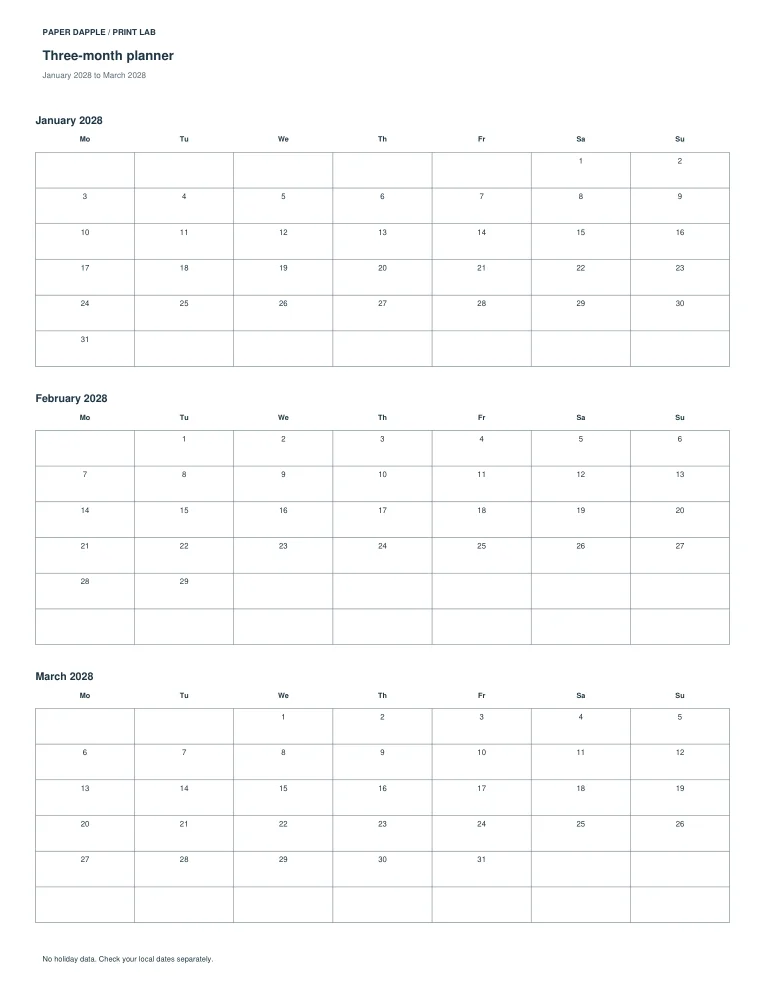
2028 three-month pages / letter / portrait · 4 pages
Download exact example PDF

Actual PDF preview, page 1
Page 1
Actual PDF preview, page 2
Page 2
Actual PDF preview, page 3
Page 3
Actual PDF preview, page 4
Page 4
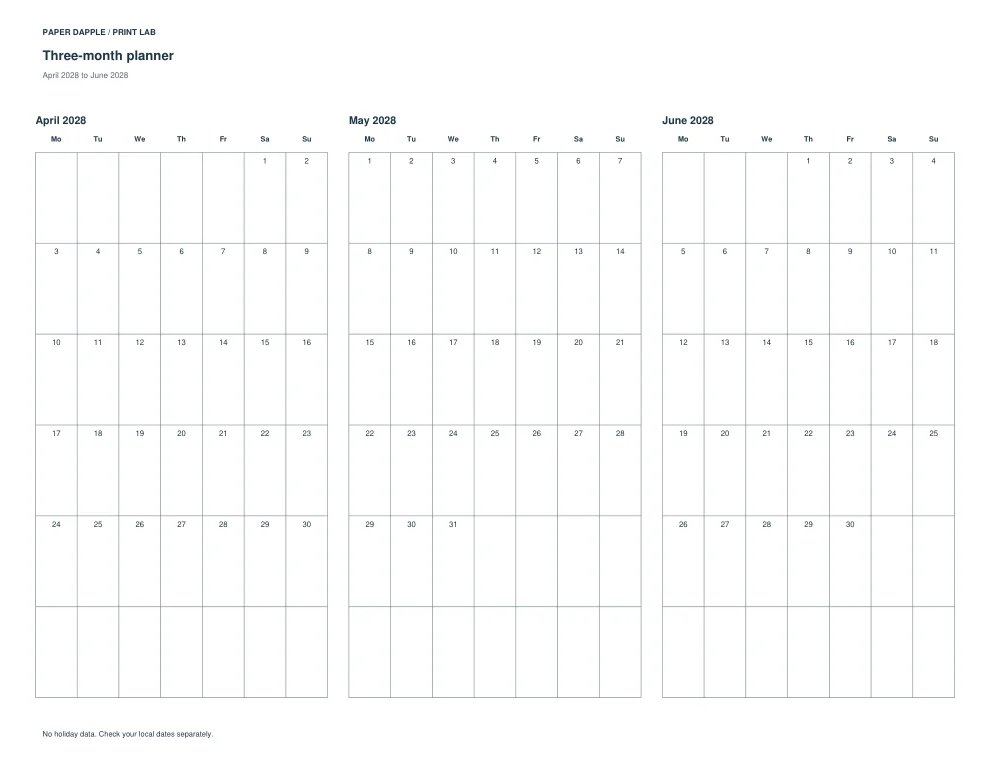
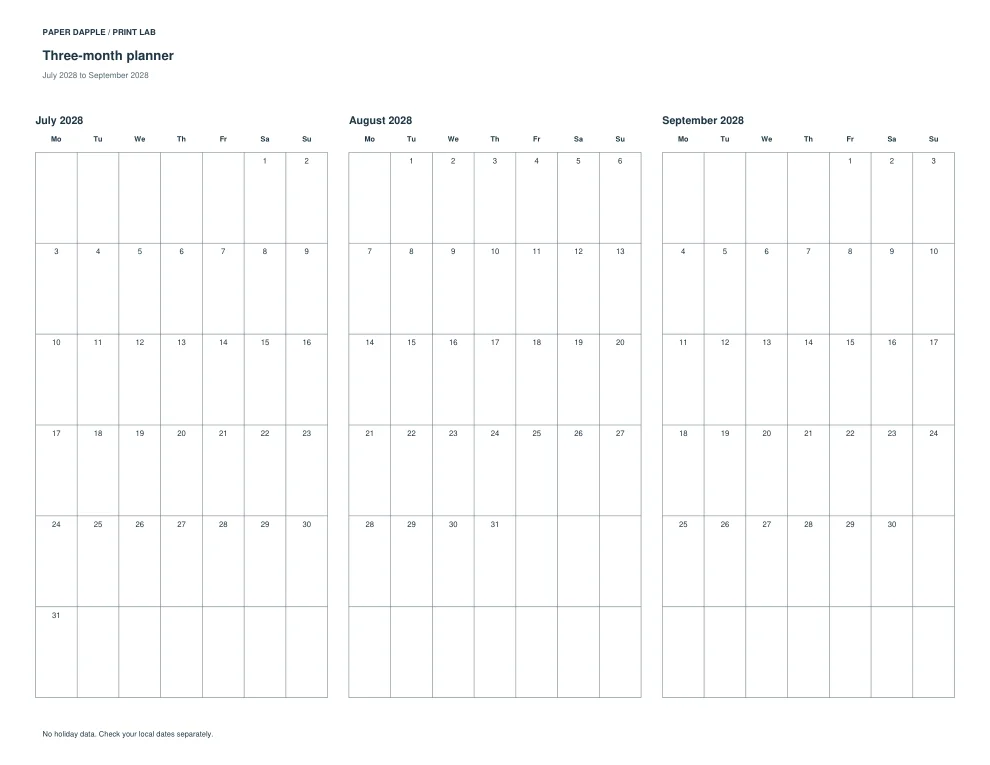
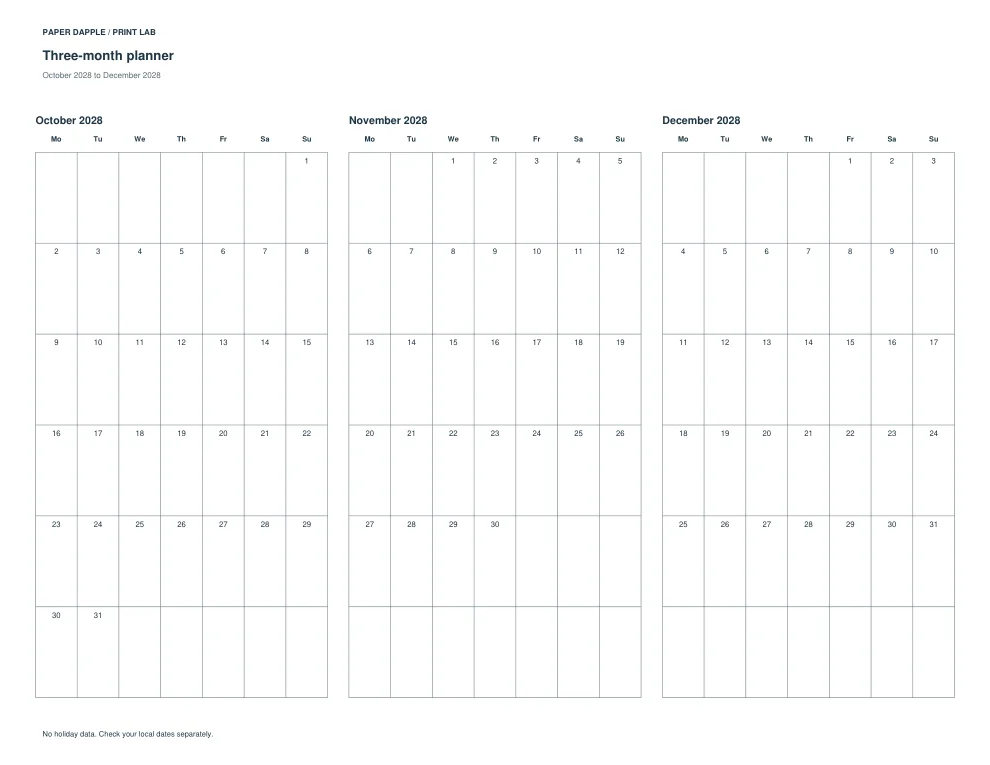
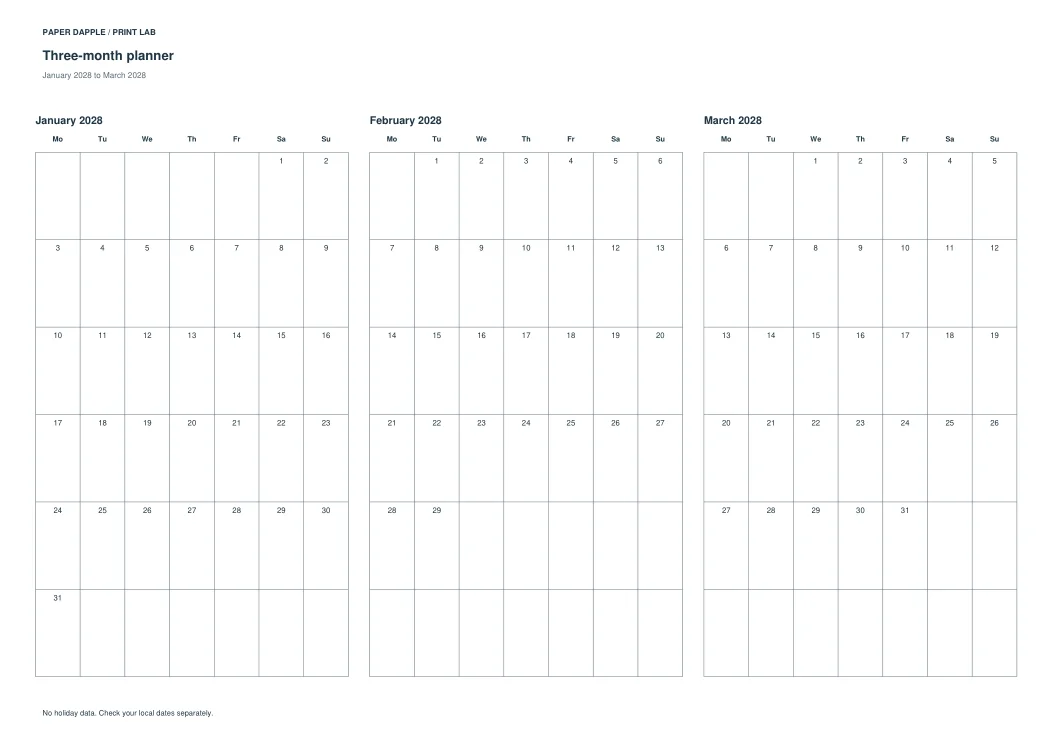
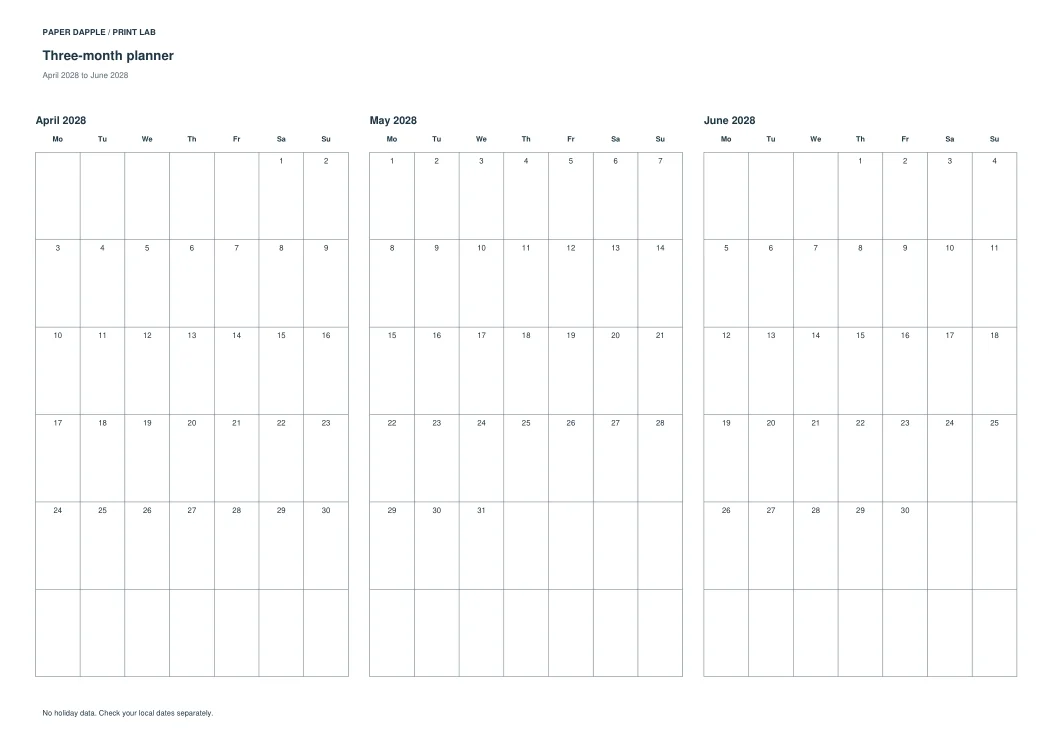
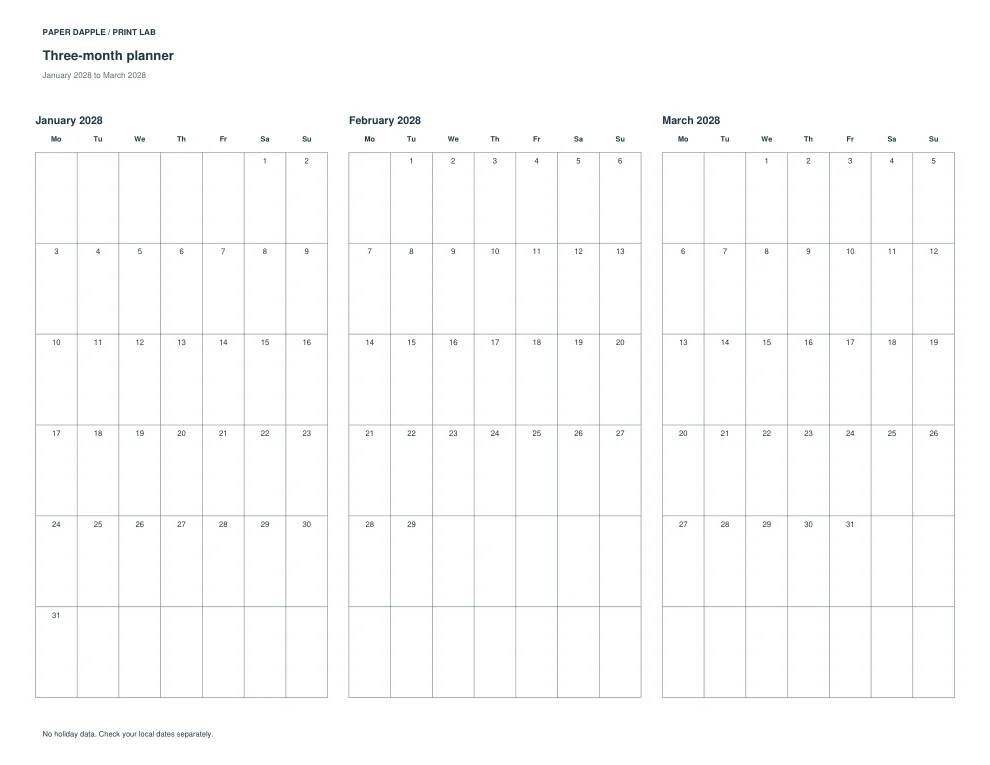
2028 three-month pages / letter / landscape · 4 pages
Download exact example PDF

Actual PDF preview, page 1
Page 1
Actual PDF preview, page 2
Page 2
Actual PDF preview, page 3
Page 3
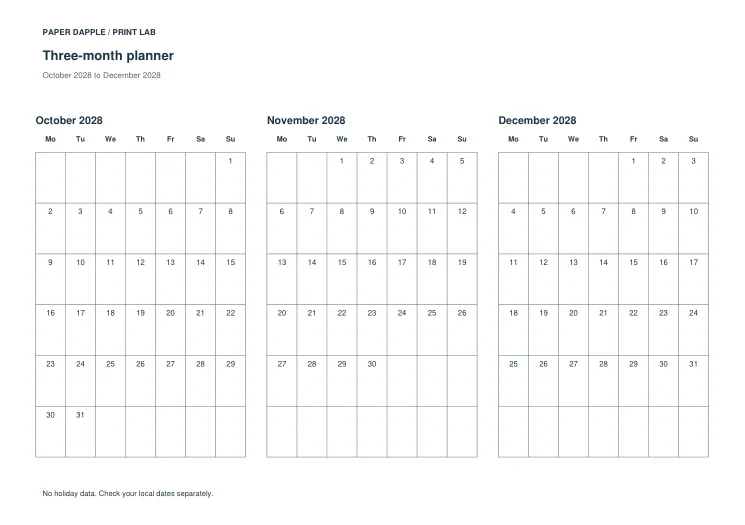
Actual PDF preview, page 4
Page 4
2028 three-month pages / a4 / portrait · 4 pages

Download exact example PDF

Actual PDF preview, page 1
Page 1
Actual PDF preview, page 2
Page 2
Actual PDF preview, page 3
Page 3
Actual PDF preview, page 4
Page 4
2028 three-month pages / a4 / landscape · 4 pages

Download exact example PDF

Actual PDF preview, page 1
Page 1
Actual PDF preview, page 2
Page 2
Actual PDF preview, page 3
Page 3
Actual PDF preview, page 4
Page 4
2028 three-month pages / a5 / portrait · 4 pages

Download exact example PDF

Actual PDF preview, page 1
Page 1
Actual PDF preview, page 2
Page 2
Actual PDF preview, page 3
Page 3
Actual PDF preview, page 4
Page 4
2028 three-month pages / a5 / landscape · 4 pages

Download exact example PDF

Actual PDF preview, page 1
Page 1
Actual PDF preview, page 2
Page 2
Actual PDF preview, page 3
Page 3
Actual PDF preview, page 4
Page 4
2028 three-month pages / half-letter / portrait · 4 pages

Download exact example PDF

Actual PDF preview, page 1
Page 1
Actual PDF preview, page 2
Page 2
Actual PDF preview, page 3
Page 3
Actual PDF preview, page 4
Page 4
2028 three-month pages / half-letter / landscape · 4 pages
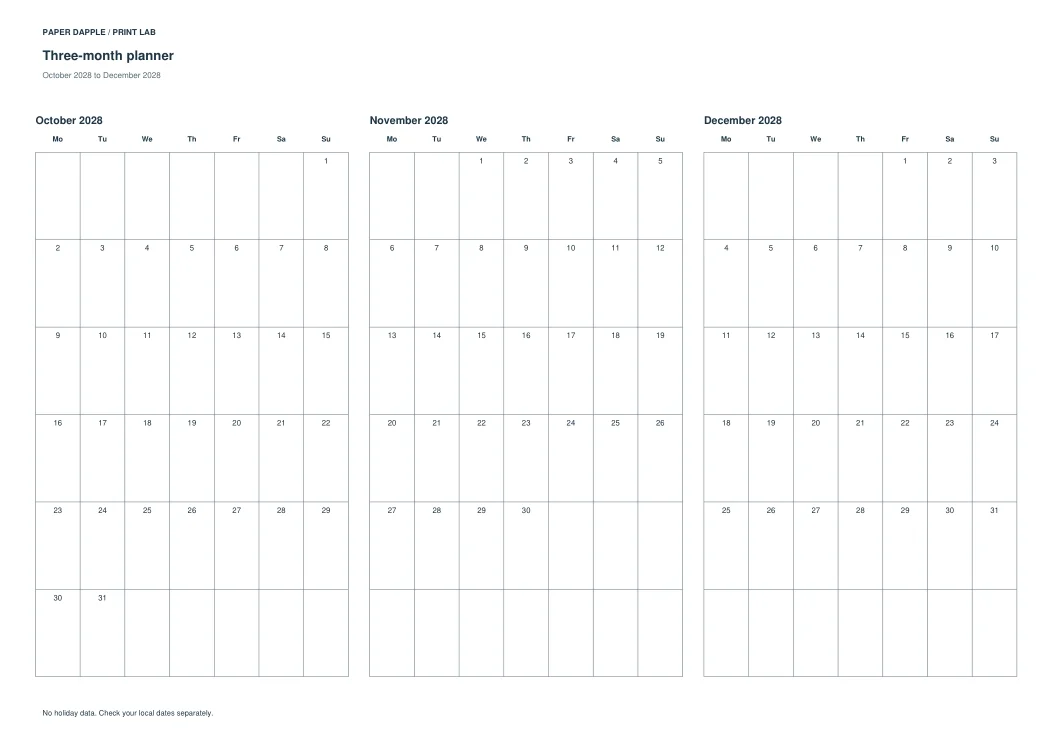
Download exact example PDF

Actual PDF preview, page 1
Page 1
Actual PDF preview, page 2
Page 2
Actual PDF preview, page 3
Page 3
Actual PDF preview, page 4
Page 4
Example dated notes and a separate notes appendix · 3 pages
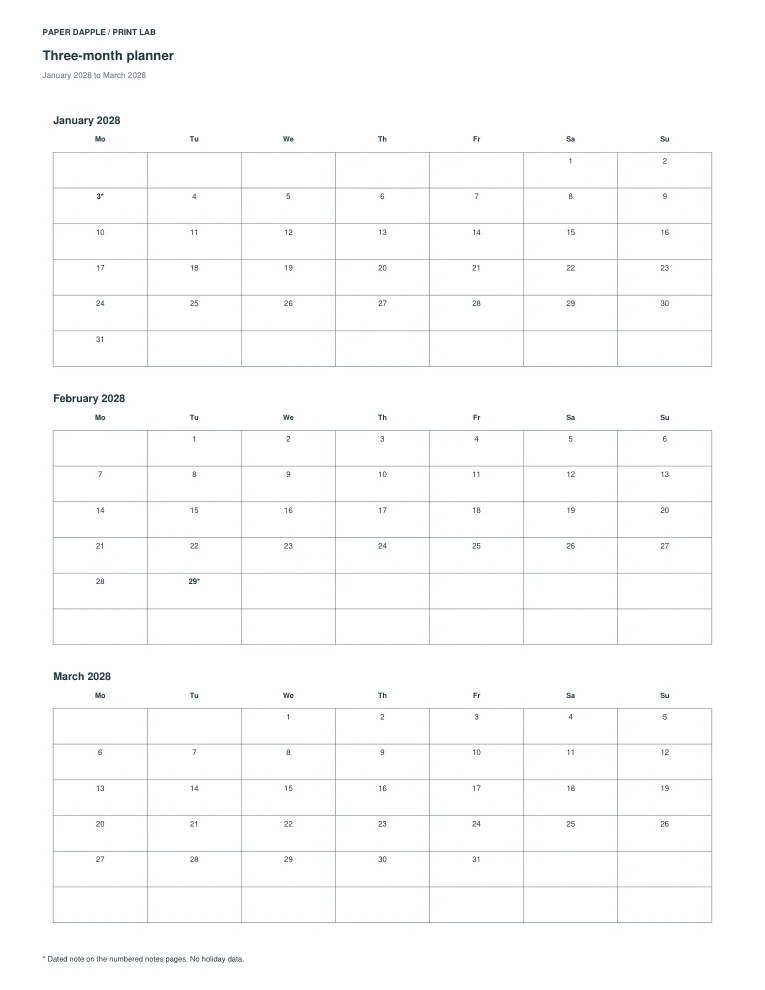
Download exact example PDF

Actual PDF preview, page 1
Page 1
Actual PDF preview, page 2
Page 2
Actual PDF preview, page 3
Page 3

Private by default

Personal details stay in the open page. Downloaded PDFs and explicitly saved set/settings files contain the details you entered. Review before sharing and store those files safely.

Check print scale · How Tray assembles supported pages