PRINT TRAY

Your exact files

Your selected public edition identities stay in this browser until you remove them. Changed files are never silently replaced.

Build this packet

A SMALL PROJECT. YOUR OWN WAY.

Set a welcoming table

A few coordinated paper pieces that help people find their place.

Choose name cards, table markers or a small thank-you for the occasion.

Make this project
Go straight to exact Letter/A4 PDFs

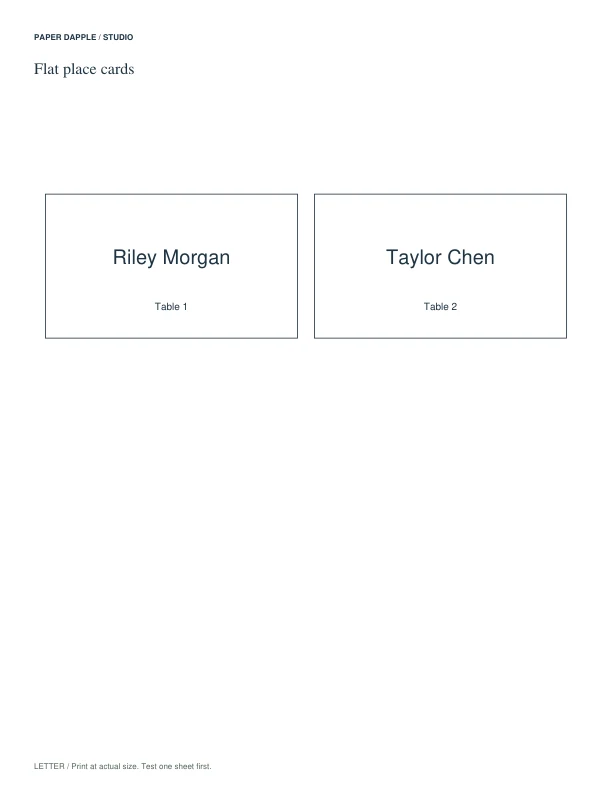
Flat place cards
Choose flat place cards
Printed piecesReadable place cards ready for the names at your table

Planning view of the supplied flat place-card preview. Table numbers, folded alternatives and message pieces are optional additions.

BEFORE YOU BEGIN

A simple way to start.

  1. Choose the name-card format first and try the longest name.
  2. Add table numbers or a message piece only if the occasion needs them.

FROM FIRST PRINT TO FINISHED USE

Your project, step by step

  1. Begin with a flat place card. Download the paper size in your printer and inspect the actual card outlines before printing one trial sheet.
  2. Write the longest name first and check its readability where the card will sit. Cut on the supplied outline. If you choose a folded alternative, follow that file’s fold instructions instead.
  3. Prepare the remaining names in the same format. Add table numbers when guests need to find a table, or a note when the occasion calls for one; review those optional files before printing them.

Printing notes

Choose the exact US Letter or A4 file for your paper. Print a trial at actual size when the card dimensions matter. Suitable card depends on your printer; use its paper guidance before changing stock.

Make it yours

Write names by hand on the exact ready-made PDF, or open Event preparation in Matching Sets to enter guests once and review place cards, favor tags and an optional single welcome insert. The tool creates new layouts; it does not edit the original PDFs. Save a private project file to reopen editable details and reviewed Tray snapshots.

Make the coordinated version

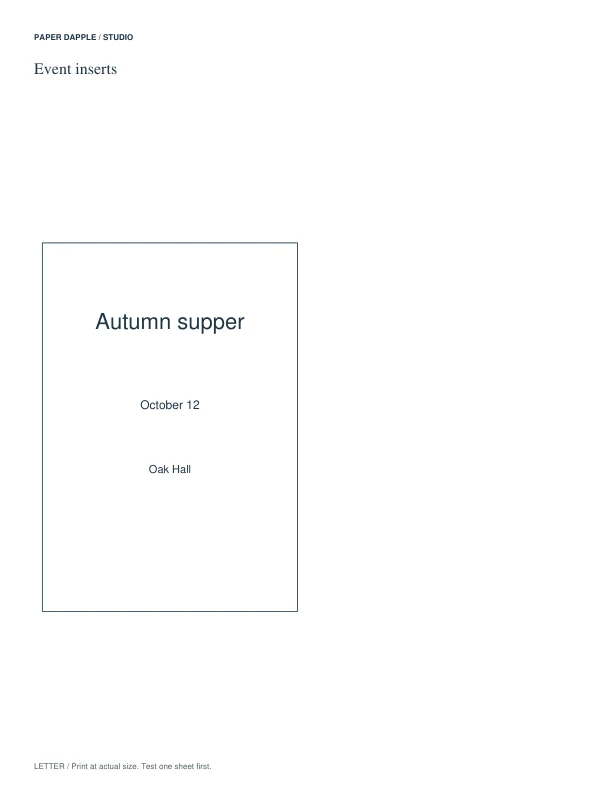
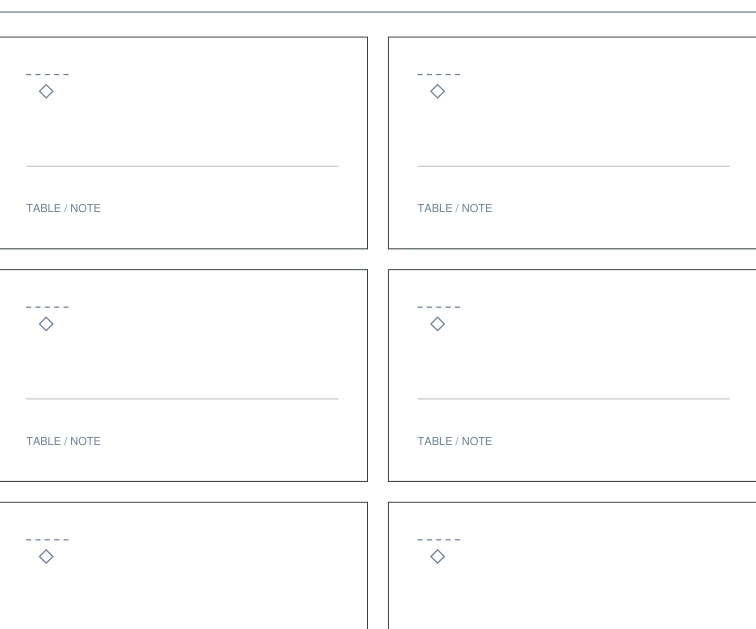
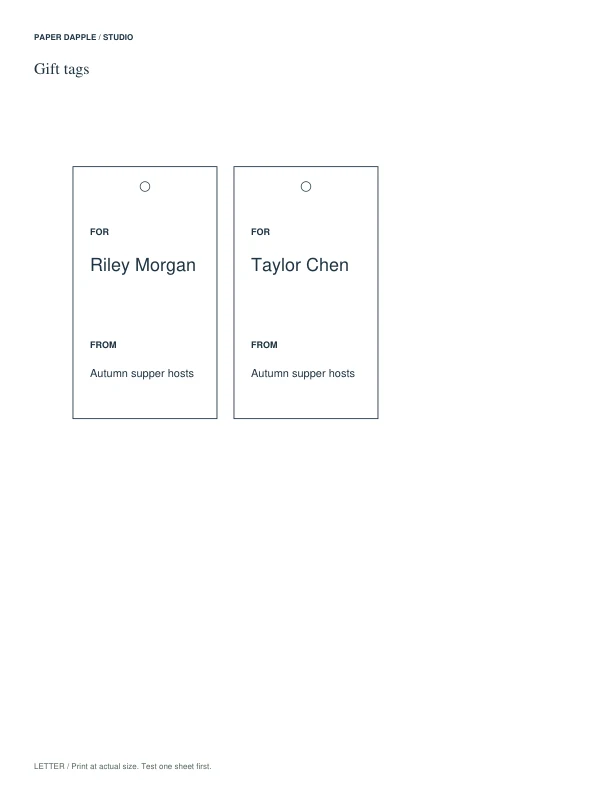
Review supported components, add reviewed pieces to Print Tray and download an explicit private project file to reopen your work. These fictional examples are actual generated PDFs.

Download the exact 3-page Letter example PDF · Follow the project tutorial · Use the ordinary PDF downloads
Actual Prepare an event example, page 1
Example page 1
Actual Prepare an event example, page 2
Example page 2
Actual Prepare an event example, page 3
Example page 3

Get the recommended PDFs

These are the exact ready-made files for the suggested starting pieces. Choose the paper size in your printer. You can download each file directly, with no packet required.

Start with a few useful pieces.

The checked pieces are a suggested starting point. Choose your paper to get exact individual PDFs. You can also assemble compatible files in Print Tray.

Alternatives and optional extras (8)

Choose an alternative to replace its matching starting piece, or add an optional extra. Closing this section keeps your selections.

Compare designs and paper editions; the group does not promise an identical fold location across every version.

Inspect this printable

Inspect the supplied number range and format before assuming an arbitrary number can be generated.

Inspect this printable

Use the supplied fields rather than assuming these are ready-written recipes.

Inspect this printable

Choose this fixed-name set only when its names cover the planned tables.

Inspect this printable

Use a blank-name tag instead when you need guest-specific text not present in the chosen edition.

Inspect this printable

Select the supplied phrase that suits the purpose; the sheet is not a complete personalized itinerary.

Inspect this printable

Use only the stations present in your workshop and add separate instructions where a role needs explanation.

Inspect this printable

Read the selected edition's format: this group contains different source designs, not one universally editable card.

Inspect this printable

Try one place setting.

Write the longest name first, check that the card is readable where it will sit, and add a table number only if guests need one. Repeat the same format for the remaining places.

Explore gifts and celebrations · Cutting and folding help

From paper to your project.

Follow the scale and assembly notes on your selected files. Make a physical trial when fit, folding or dimensions matter.

Choose paper · Check scale

Coordinate the table pieces

Use the ready-made PDFs in this project, or choose a supported tool when you need your own details or settings.