
PRINT LAB · notes
Make structured note paper
Choose a note layout that reflects how you will use the page.
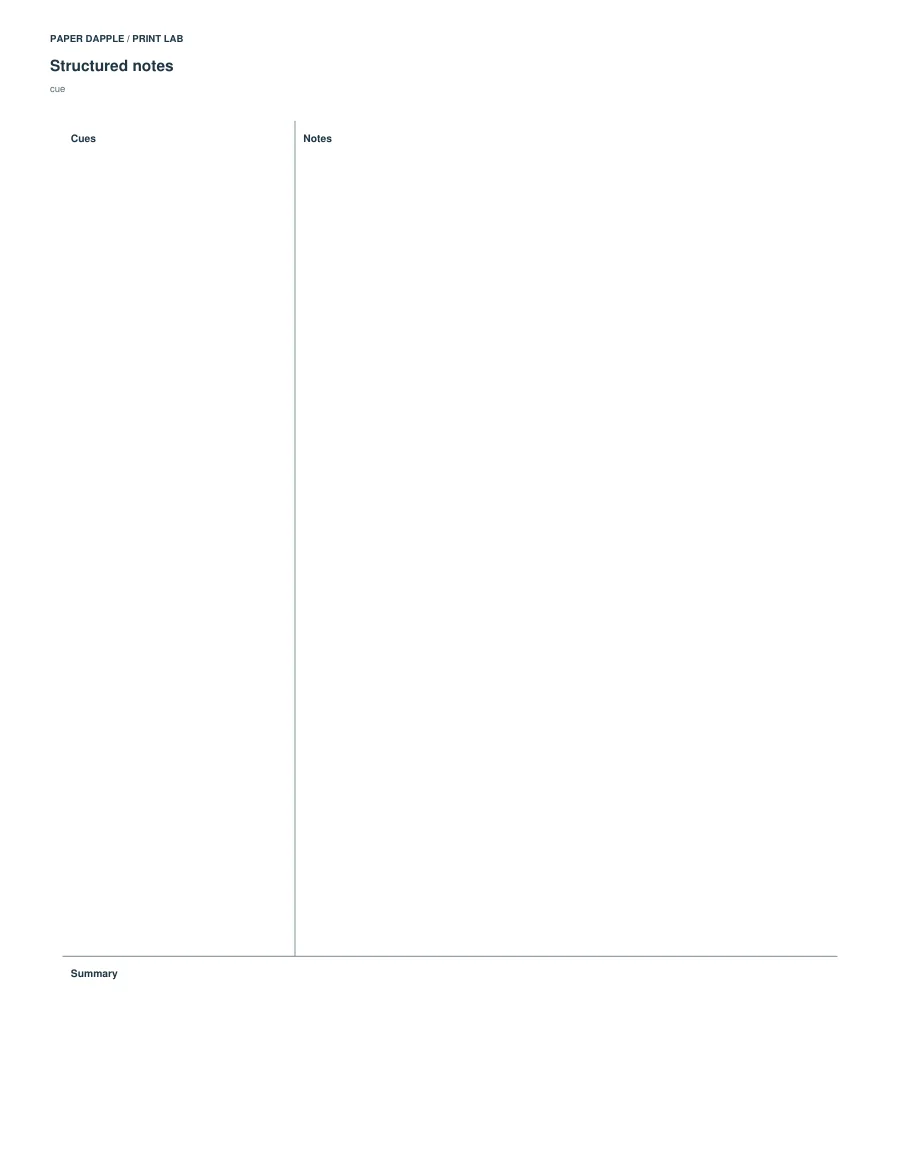
Actual generated example: notes-cue, LETTER. Not a screenshot of invented output.
Try a clear starting point.
Start with cues, notes and a summary. Alternatives include picture-and-story, handwriting baselines and a grid/rules hybrid.
Open this example in Print LabOr inspect the example PDFs
- LETTER example PDF · 1 pages
- A4 example PDF · 1 pages
The example files are fixed outputs of the shown settings. The live tool can use other supported settings; it does not modify these downloads.
What you can adjust
The four layouts are bounded presets. Handwriting uses fixed 12 mm baselines and a 6 mm midpoint; the hybrid uses a fixed 5 mm grid and 8 mm rules.
Choose Letter, A4, A5 or Half Letter and portrait or landscape. A paper profile being supported does not mean every parameter combination fits it; invalid layouts stop export.
What this tool does not promise
These layout choices are not a freeform page designer or a promise of improved learning. Pick the structure that suits your actual task.
Ready-made PDF or generator?
The ready-made resource and this generator are separate alternatives. Compare their actual outputs; matching topic names do not establish identical dimensions or page contents.
Compare Cue-and-summary note paper.
Before printing
Inspect every output page, including answer pages where supplied. Use actual size for measured grids or objects, and measure the reference where present. The PDF cannot select your printer settings.