MAKE IT YOUR OWN
Edit a whole Studio entry list
Sort a list, change every copy count or remove deliberately blank entries with one reversible action.
Keep text and intentional duplicates
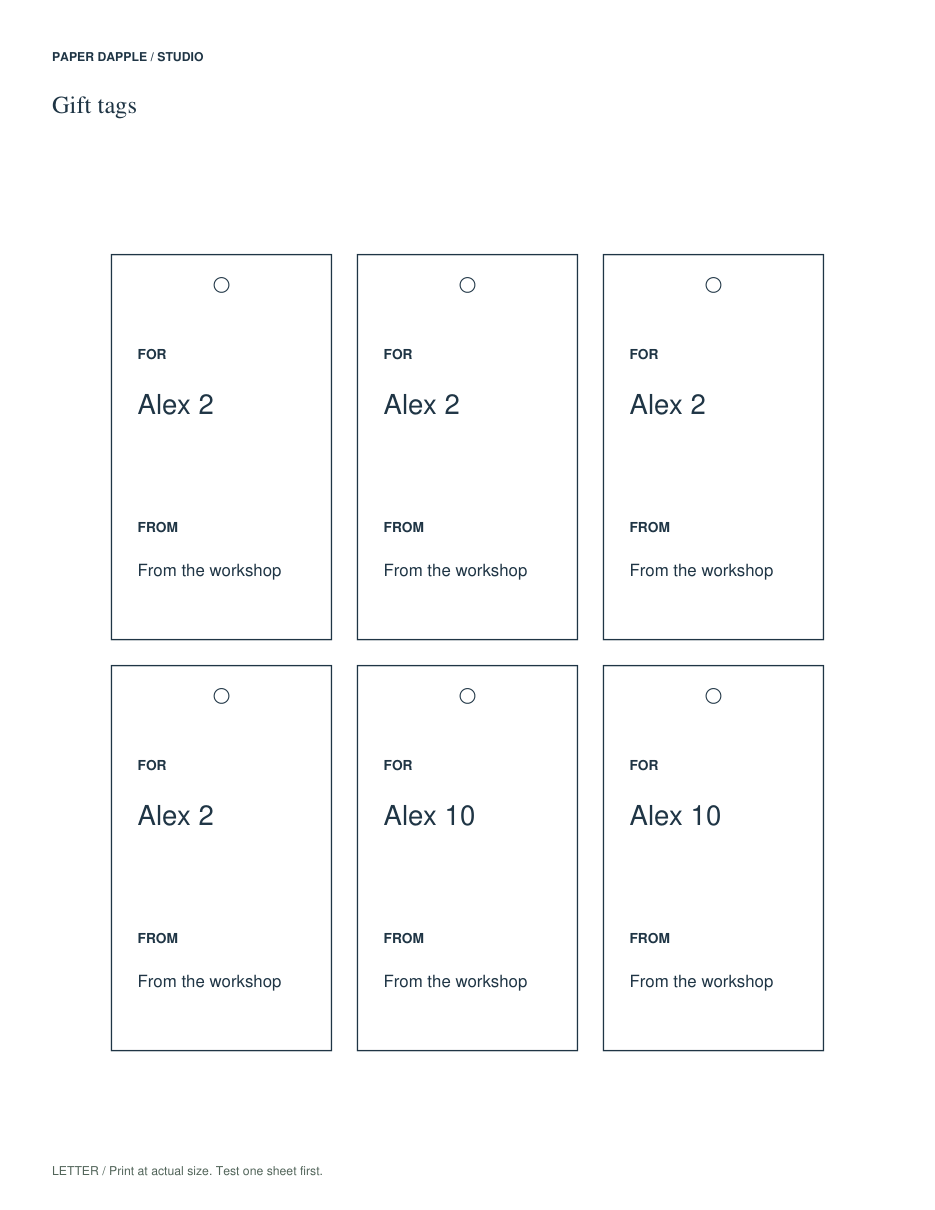
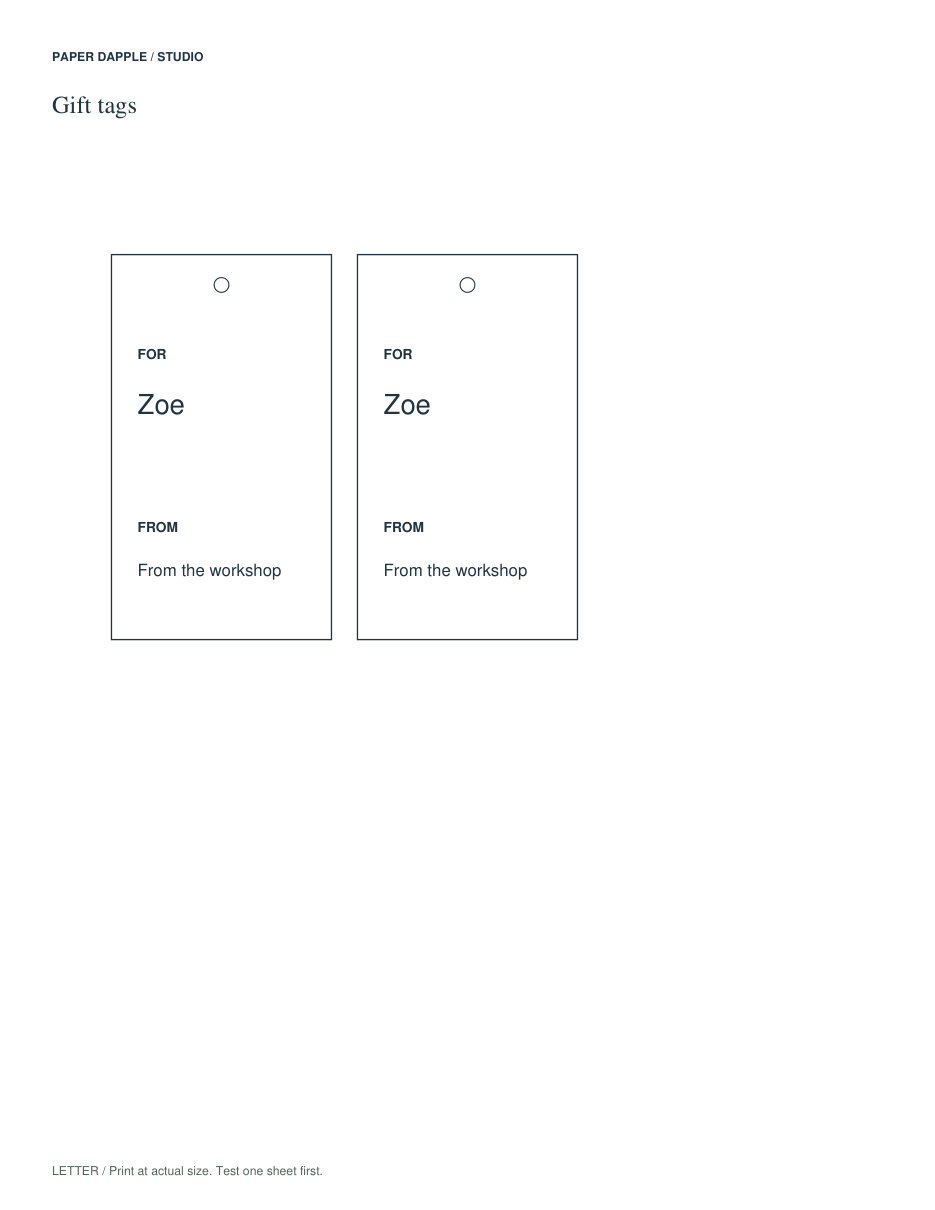
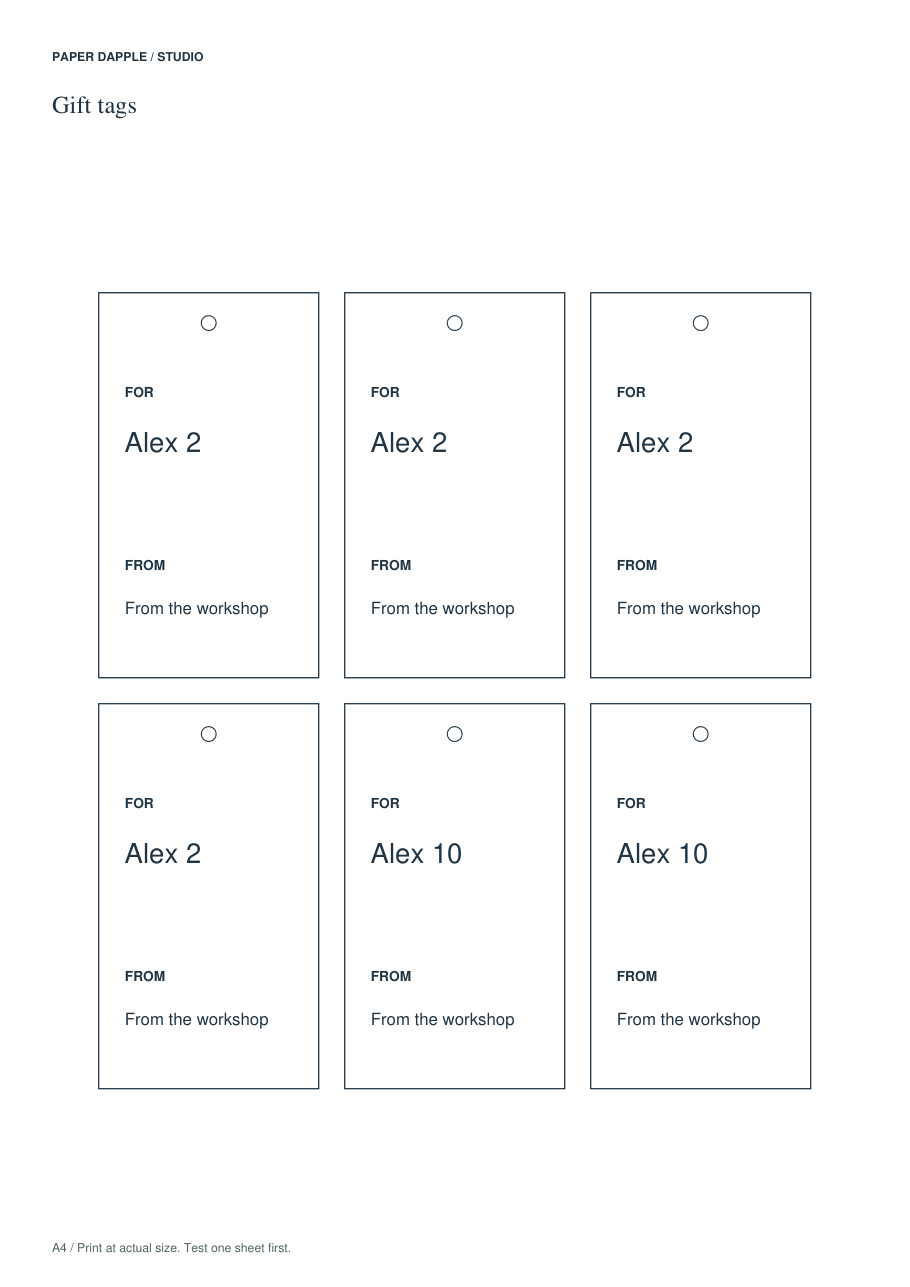
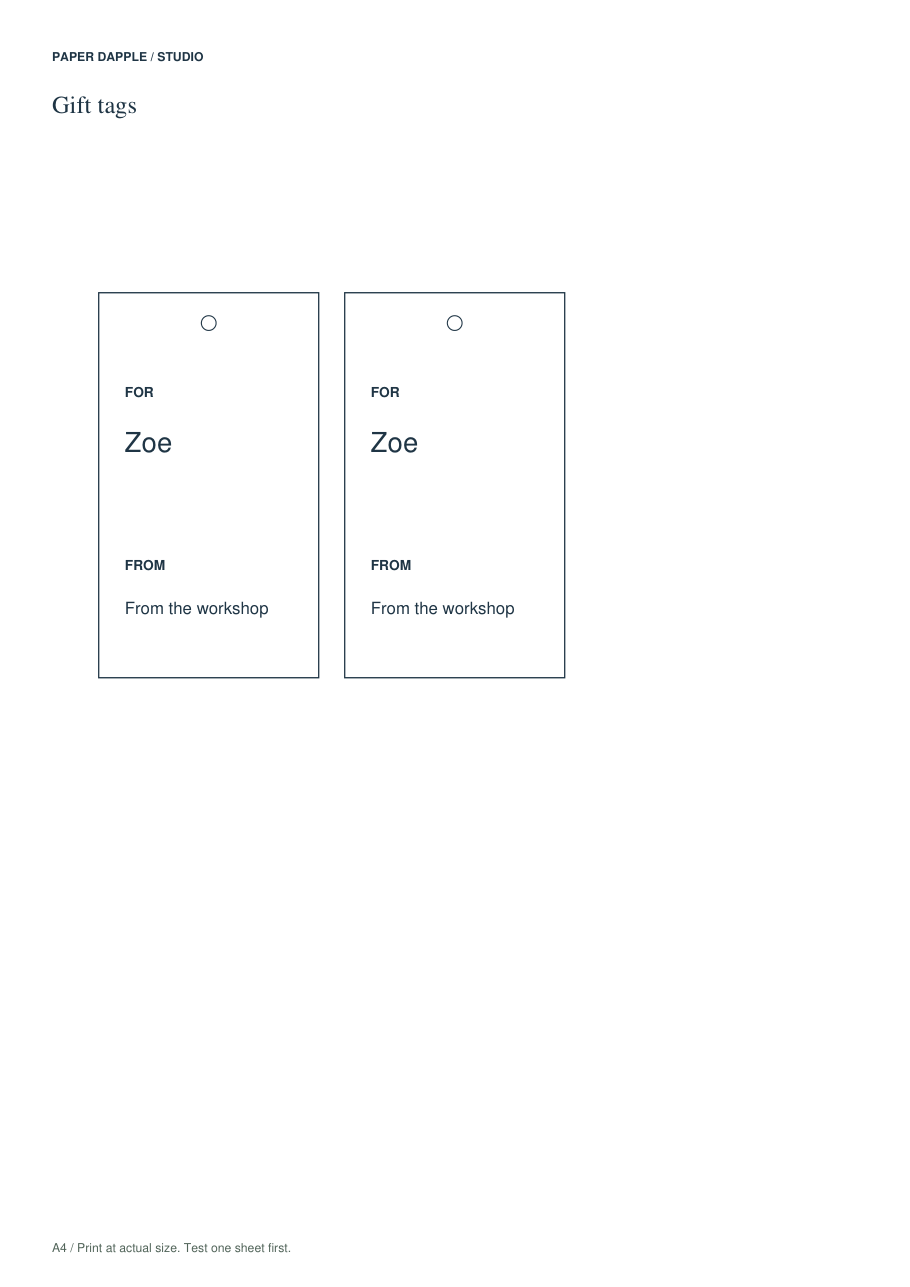
Sorting uses the first text field with English case-insensitive natural-number ordering. Equal values keep their prior order; blank writing entries remain at the end. Nothing is deduplicated automatically. The summary counts entries, output pieces, blank rows and repeated-text groups.
Make a bounded change, then inspect
Set every entry to 1–20 copies, or explicitly remove blank rows. Page and image budgets remain enforced. A rejected batch action leaves the draft untouched. Undo restores the entire previous draft, and editing invalidates the old preview so you must build it again.
CSV is a data exchange, not a project backup
Export private entries CSV includes supported text fields, quantities and blank flags. It does not contain your image, theme or page settings. Commas, quotes and internal line breaks are escaped. Formula-like leading text is rejected without rewriting your words; save a private project instead. Spreadsheet programs may interpret values such as leading zeros, so review imports and prefer the private project for exact archival storage.
Clear versus Undo
Removing blank entries can remove hidden text on those entries; the action asks for confirmation and can be undone. Clear private work separately removes undo history. Existing downloads and already transferred Tray copies are unaffected.
Open the workspace Check actual print scale
Real generated examples
Created by Release11 using fictional demonstration text and explicit dates. Not photographs, editorial approval or physical print tests.