
A SMALL PROJECT. YOUR OWN WAY.
Plan meals, check stock and shop
Plan meals, check what is already in the pantry, shop from the gaps and review the week. Three blank sheets and one worked example show the complete routine.
Plan a few meals, check what you already have, then write the missing items on a shopping list.
Start the four-step weekly routine


Three printed sheetsA meal plan, an existing-item check and a shopping list
Actual blank A4 file previews, shown in the starter order. The worked week below is a handwritten example.
ONE WEEK, THREE SHEETS
From a meal idea to the next week
Use the meal planning sheet, pantry inventory and shopping list, in that order. Choose all three on A4, the primary starter, or all three on US Letter. Each file is one native portrait page. Have printer paper, a pen and your own meal plans to hand.
- Plan the week. Write the week date and the meals you want to make. Start with the days you know; the remaining day rows can stay open.
- Check existing items. Look in the cupboard, fridge, freezer and other places you keep food. Write the checked date, item, quantity or unit and location on the pantry sheet. Mark what needs restocking. Check every ingredient in the recipes you intend to use.
- Write the shopping list. Carry only the missing items from that check to the separate shopping sheet. Choose your own quantities and mark Bought after purchasing. Keep enough items already on hand off this list.
- Review and carry one action forward. At the end of the week, add a dated note in the meal sheet’s Prep ahead space if useful. This is an optional handwritten habit: the sheet has no printed Review field. Start the next plan from that note, then check stock again.
Open the blank three-page starter
Tray will show the exact meal, pantry and shopping files for review. Choose how to add them if other work is already open. The household starter does not enter the optional appointment project.
Or download the three individual blank PDFs below.
Download the blank sheets individually
Keep one paper size throughout: meal plan first, pantry inventory second, shopping list third. Print one copy of each at actual size on matching paper; review the print preview for clipping.
Pantry inventory sheet
See preview and all supplied filesReusable shopping list
See preview and all supplied filesA worked week: 19–25 October 2026
This fictional example uses dinner ideas and two traced items, rice and tomatoes. It also checks the vegetables and bread those ideas need. The quantities below are chosen example entries, not calculated from recipes; check any additional ingredients required by your own versions.
Meal sheet: Week of 19 October 2026; Household: Example household; Meals to use first: rice already on hand.
- Monday: Rice and tomato bowls.
- Tuesday: left open.
- Wednesday: Vegetable rice.
- Thursday: left open.
- Friday: Tomato toast.
- Saturday and Sunday: left open.
Pantry sheet, checked 18 October: Use first: rice. The household checks the actual quantities against its chosen meals before deciding what to buy.
- Rice — 1 bag; Cupboard; Restock: No. The checked amount meets this household’s plan, so rice stays off its shopping list.
- Tomatoes — None checked; Kitchen; Restock: Yes. These are needed for Monday’s bowls and Friday’s toast, so they move to the shopping list.
- Vegetables — 1 packet; Freezer; Restock: No. Checked for Wednesday’s vegetable rice.
- Bread — 1 loaf; Bread bin; Restock: No. Checked for Friday’s tomato toast.
Shopping sheet: Produce · Tomatoes · Quantity 4 · Bought left blank initially. Four is this example household’s chosen amount. Mark Bought after the purchase; no ingredient amounts are filled automatically.
Optional Prep ahead note, written 25 October: “Week reviewed: repeat the rice bowls; plan one simple dinner for the busiest evening next week.”
Next plan, week of 26 October: carry “repeat the rice bowls” onto the new meal sheet and leave room for the simple busy-evening dinner. Check the remaining rice, tomatoes and every other ingredient again before writing a new shopping list.
The current sheets provide the plan, stock check and shopping fields. There is no separate printed weekly review and carry-forward panel; the dated Prep ahead note is a guide habit.
BEFORE YOU BEGIN
Optional appointment planning
The household routine above uses three sheets. This separate two-sheet flow keeps appointments and meal plans together.
- For the suggested two-sheet result, start with the weekly overview and a meal sheet. The weekly meal-preparation kit can replace the meal sheet; it already includes a shopping list.
- Add activities or packing notes only where useful. The optional dated calendars are for 2027.
FROM FIRST PRINT TO FINISHED USE
Optional appointment flow, step by step
- Start with the weekly overview and one meal-planning file. Download the paper size in your printer, then read each preview and page map before printing.
- Put fixed commitments on the weekly overview first. Use the meal sheet for breakfast, lunch and dinner. If you choose the meal-preparation kit instead, use its included shopping list rather than adding a duplicate list.
- Keep the two sheets where they will be used and update them as the week changes. Add an activity, packing or dated calendar page only when it solves a need; the optional monthly calendars here are for 2027.
Printing notes
Both starting sheets have US Letter and A4 files. Use the matching paper setting and check the print preview so the writing areas are not clipped. Start with writable everyday printer paper.
Make it yours
Write your own plans in the supplied spaces. Choosing a different printable or paper size changes the file; it does not change dates or rewrite the original PDF.
Make the coordinated version
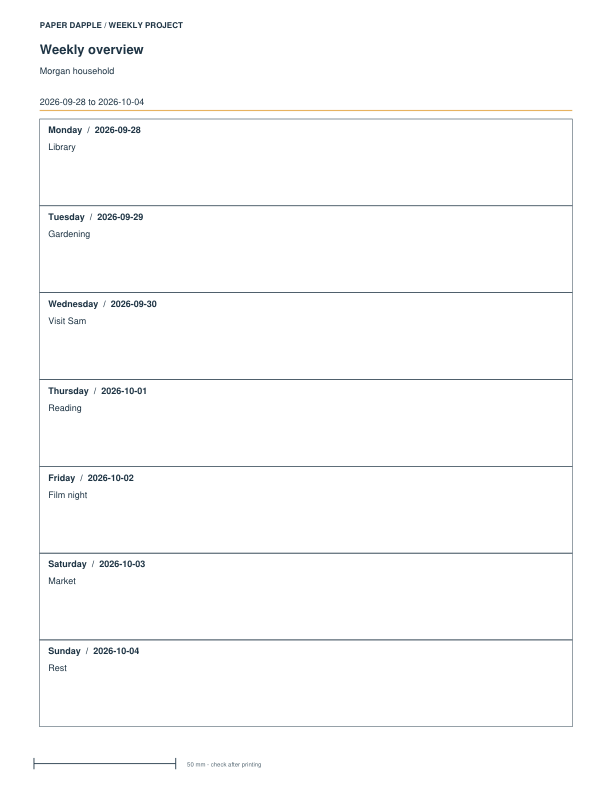
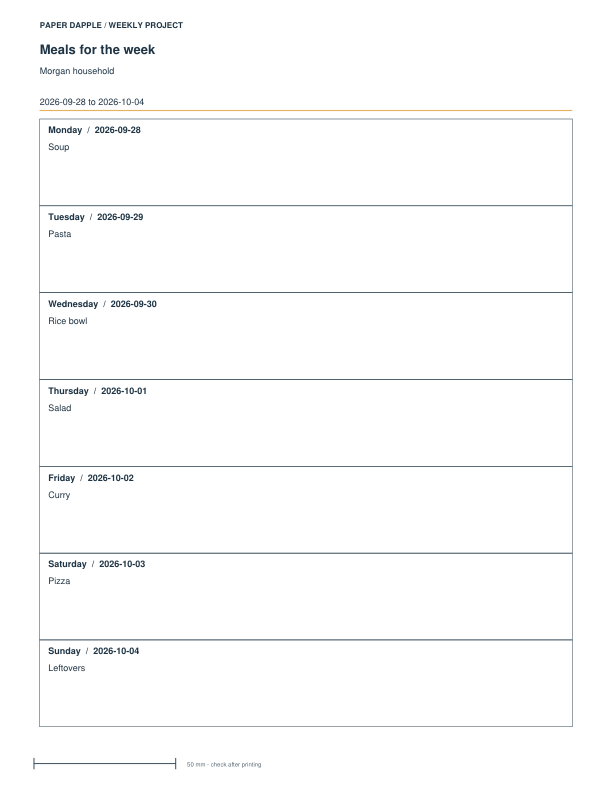
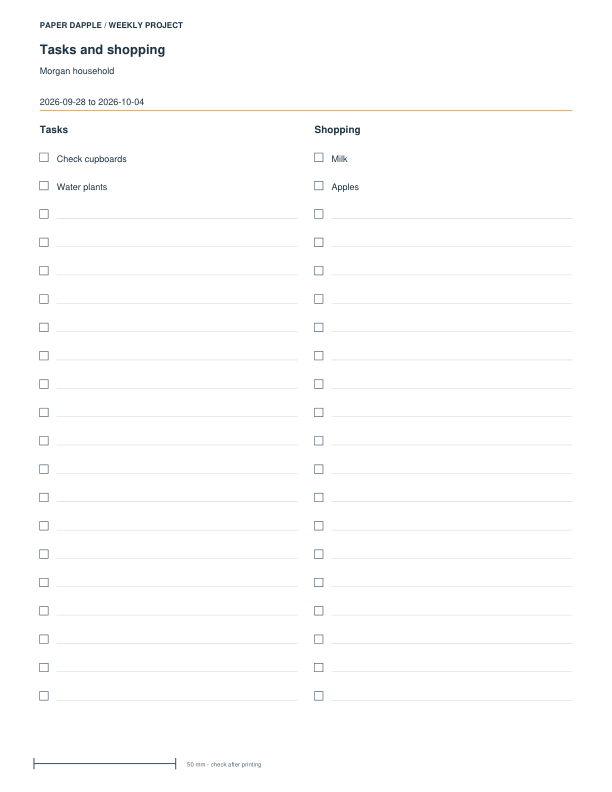
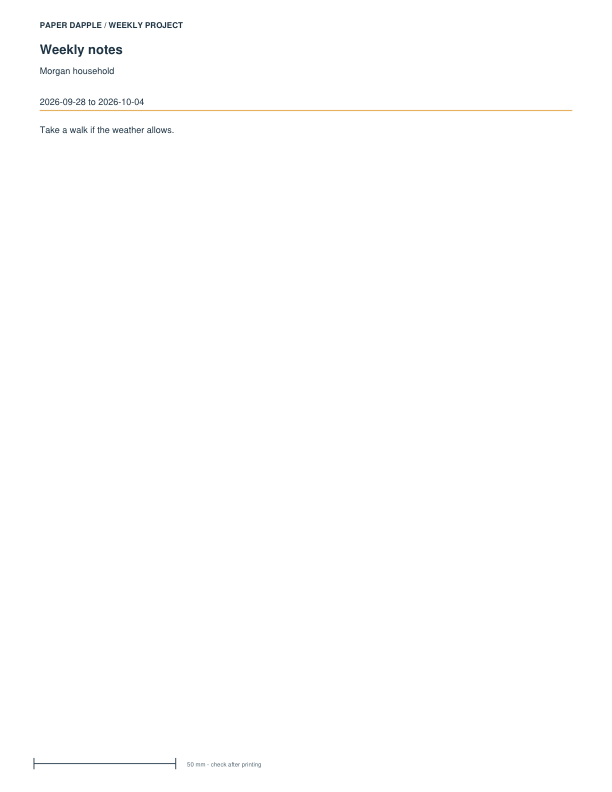
Review supported components, add reviewed pieces to Print Tray and download an explicit private project file to reopen your work. These fictional examples are actual generated PDFs.
Download the exact 4-page Letter example PDF · Follow the project tutorial · Use the ordinary PDF downloads
Optional appointment-flow PDFs
These are the exact ready-made files for the suggested starting pieces. Choose the paper size in your printer. You can download each file directly, with no packet required.
Family weekly overview
Keep shared appointments and responsibilities visible in one place.
See preview and all file optionsWeekly meal planning sheet
Give each day a place for breakfast, lunch and dinner on one weekly sheet.
See preview and all file optionsOptional appointments and other weekly pages
This separate picker starts with the Family weekly overview for appointments and one meal sheet. It does not replace the three-sheet household starter above. Choose paper to get exact individual PDFs and review compatible files in Print Tray.
Recommended pieces
Alternatives and optional extras (7)
Choose an alternative to replace its matching starting piece, or add an optional extra. Closing this section keeps your selections.
Give the week a place on paper.
Use the weekly overview for shared commitments and the meal sheet for food plans. Fill in one week, then put the pages where your household will use them. Add more sheets only when they solve a particular need.
From paper to your project.
Follow the scale and assembly notes on your selected files. Make a physical trial when fit, folding or dimensions matter.
Choose paper · Check scaleCreate a page for your planning style
Use the ready-made PDFs in this project, or choose a supported tool when you need your own details or settings.