
Pantry bin labels
Name the storage zones your household actually uses.
See preview and all file optionsA SMALL PROJECT. YOUR OWN WAY.
Labels and working lists that use the same categories.
Name the shelves and containers you use, then make a simple restocking routine.
Make this project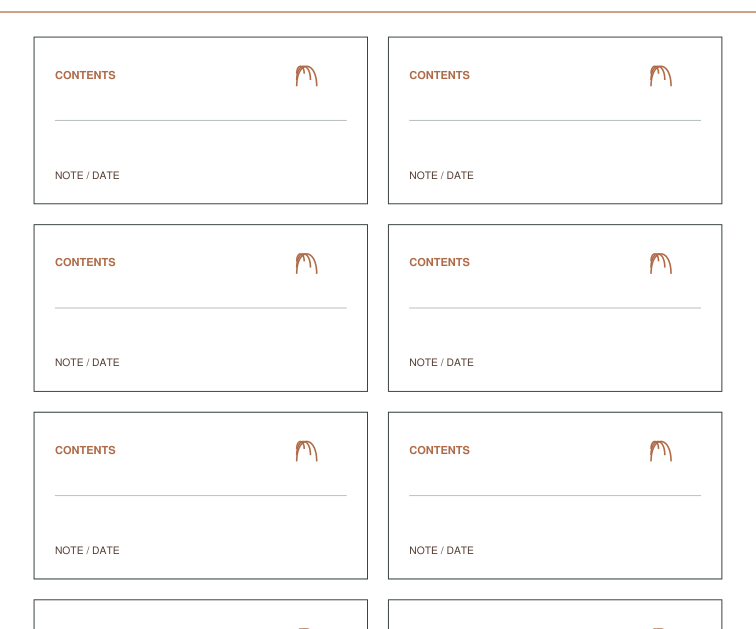
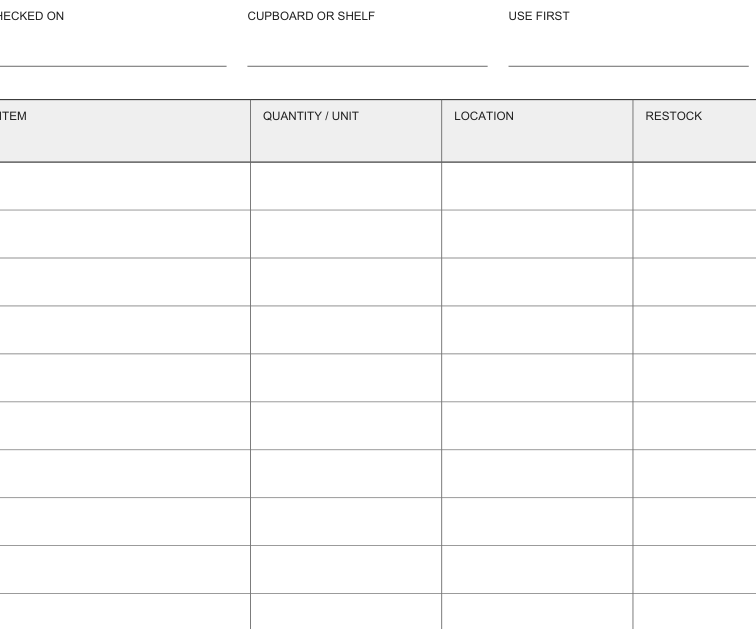
Planning view of the actual pantry label and inventory sheet previews. Containers and a completed shelf are not pictured.
BEFORE YOU BEGIN
FROM FIRST PRINT TO FINISHED USE
First test on plain paper. If using adhesive stock, check that it suits your printer and that the printable aligns before printing a batch. Keep the inventory on writable paper.
Write category names and quantities by hand. The optional label alternatives offer more writing room; inspect their exact previews before changing styles.
Review supported components, add reviewed pieces to Print Tray and download an explicit private project file to reopen your work. These fictional examples are actual generated PDFs.
Download the exact 5-page Letter example PDF · Follow the project tutorial · Use the ordinary PDF downloads
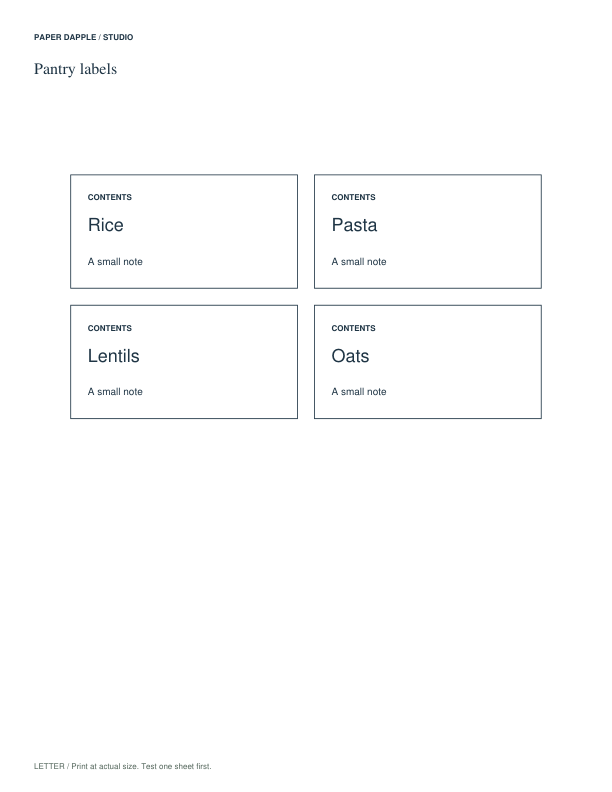
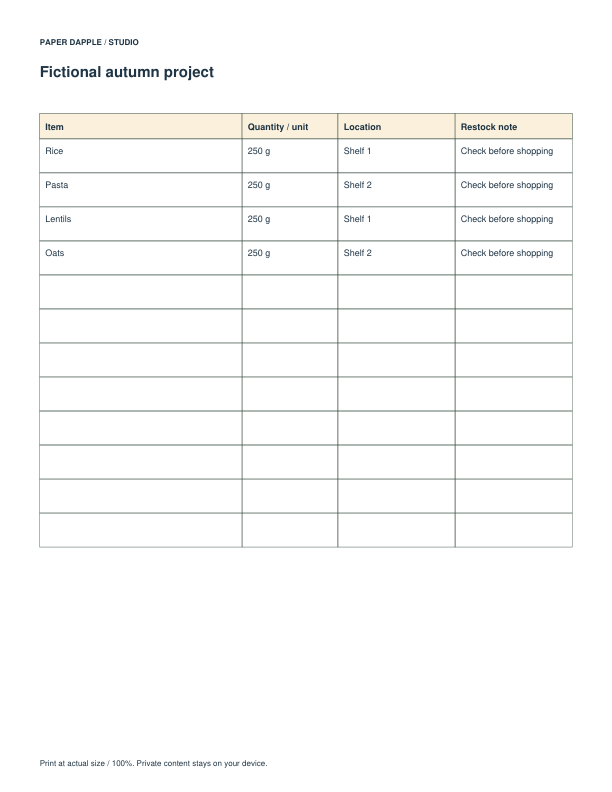
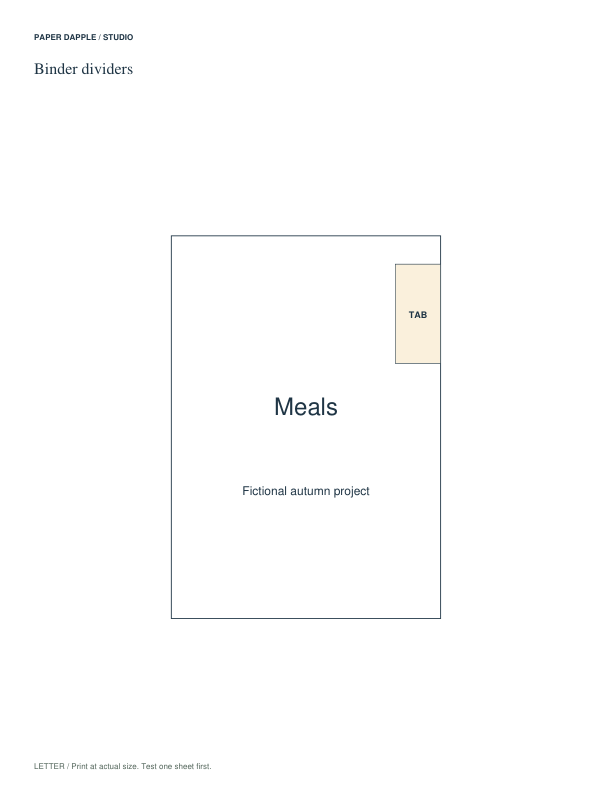
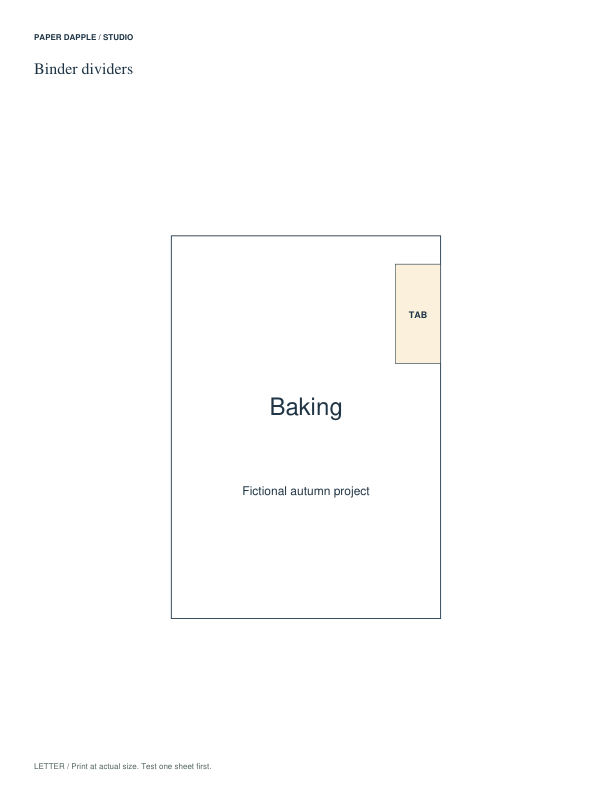
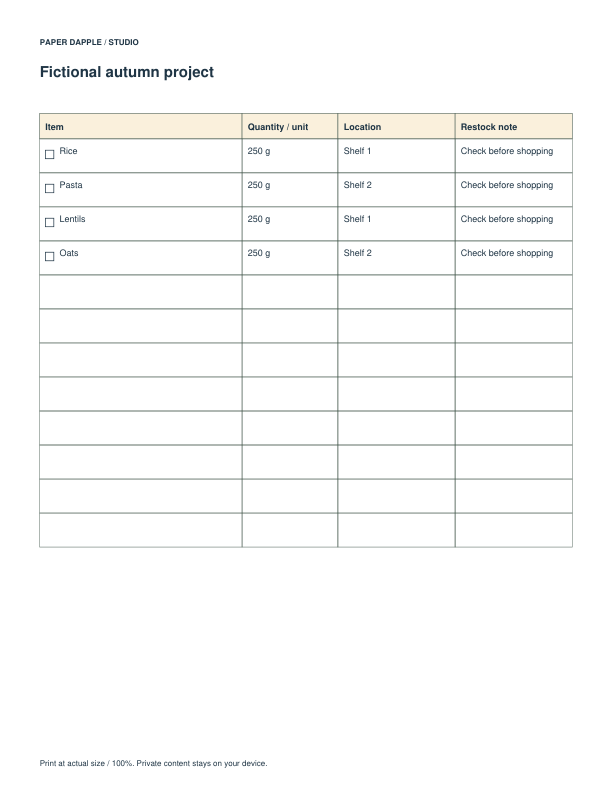
These are the exact ready-made files for the suggested starting pieces. Choose the paper size in your printer. You can download each file directly, with no packet required.
Name the storage zones your household actually uses.
See preview and all file optionsSee what is already available before writing a shopping list.
See preview and all file optionsThe checked pieces are a suggested starting point. Choose your paper to get exact individual PDFs. You can also assemble compatible files in Print Tray.
Choose an alternative to replace its matching starting piece, or add an optional extra. Closing this section keeps your selections.
Write the names you actually use, check a label against its container, and record the contents and quantities on the inventory. Finish that shelf before repeating the process elsewhere.
Follow the scale and assembly notes on your selected files. Make a physical trial when fit, folding or dimensions matter.
Choose paper · Check scaleUse the ready-made PDFs in this project, or choose a supported tool when you need your own details or settings.