
Labels & tags
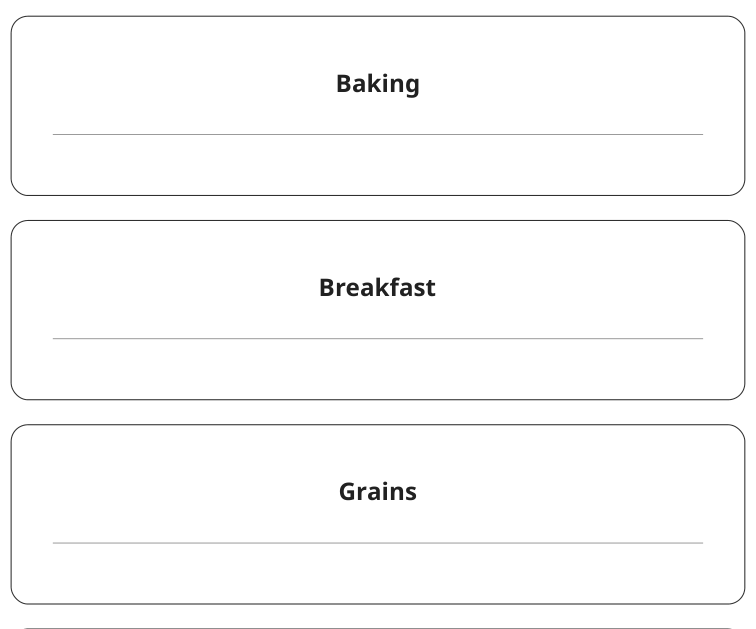
Large-write pantry category labels
Make broad pantry groups easy to spot from the shelf edge.
Labels & tags
Name the storage zones your household actually uses.
Previews show up to the first two pages. Download the PDF for every page listed in its contents.
Preview of the actual PDF. Open the PDF
MAKE IT WORK FOR YOU
Free · 3 KB · No account needed
Print at actual size and measure the 30 mm reference line before using physical measurements.
Enter these page numbers in your PDF viewer’s print range. Keep any instructions, matching answers and required project pieces.
Studio opens its own editable layout. Check its preview before downloading.
Coordinated pantry labels - Arc / LETTER
The selected edition controls the label count, shape, dimensions and fields; these are not universal across designs.
Label a basket Snacks or Breakfast before labelling every individual package. Start with categories that stay useful as contents change.
Hold a paper cutout against the bin at its usual shelf position and check readability before applying adhesive.
Use a short, stable category for the main label and temporary information only where the design provides room for it. A bin used for breakfast supplies should not keep a snacks label after its purpose changes.
Compare a plain-paper sample with the bin before choosing adhesive. The resource supplies a cut-apart layout, not a guarantee of fit with a commercial sticker sheet, a particular container, or freezer conditions.
8 items on one sheet; each cut outline is 80 × 40 mm.
Blank contents and note/date fields, not preprinted pantry categories.
8 cut-apart items on the sheet.
Each outer outline measures 80 × 40 mm; the text area is smaller.
KEEP THE IDEA GOING
Labels & tags
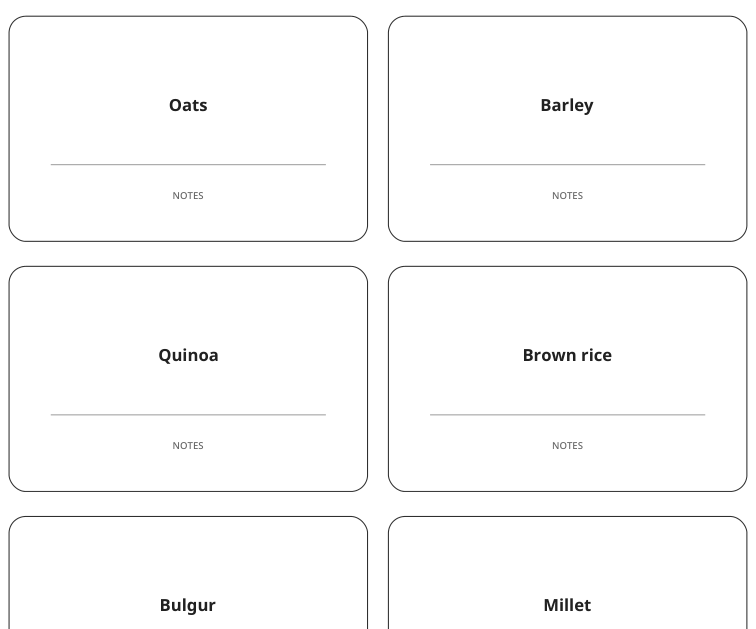
Make broad pantry groups easy to spot from the shelf edge.
Labels & tags
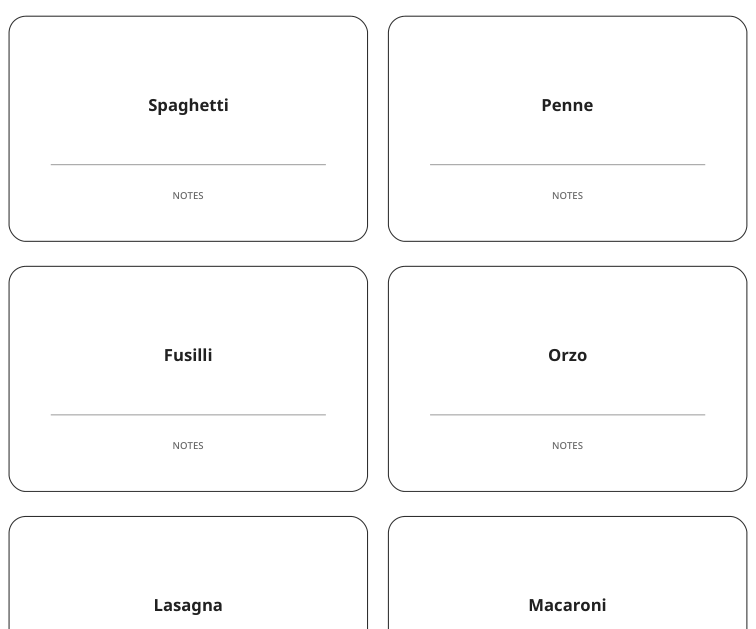
Separate pasta shapes that are hard to identify once boxed together.