
FREE GRAPH PAPER
Free graph paper generator and PDFs
Download a 5 mm square-grid PDF for US Letter or A4, choose a ready-made 2/5/10 mm packet, or customize the spacing in Print Lab.
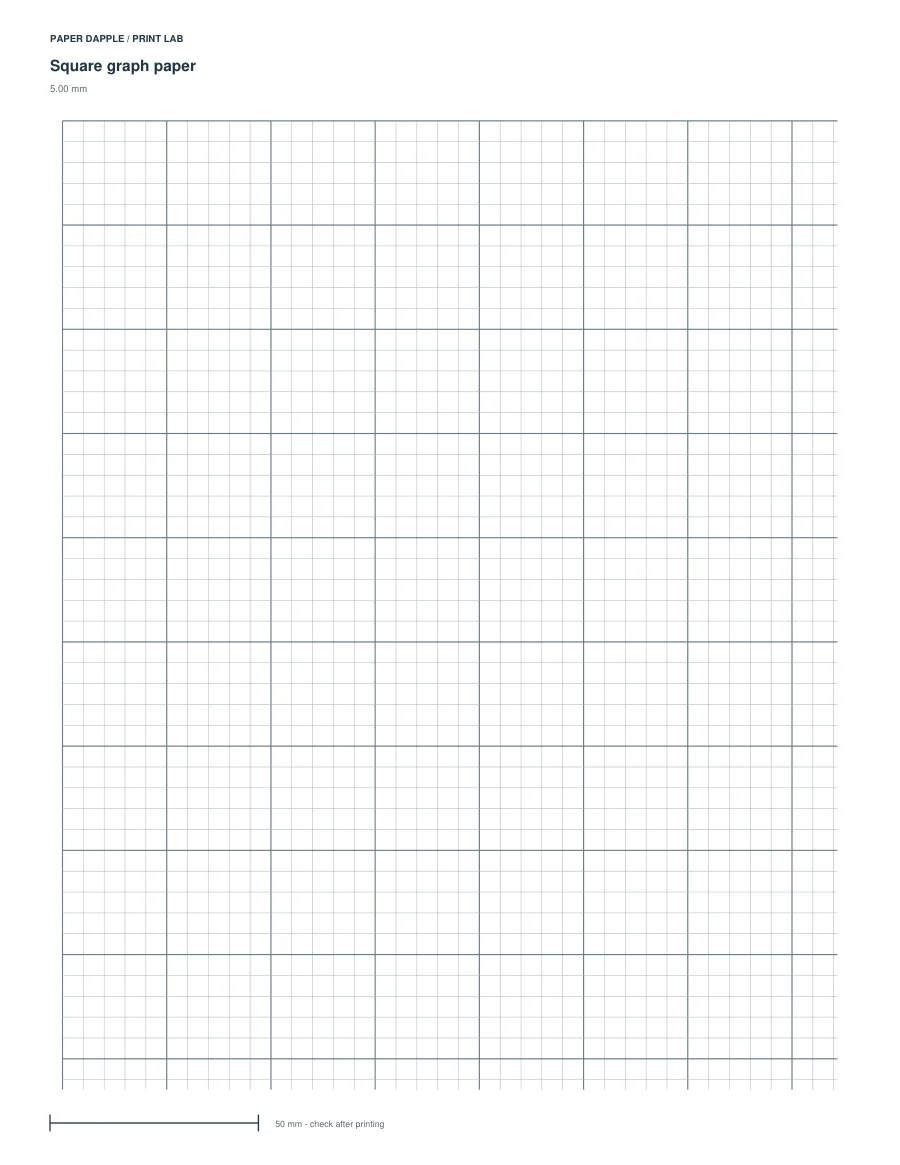
Actual 5 mm grid PDF · US Letter · one page
START WITH A 5 MM GRID
Download a page or change the spacing
The fixed PDFs have 5 mm squares, with a heavier line every five cells (25 mm). Choose the paper loaded in your printer.
One page each. US Letter is 8.5 × 11 inches; A4 is 210 × 297 mm.
Need a different grid?
Open the focused generator for A4 5 mm or 10 mm, or set Paper to Letter and change the spacing display to inches: enter 0.25 for an exact quarter-inch (6.35 mm) grid. Check the current preview after each change. Save a work file explicitly if you want to restore these settings later; a bookmark only keeps the entry address.
Customize graph paper in Print LabThese ready-made PDFs stay the same. Use the generator to make a separate PDF with your own supported settings.
Choose the spacing for your marks
A 5 mm square is 0.5 cm (about 0.197 inches). Grid spacing is the printed distance between lines; your drawing scale is a separate choice. Write down what a square represents for your task.
More grid settings and supported paper sizes
What you can adjust
Grid spacing is 2–25 mm; major interval is 1–20 cells. Line weights are separate physical millimetre controls, even when display units are inches.
Choose Letter, A4, A5 or Half Letter and portrait or landscape. Check the preview after changing settings. A supported paper size may still be too small for your layout; fix any warning before downloading.
Print at the intended size
Measure several cells after printing at actual size. Do not use fit-to-page for a measured grid.
Prefer a ready-made choice of three spacings?
The square graph-paper packet has three pages: page 1 is 2 mm for finer detail, page 2 is 5 mm for a middle spacing, and page 3 is 10 mm for larger handwritten marks. Download the matching paper size, then print only the page you need.
The three-page packet and one-page generator examples are separate files; their layouts are not identical.
Choose between square, dot and other graph-paper layouts.
Check the printed grid
Choose 100% / Actual size, with fit-to-page switched off. Measure several consecutive cells with a ruler. On the ready-made packet, also measure the 50 mm reference line. A PDF cannot choose your printer settings, and a screen ruler cannot establish the printed size.