
Leaf comparison - observation record
Record a leaf's outline, edge, veins and measured size beside your observation question.
See preview and all file optionsA SMALL PROJECT. YOUR OWN WAY.
A small record of your observations and next questions.
Look closely at a leaf, compare what you see and write a question to return to.
Make this project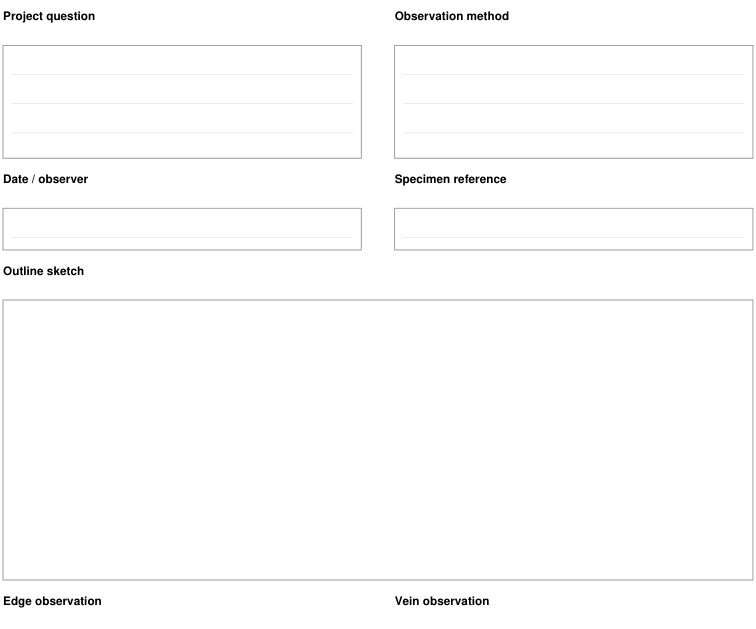

Planning view of the actual observation and comparison forms. These pages record your observations; no completed specimens or species identifications are shown.
BEFORE YOU BEGIN
FROM FIRST PRINT TO FINISHED USE
Use the supplied US Letter or A4 files and matching printer settings. Choose paper you can write on clearly, and carry a pencil and a firm writing surface if you plan to record outdoors.
Add your own descriptions, sketches and measurements. Keep an unknown feature as a question instead of turning it into an identification claim.
Review supported components, add reviewed pieces to Print Tray and download an explicit private project file to reopen your work. These fictional examples are actual generated PDFs.
Download the exact 3-page Letter example PDF · Follow the project tutorial · Use the ordinary PDF downloads
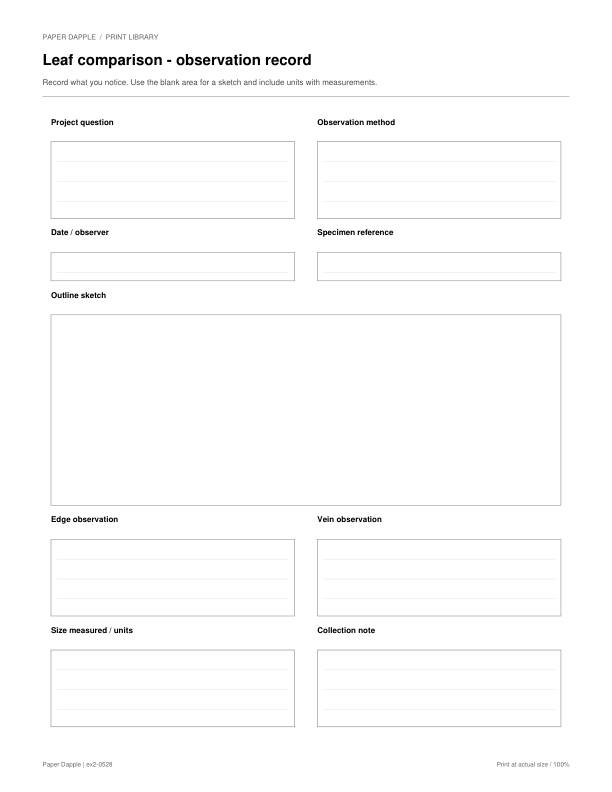
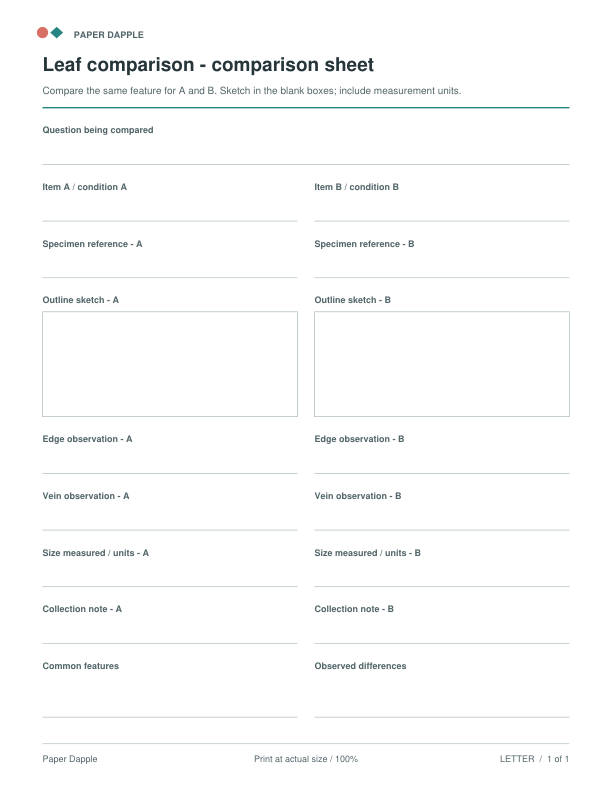
These are the exact ready-made files for the suggested starting pieces. Choose the paper size in your printer. You can download each file directly, with no packet required.
Record a leaf's outline, edge, veins and measured size beside your observation question.
See preview and all file optionsCompare two leaf observations side by side, then note shared features and differences.
See preview and all file optionsThe checked pieces are a suggested starting point. Choose your paper to get exact individual PDFs. You can also assemble compatible files in Print Tray.
For this project, use Leaf comparison - observation record. Other checked pieces are suggestions.
Choose an alternative to replace its matching starting piece, or add an optional extra. Closing this section keeps your selections.
Choose an observation to record, print a trial page, and take a pencil and a firm writing surface. Record what you see and compare your notes after the walk. Follow the selected pages for their specific prompts.
Follow the scale and assembly notes on your selected files. Make a physical trial when fit, folding or dimensions matter.
Choose paper · Check scaleA NEW GUIDED PACKET
Seven distinct sheets lead from one chosen place to a careful, evidence-based summary. Each has direct US Letter and A4 PDFs.
See the collectionUse the ready-made PDFs in this project, or choose a supported tool when you need your own details or settings.