
PRINT LAB · ruled
Make ruled writing paper
Set the distance between writing lines and leave deliberate space above them.
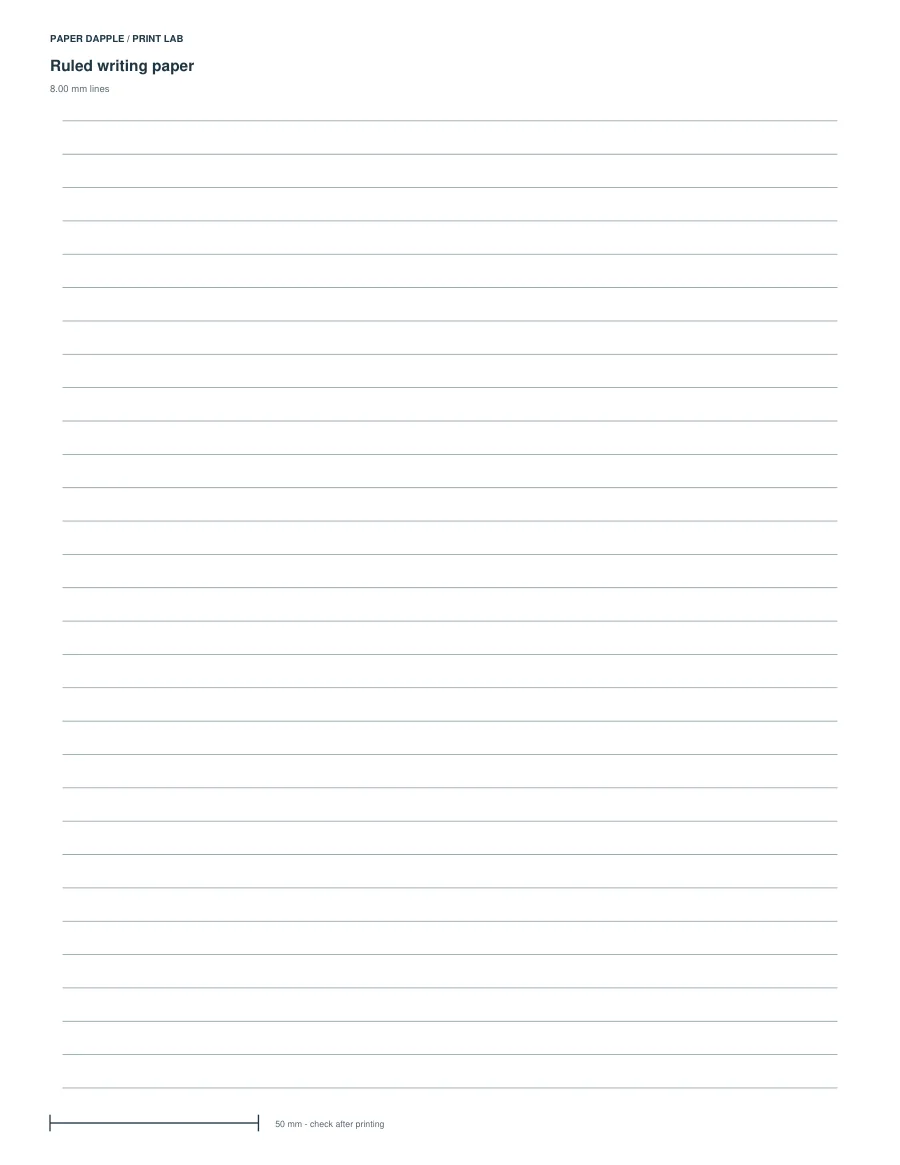
Actual generated example: ruled-8mm, LETTER. Not a screenshot of invented output.
Try a clear starting point.
Try an 8 mm baseline spacing with no extra header. Turn on the dashed midpoint only when it helps your intended handwriting.
Open this example in Print LabOr inspect the example PDFs
- LETTER example PDF · 1 pages
- A4 example PDF · 1 pages
The example files are fixed outputs of the shown settings. The live tool can use other supported settings; it does not modify these downloads.
What you can adjust
Line spacing is 4–25 mm; the optional header is 0–30 mm. The dashed midpoint sits halfway between adjacent lines.
Choose Letter, A4, A5 or Half Letter and portrait or landscape. A paper profile being supported does not mean every parameter combination fits it; invalid layouts stop export.
What this tool does not promise
A PDF cannot choose a comfortable spacing for every writer. Print and write on one page first.
Ready-made PDF or generator?
The ready-made resource and this generator are separate alternatives. Compare their actual outputs; matching topic names do not establish identical dimensions or page contents.
Compare Everyday ruled writing paper.
Before printing
Inspect every output page, including answer pages where supplied. Use actual size for measured grids or objects, and measure the reference where present. The PDF cannot select your printer settings.