MAKE IT YOUR OWN
A printable year at a glance
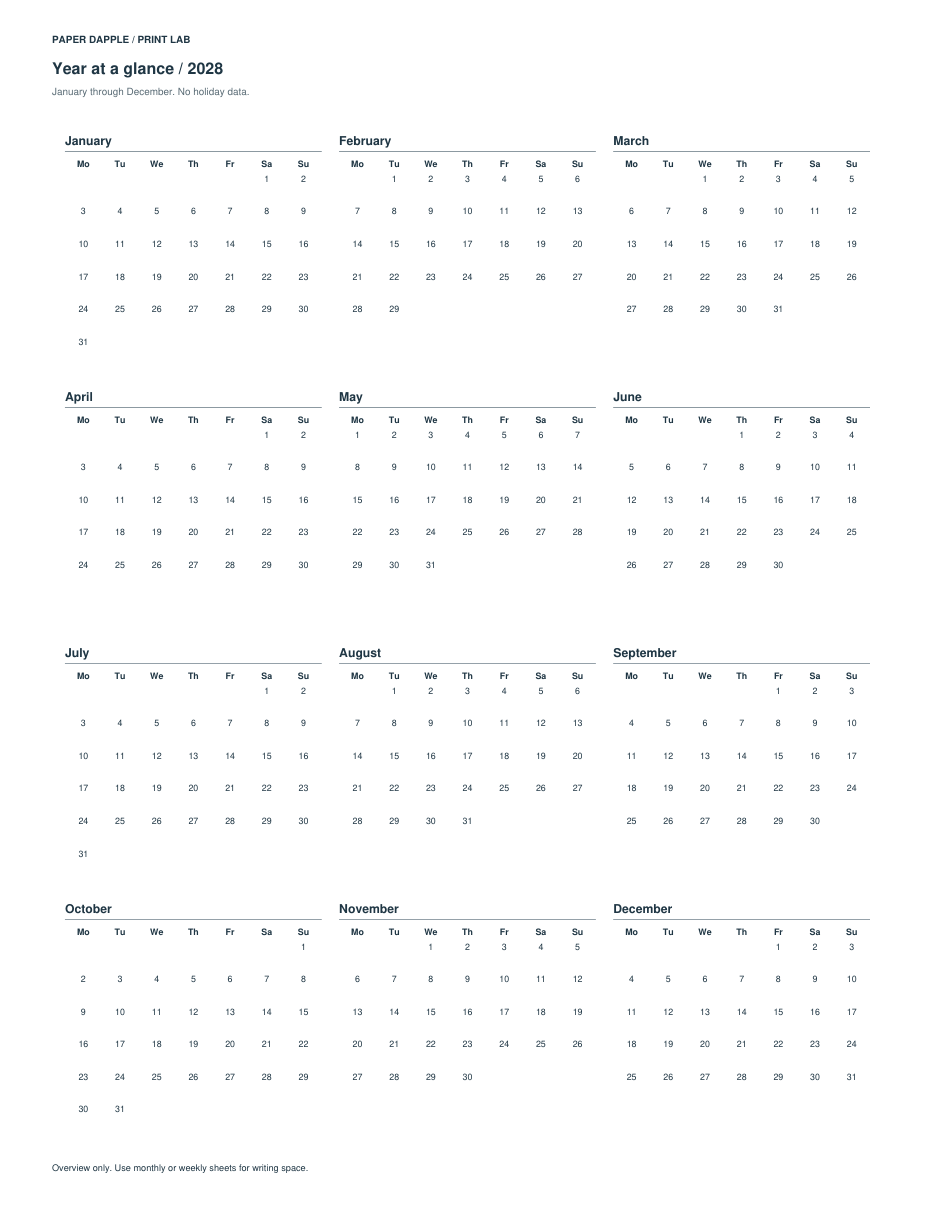
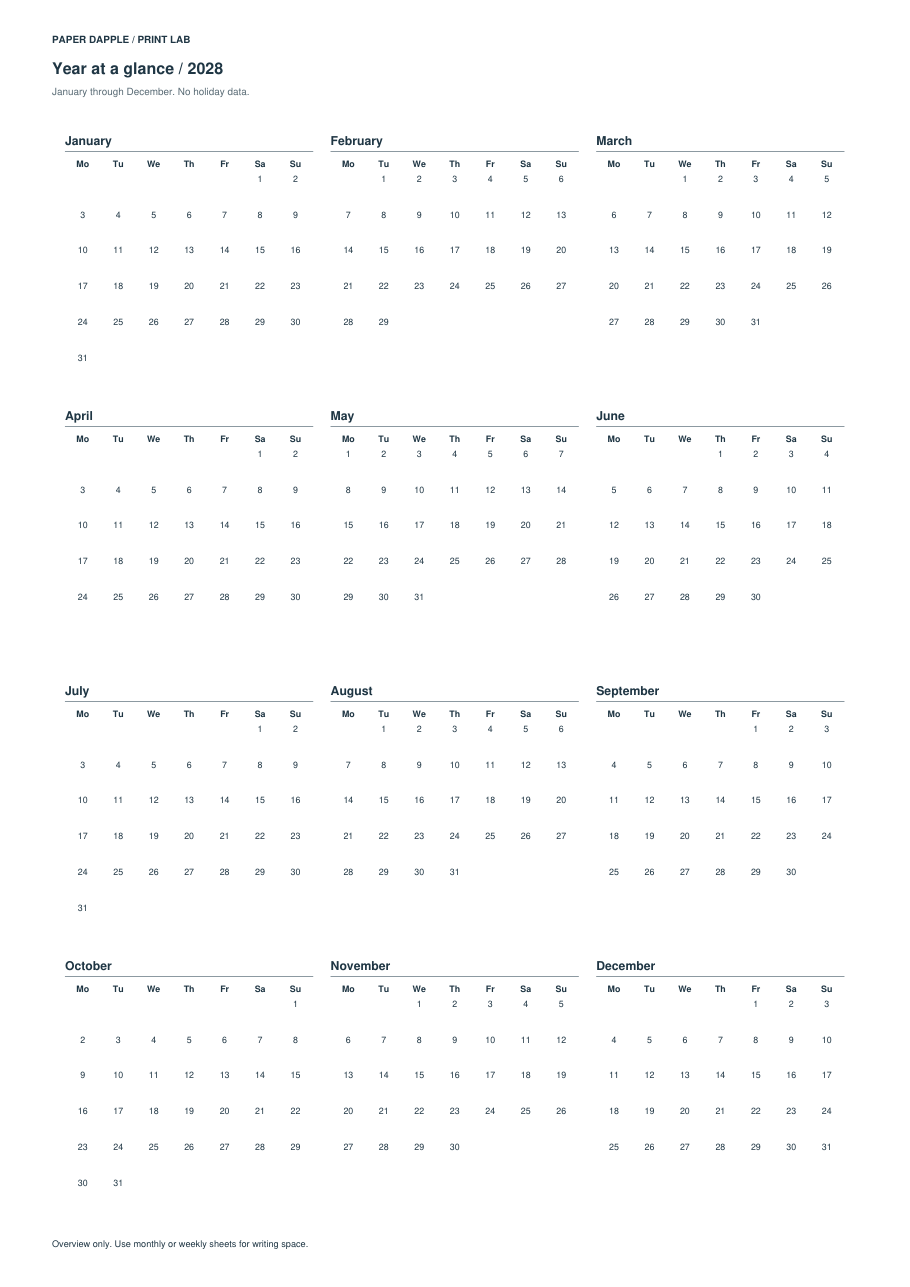
Keep January through December on one compact overview, with separate dated notes when you need them.
Choose a year, not a holiday calendar
Select Year at a glance and enter a year from 1900 through 2200. The overview always runs January through December, regardless of your previous monthly selection. Choose Monday or Sunday as the first weekday. No holiday feed, school calendar or regional observance data is included.
Choose paper before printing
Letter, A4, A5 and Half Letter use their own page dimensions. Landscape changes the overview to four months across; portrait uses three. Small sheets use compact date text, not a large-print layout. Margins that leave too little room are rejected rather than silently reduced.
Keep longer notes separate
Optional dated notes use YYYY-MM-DD | note, up to 60 notes of 80 characters each. Dates with notes receive a marker; the actual wording appears on additional notes pages. Entered headings and notes are private and are included in explicitly downloaded files.
Review the whole file
Check every month and each notes page. Use a weekly or monthly layout when you need substantial writing space. The page is generated locally and can be added to the current Print Tray session.
Open the workspace Check actual print scale
Real generated examples
Created by Release11 using fictional demonstration text and explicit dates. Not photographs, editorial approval or physical print tests.