
PRINT LAB · labels
Make a blank label layout
Enter the label dimensions you need and let the layout show what fits.
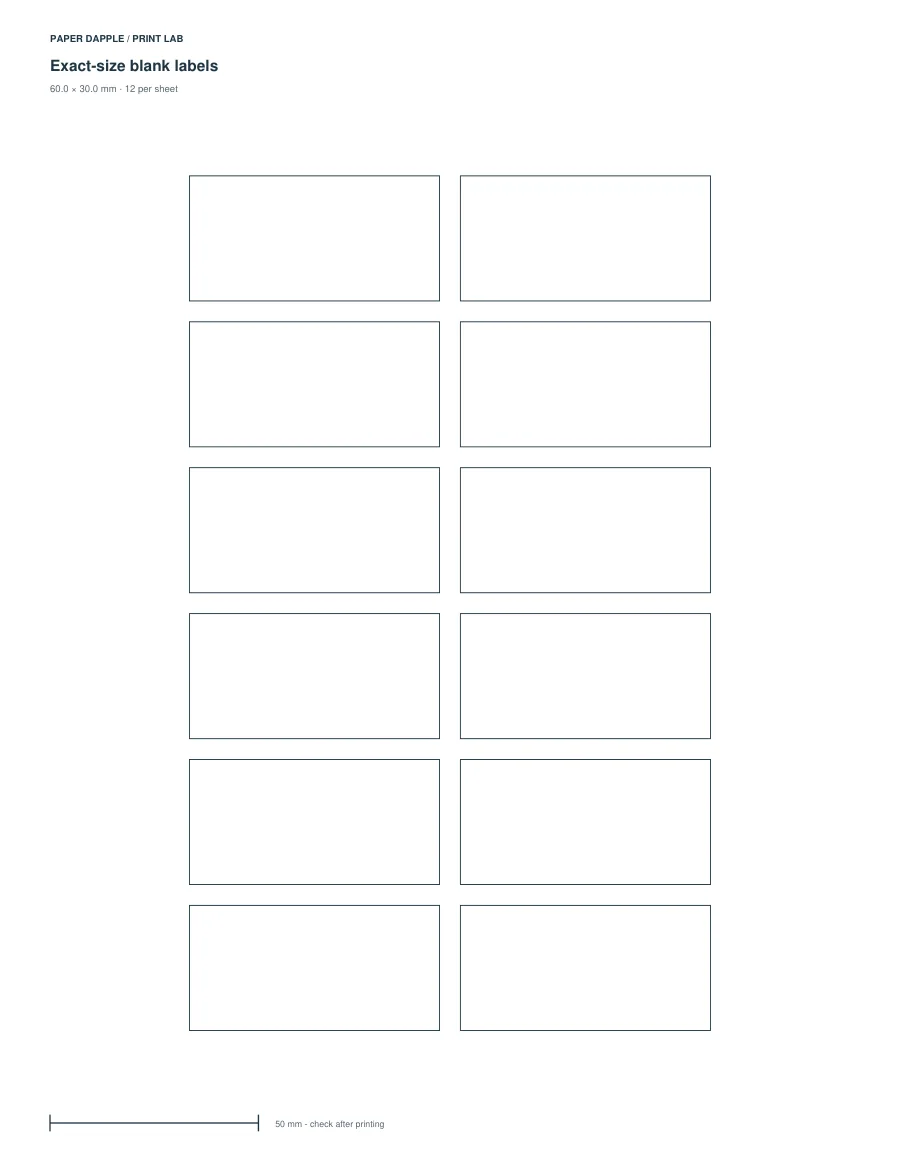
Actual generated example: labels-60x30, LETTER. Not a screenshot of invented output.
Try a clear starting point.
The sample uses 60 × 30 mm rectangles with 5 mm gaps. It is a blank cut-apart layout, not a commercial stock template.
Open this example in Print LabOr inspect the example PDFs
- LETTER example PDF · 1 pages
- A4 example PDF · 1 pages
The example files are fixed outputs of the shown settings. The live tool can use other supported settings; it does not modify these downloads.
What you can adjust
Choose widths 10–160 mm, heights 8–120 mm and gaps 0–30 mm. Start at a numbered slot and draw a requested batch of up to 2,000 labels, subject to a 200-sheet limit. Zero fills the remaining slots on the first sheet. All pieces keep their requested dimensions.
Choose Letter, A4, A5 or Half Letter and portrait or landscape. A paper profile being supported does not mean every parameter combination fits it; invalid layouts stop export.
What this tool does not promise
This is a custom blank cut-apart layout. No brand-specific adhesive-sheet alignment is certified. Check a plain-paper trial against your material and consult your printer and stock instructions before re-feeding a partial sheet.
Ready-made PDF or generator?
The ready-made resource and this generator are separate alternatives. Compare their actual outputs; matching topic names do not establish identical dimensions or page contents.
Before printing
Inspect every output page, including answer pages where supplied. Use actual size for measured grids or objects, and measure the reference where present. The PDF cannot select your printer settings.