Gifts & celebrations
Menu pocket place setting
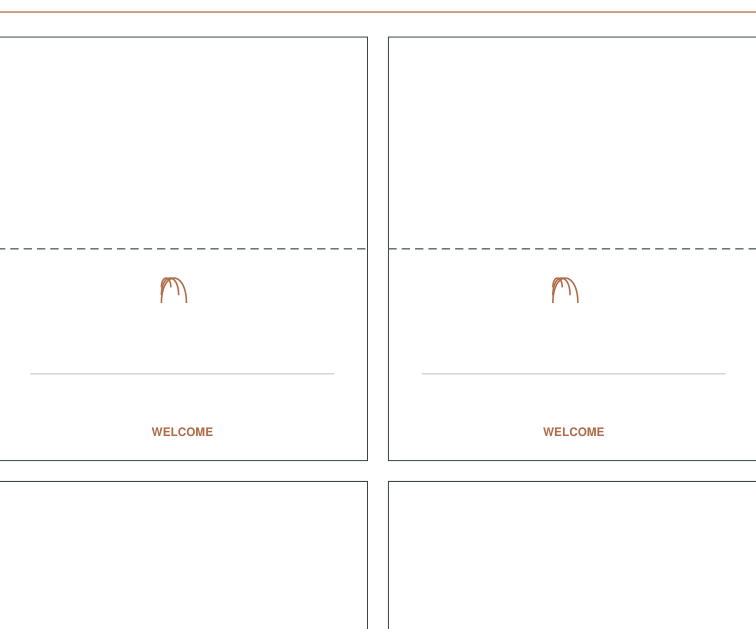
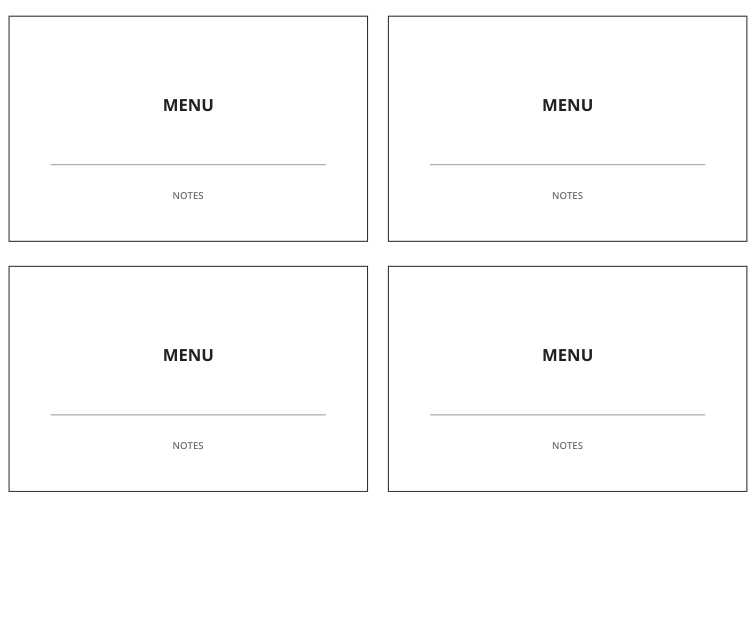
A flat two-piece pocket with an 90 x 135 mm back and 70.2 mm-high front.
Previews show up to the first two pages. Download the PDF for every page listed in its contents.
Page 1 of 3
Preview of the actual PDF. Open the PDF
MAKE IT WORK FOR YOU
Your printable.
All exact editions
- Paper
- US Letter
- Pages
- 3
- Sheet
- 215.9 × 279.4 mm
- Format
- Print PDF
Free · 40 KB · No account needed
Print at actual size (100%) on the matching paper. Measure the 50 mm reference line on a physical trial; a screen ruler is not a print check.
Pages in this PDF
- Page 1 — back panel
- Page 2 — pocket front and tabs
- Page 3 — Assembly instructions
Enter these page numbers in your PDF viewer’s print range. Keep any instructions, matching answers and required project pieces.
Studio opens its own editable layout. Check its preview before downloading.
Menu pocket place setting / LETTER
A good fit for your idea?
Read the full joining and folding sequence, then dry-fit one plain-paper trial. Panel measurements do not guarantee usable internal capacity.
Inside this edition
- Instruction pages
- 1
A flat two-piece pocket with an 90 x 135 mm back and 70.2 mm-high front.
From file to finished page
- Choose the paper size loaded in your printer and open the matching PDF.
- Print at actual size (100%) on the matching paper. Measure the 50 mm reference line on a physical trial; a screen ruler is not a print check.
- Cut the full back panel from sheet 1 and the front with its three tabs from sheet 2.
- Crease the tabs to the reverse side. Do not fold or seal the front opening.
- Align the bottom of the front panel with the back panel. Glue only the folded tabs behind the back edges, keeping the pocket interior clear.
- Try an insert several millimeters narrower than the printed back panel. Adjust insert size on scrap; the usable opening is reduced by paper and adhesive.
- For table use, keep paper away from wet food and liquids. The packet does not include a menu, utensils or a food-contact liner.
Printing and use notes
Make a scrap-paper trial before using special material or producing a batch.
Digital geometry does not establish physical assembly, durable joins, material fit or compatibility with a particular product.
Direct PDF files for every edition
- Menu pocket place setting / LETTER · 3 pages
Page numbers and contents
- Page 1 — back panel
- Page 2 — pocket front and tabs
- Page 3 — Assembly instructions
- Menu pocket place setting / A4 · 3 pages
Page numbers and contents
- Page 1 — back panel
- Page 2 — pocket front and tabs
- Page 3 — Assembly instructions
KEEP THE IDEA GOING
A few more possibilities.