
STUDIO · A BOUNDED TEMPLATE
Simple certificate maker
Recognize a contribution with a name, short message and supporting details.
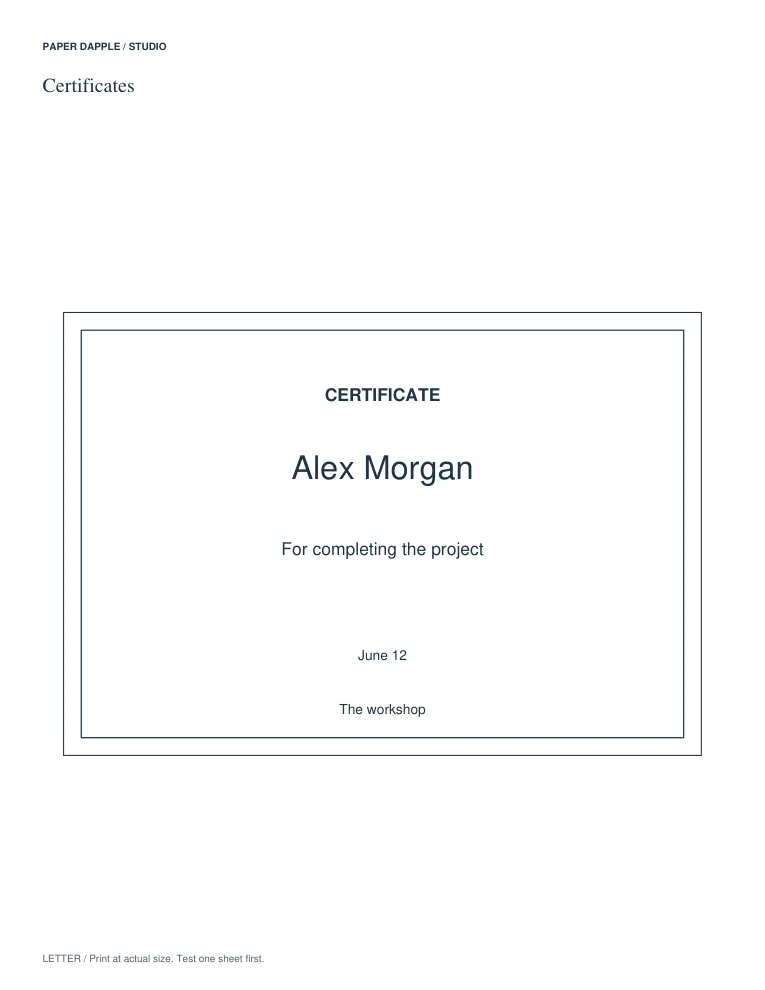
Preserved Studio 8 PDF example using fictional demonstration text. Not a finished-product photograph.
Start with the supported fields.
Keep the occasion and recognition factual. Use the supporting fields for a short issuer or date line.
Open this maker in StudioThe maker opens with a blank row. The fixed Studio 8 examples below remain unchanged. Studio 10 reflows larger captions and preserves line breaks; review new output.
Inspect the actual examples
What can be edited?
- Recipient
- Required · up to 100 characters before layout checks
- Achievement
- Required · up to 160 characters before layout checks
- Date
- Optional · up to 60 characters before layout checks
- Presented by
- Optional · up to 80 characters before layout checks
A character limit is an input ceiling, not a promise that every string fits. The actual font, words and line breaks still have to fit the bounded layout; overflow must be corrected rather than hidden.
What stays fixed?
The template uses a 180 × 125 mm object box, with up to 1 slots in the authored sheet layout. Folded designs are measured flat. Choose Letter or A4 and one of the three supplied themes; this is not a freeform page designer.
Build a small set deliberately
Add or edit rows, set quantities, or map a local CSV to the supported fields. Keep leading zeros, empty slots and duplicate rows deliberate. Review every resulting page before export or transfer to Tray.
Make it easier to read or decorate
Studio 10 offers standard or larger text, twelve small motifs and optional monochrome output. The larger-text mode keeps entered text, captions and blank prompts at 14 points or above without resizing the piece. Shorter wording may be needed. Compact labels use a fixed safe motif corner.
See the larger-text guide · Choose a decoration · Import a list safely
Know the boundary
A decorative certificate is not an official credential, accreditation or proof of authorization.
Standard-font output supports a bounded character set, not every writing system or emoji. Do not change the meaning of a name merely to get an export. Use another suitable tool when the writing system or layout is unsupported.
Keep control of private text
Names and messages are edited in the browser session. Catalog recipes omit them. An explicitly saved Studio project contains its private text: keep that local file under your control. Download useful output before closing or resetting the session.
Bring supported output into Tray · Choose a ready-made PDF instead · Check print scale