
Labels & tags
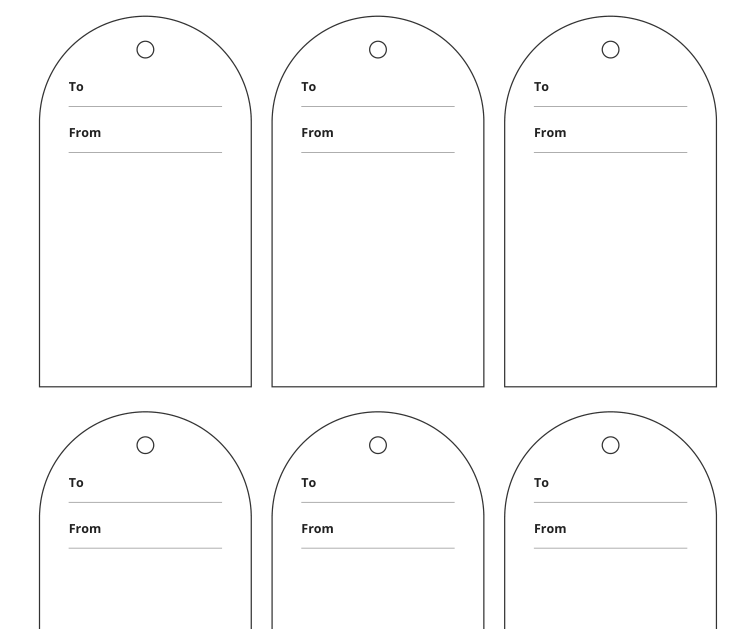
Classic cut-corner gift tags
Make the recipient clear without covering the gift.
Previews show up to the first two pages. Download the PDF for every page listed in its contents.
Page 1 of 1
Preview of the actual PDF. Open the PDF
MAKE IT WORK FOR YOU
Your printable.
All exact editions
- Paper
- US Letter
- Pages
- 1
- Sheet
- 215.9 × 279.4 mm
- Format
- Print PDF
Free · 4 KB · No account needed
Print at actual size and measure the 30 mm reference line before using physical measurements.
Pages in this PDF
- Page 1 — Coordinated gift tags - Arc
Enter these page numbers in your PDF viewer’s print range. Keep any instructions, matching answers and required project pieces.
Studio opens its own editable layout. Check its preview before downloading.
Coordinated gift tags - Arc / LETTER
A good fit for your idea?
Choose by cut size, writing fields and attachment method; style alone does not establish a fit.
Make a start
Choose one edition and write a short recipient name before cutting the rest of the sheet. Set aside a spare tag for a spelling correction.
Try one first
Test the writing space with the longest name in your batch; then check the attachment position against the actual cut outline.
Choose the tag for the attachment
Leave room for the name to be read after the tag is tied or attached. A hole position, ribbon width and paper stiffness can affect how the finished tag sits. Make one plain-paper trial against the wrapped gift before preparing multiples.
Coordinated treatments keep related items visually consistent, but their fields and outlines are edition-specific. Use the supported Personalize action for a prepared text layout rather than assuming the standard PDF is a fillable form.
Inside this edition
- Items per page
- 6
- Item size
- 50.8 × 88.9 mm
- Printed fields
- FOR, FROM
6 items on one sheet; each cut outline is 50.8 × 88.9 mm.
6 cut-apart items on the sheet.
Each outer outline measures 50.8 × 88.9 mm; the text area is smaller.
From file to finished page
- Choose the paper size loaded in your printer and open the matching PDF.
- Print at actual size and measure the 30 mm reference line before using physical measurements.
- To replace the writing with your own text, open the Studio from this selected edition. Standard PDFs remain unchanged; the Studio creates a separate personalized output.
- Write short entries while the sheet is flat. Use the labeled areas shown in the selected preview; the fields can differ across designs.
- Cut the solid outer lines. For folded designs, crease the marked fold instead of cutting through it.
- Check one item in its intended place before making the rest. Plain cut-apart sheets are not automatically aligned to any commercial pre-cut sticker stock.
Printing and use notes
Direct PDF files for every edition
- Coordinated gift tags - Arc / LETTER · 1 page
Page numbers and contents
- Page 1 — Coordinated gift tags - Arc
- Coordinated gift tags - Arc / A4 · 1 page
Page numbers and contents
- Page 1 — Coordinated gift tags - Arc
- Coordinated gift tags - Grove / LETTER · 1 page
Page numbers and contents
- Page 1 — Coordinated gift tags - Grove
- Coordinated gift tags - Grove / A4 · 1 page
Page numbers and contents
- Page 1 — Coordinated gift tags - Grove
- Coordinated gift tags - Thread / LETTER · 1 page
Page numbers and contents
- Page 1 — Coordinated gift tags - Thread
- Coordinated gift tags - Thread / A4 · 1 page
Page numbers and contents
- Page 1 — Coordinated gift tags - Thread
- Classic cut-corner gift tags / LETTER · 1 page
Page numbers and contents
- Page 1 — tag (6 pieces)
- Classic cut-corner gift tags / A4 · 1 page
Page numbers and contents
- Page 1 — tag (6 pieces)
KEEP THE IDEA GOING
A few more possibilities.
Gifts & celebrations
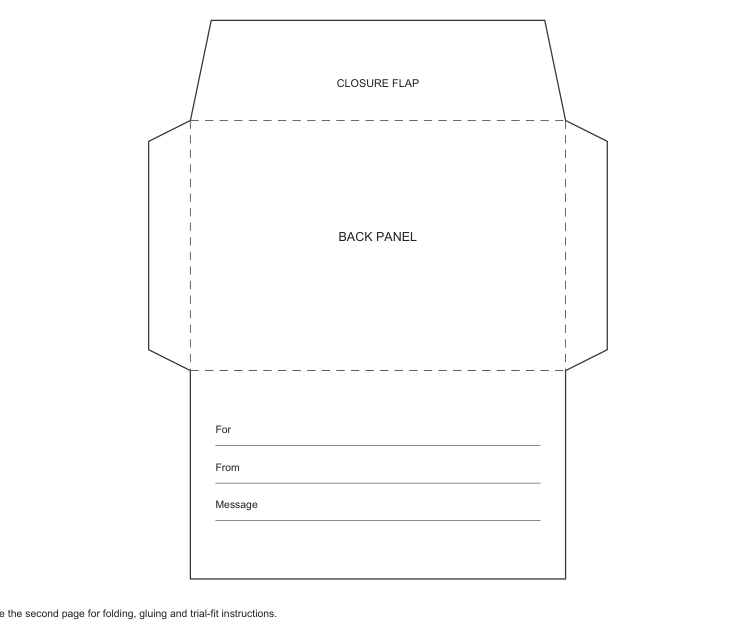
Folded gift-card holder
Keep a small card and message together inside a paper enclosure.
Gifts & celebrations
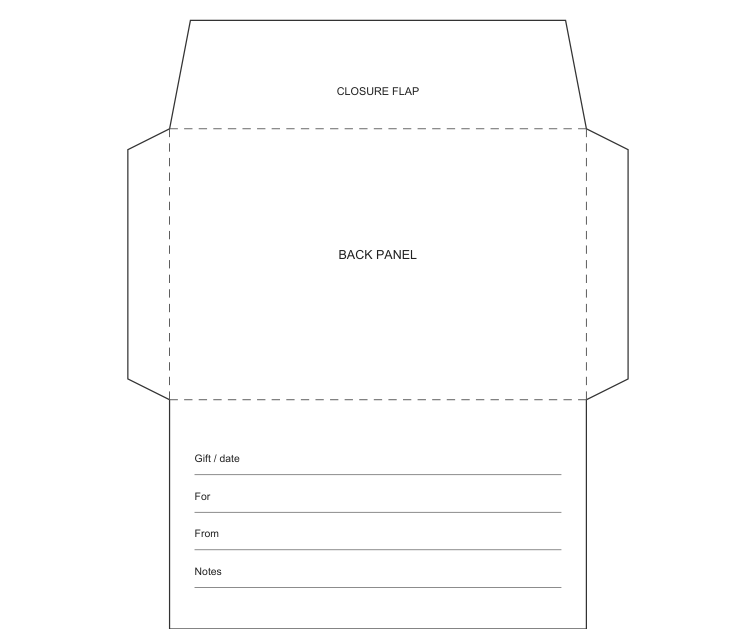
Gift receipt enclosure
Separate a gift receipt from the main greeting so it is easy to find later.