
Projects & practical work
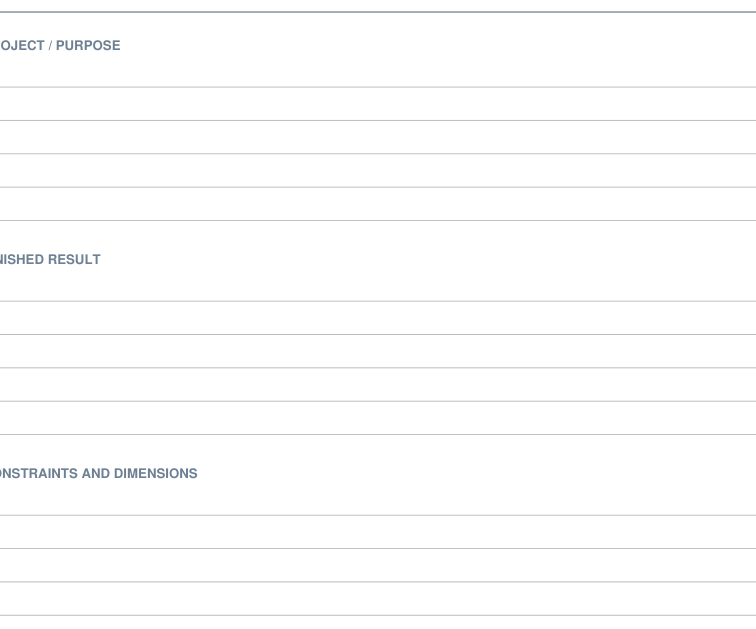
Maker project brief
Define a finished result before buying materials or starting a build.
Home & planning
Navigate a project notebook without treating every page as a loose sheet.
Previews show up to the first two pages. Download the PDF for every page listed in its contents.
Preview of the actual PDF. Open the PDF
MAKE IT WORK FOR YOU
Free · 119 KB · No account needed
Use the standalone linked PDF in an annotation-capable viewer; do not merge its pages into another packet.
Enter these page numbers in your PDF viewer’s print range. Keep any instructions, matching answers and required project pieces.
Studio opens its own editable layout. Check its preview before downloading.
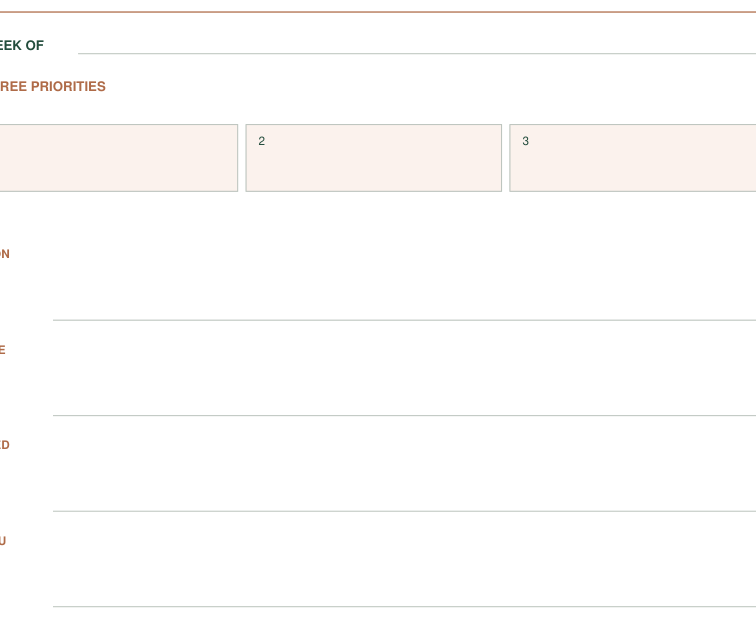
Maker's project notebook - a5 / A5
This notebook is a standalone linked PDF. It is not a fillable form or a supported Print Tray component.
Open the original linked PDF in the intended viewer and try its internal navigation before entering notes.
Test a forward link, a return link and saving/reopening in the actual viewer you will use.
Try navigation, annotation, saving and reopening before using it for ongoing records. The tabs are PDF links, not form fields. Keep the original intact because deleting or rearranging pages may affect destinations.
48 linked pages; write with a PDF annotation tool. This is not a fillable form.
Make one trial on ordinary paper before using special stock or preparing a batch. No physical test result is claimed.
KEEP THE IDEA GOING
Projects & practical work
Define a finished result before buying materials or starting a build.
Projects & practical work
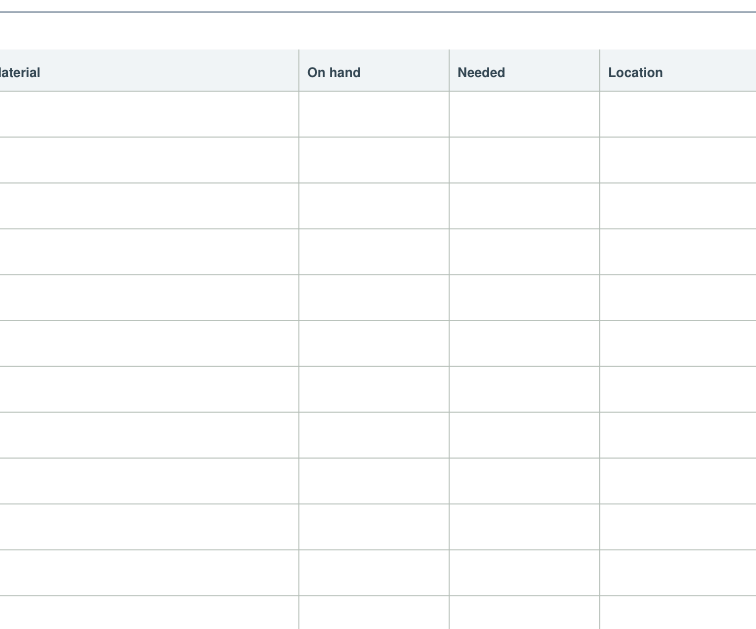
Separate what a project needs from what you already own.