
Maker project brief
Define a finished result before buying materials or starting a build.
See preview and all file optionsA SMALL PROJECT. YOUR OWN WAY.
A short working plan for one making project.
Capture the idea, list the materials and choose the next practical step.
Make this project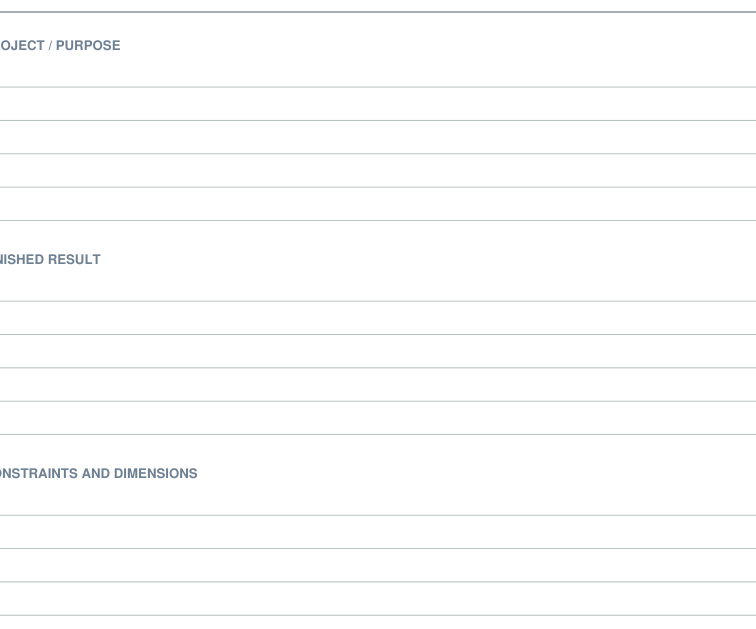
Planning view of the actual printable pages. It is not a photograph of physical assembly or use.
BEFORE YOU BEGIN
FROM FIRST PRINT TO FINISHED USE
Choose the paper edition that matches your printer. A folder keeps the brief and materials together; the linked notebook is a separate digital option.
The ready-made pages leave room for handwriting. Use a supported Studio page or Print Lab note page when a named working page would help; these tools create new outputs.
These are the exact ready-made files for the suggested starting pieces. Choose the paper size in your printer. You can download each file directly, with no packet required.
Define a finished result before buying materials or starting a build.
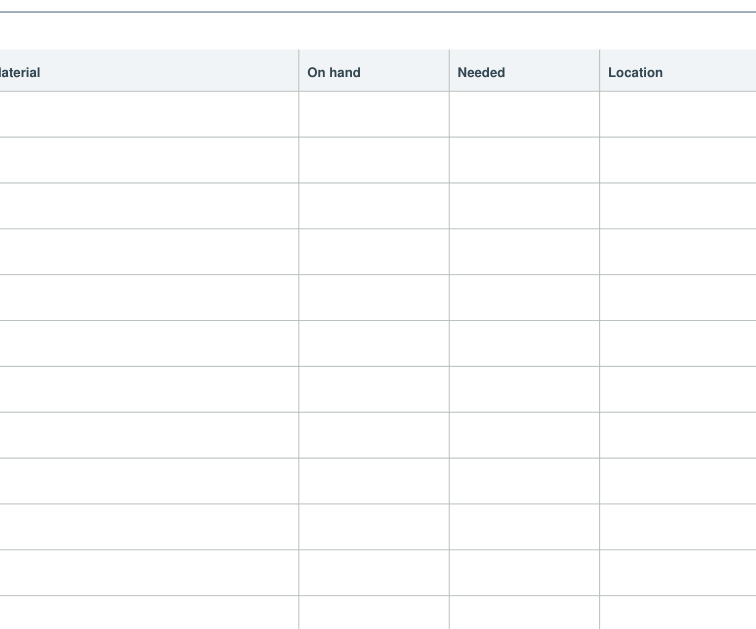
See preview and all file optionsSeparate what a project needs from what you already own.
See preview and all file optionsThe checked pieces are a suggested starting point. Choose your paper to get exact individual PDFs. You can also assemble compatible files in Print Tray.
Choose an alternative to replace its matching starting piece, or add an optional extra. Closing this section keeps your selections.
Name the outcome on the brief and list only the materials you need to begin. Keep the first action visible; add a schedule or longer notebook when the project needs it.
Follow the scale and assembly notes on your selected files. Make a physical trial when fit, folding or dimensions matter.
Choose paper · Check scale