PRINT TRAY

Your exact files

Your selected public edition identities stay in this browser until you remove them. Changed files are never silently replaced.

Build this packet

A SMALL PROJECT. YOUR OWN WAY.

Prepare a seed exchange

Paper pieces that keep supplied seed information together.

Keep the packet, label and inventory using the same identifying information.

Make this project
Go straight to exact Letter/A4 PDFs

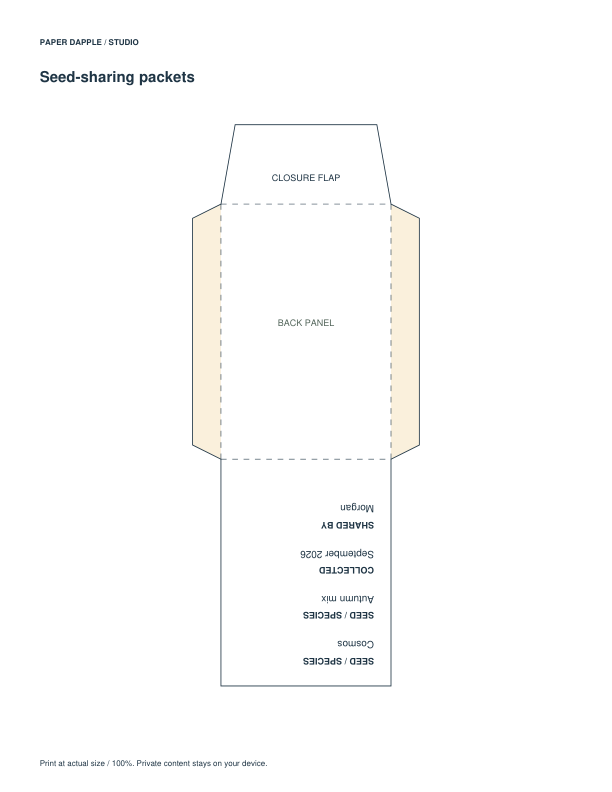
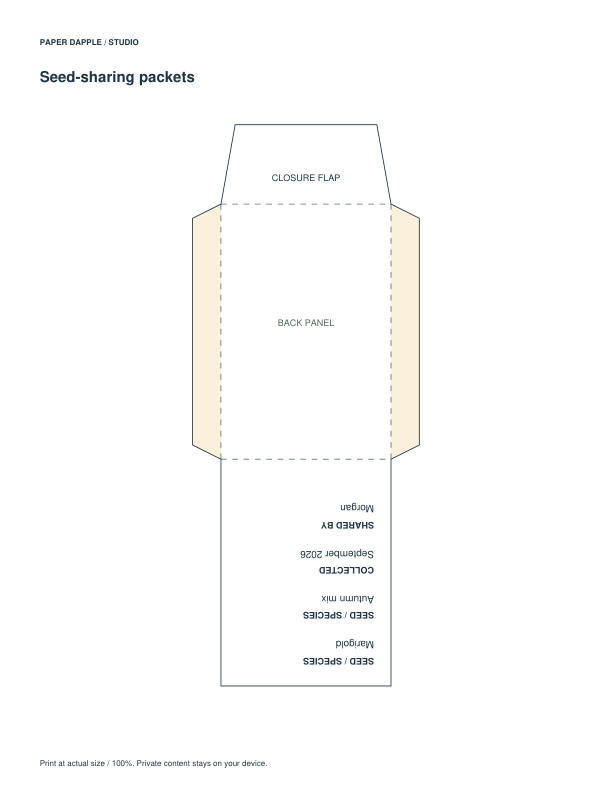
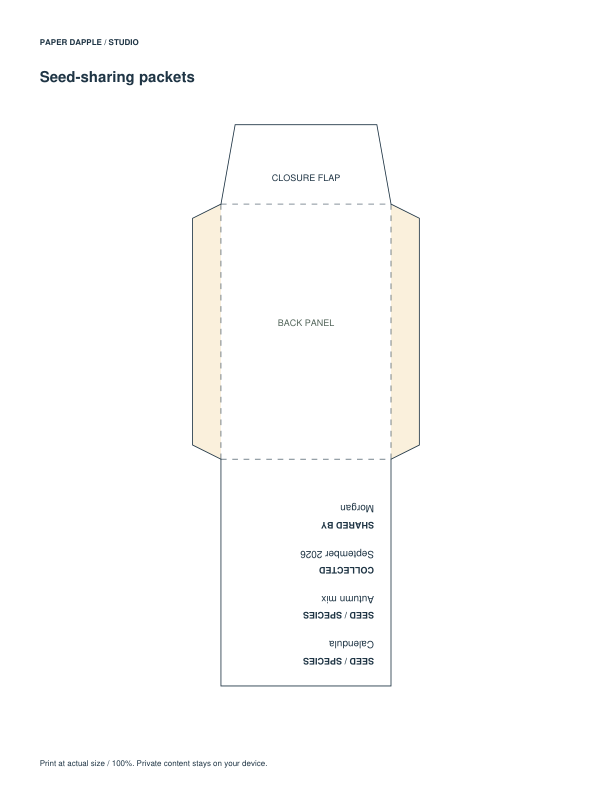
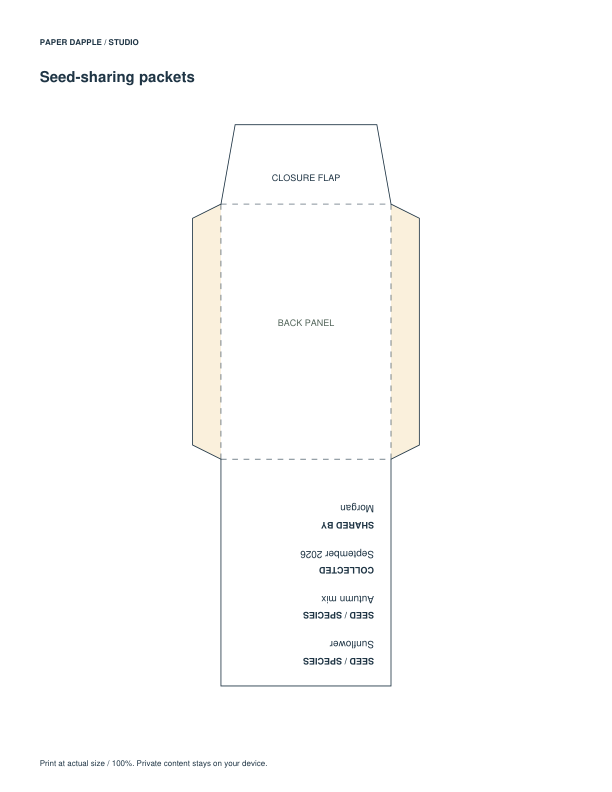
Seed-sharing packet with collection fields
Try a favor packet
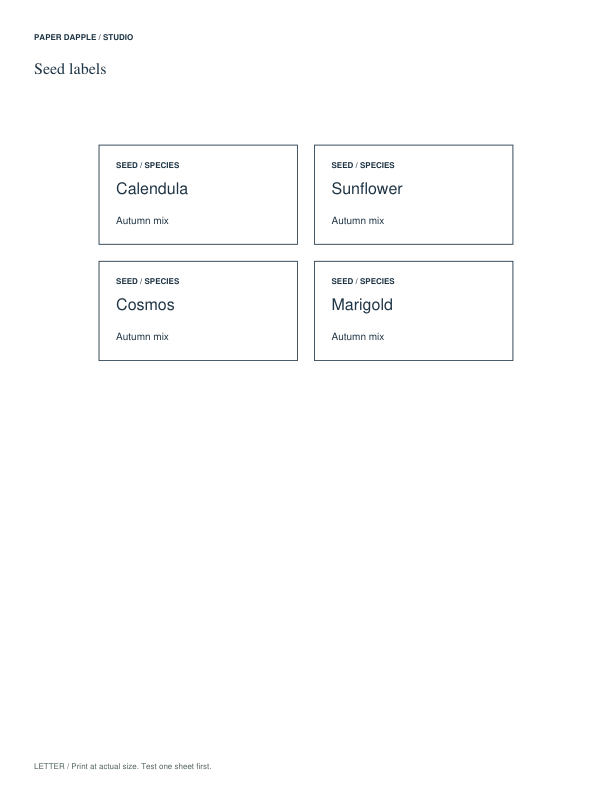
Seed storage labels
Identify stored seeds
Printed piecesSeed packets and matching labels ready for an exchange

Planning view of the actual printable pages. It is not a photograph of physical assembly or use.

BEFORE YOU BEGIN

A simple way to start.

  1. For the suggested pair, choose one packet style and one label style, then keep the same identifying information on both.
  2. Storage, envelope and seed-library labels are alternatives for different uses; check the actual size before attaching one to a packet.
  3. Try the packet with your material before preparing several; record only information you know.

FROM FIRST PRINT TO FINISHED USE

Your project, step by step

  1. Choose one packet and one label style. Record the seed name, variety and collection information that you actually know.
  2. Keep a stable lot reference on packet, label and inventory. A table sign belongs to the exchange, so make one shared sign rather than a duplicate for each packet.
  3. Review the packet panels and folds before cutting. Keep the seed details with the packet and add an inventory only if you need to record quantities.

Printing notes

Use matching Letter or A4 files and preserve actual size for the packet outline. Decorative labels do not establish storage or germination suitability.

Make it yours

The ordinary packet and labels can be completed by hand. The coordinated Seed exchange project, when offered below, carries the same entered details across its supported components.

Make the coordinated version

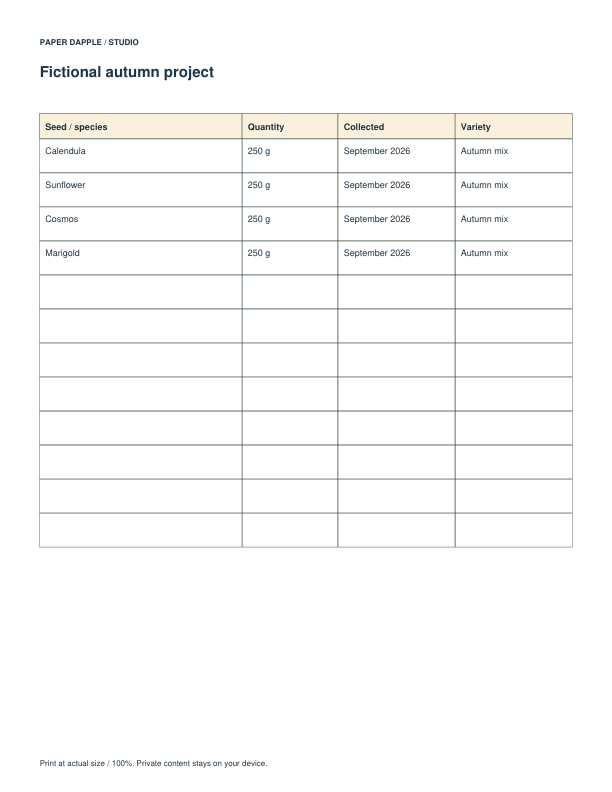
Review supported components, add reviewed pieces to Print Tray and download an explicit private project file to reopen your work. These fictional examples are actual generated PDFs.

Download the exact 7-page Letter example PDF · Follow the project tutorial · Use the ordinary PDF downloads
Actual Prepare a seed exchange example, page 1
Example page 1
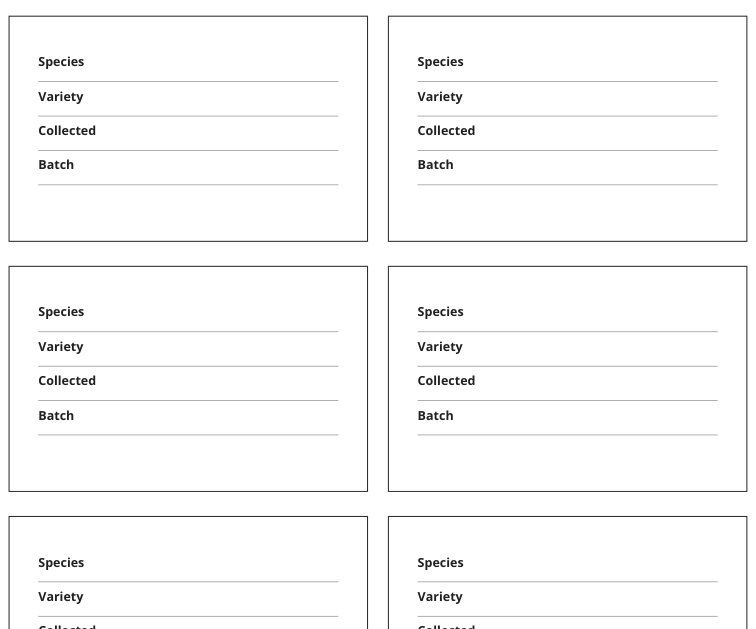
Actual Prepare a seed exchange example, page 2
Example page 2
Actual Prepare a seed exchange example, page 3
Example page 3
Actual Prepare a seed exchange example, page 4
Example page 4
Actual Prepare a seed exchange example, page 5
Example page 5
Actual Prepare a seed exchange example, page 6
Example page 6
Actual Prepare a seed exchange example, page 7
Example page 7

Get the recommended PDFs

These are the exact ready-made files for the suggested starting pieces. Choose the paper size in your printer. You can download each file directly, with no packet required.

Start with a few useful pieces.

The checked pieces are a suggested starting point. Choose your paper to get exact individual PDFs. You can also assemble compatible files in Print Tray.

Alternatives and optional extras (5)

Choose an alternative to replace its matching starting piece, or add an optional extra. Closing this section keeps your selections.

Inspect the printed fields: the general packet may use For, From and Message rather than specialized seed fields.

Inspect this printable

Keep a separate label for lots collected at different times rather than merging records under one broad name.

Inspect this printable

Choose this richer label when the recipient was not present at collection and needs context.

Inspect this printable

Use one line per lot when source or date differs, even when the variety name repeats.

Inspect this printable

Use the supplied wording as station signs; provide event-specific rules separately.

Inspect this printable

Keep seed details with the packet.

Use the seed-sharing packet to record the seed, variety, collection details and who shared it. Put matching information on the label, then make one empty trial before preparing the rest.

Explore gifts and celebrations · Cutting and folding help

From paper to your project.

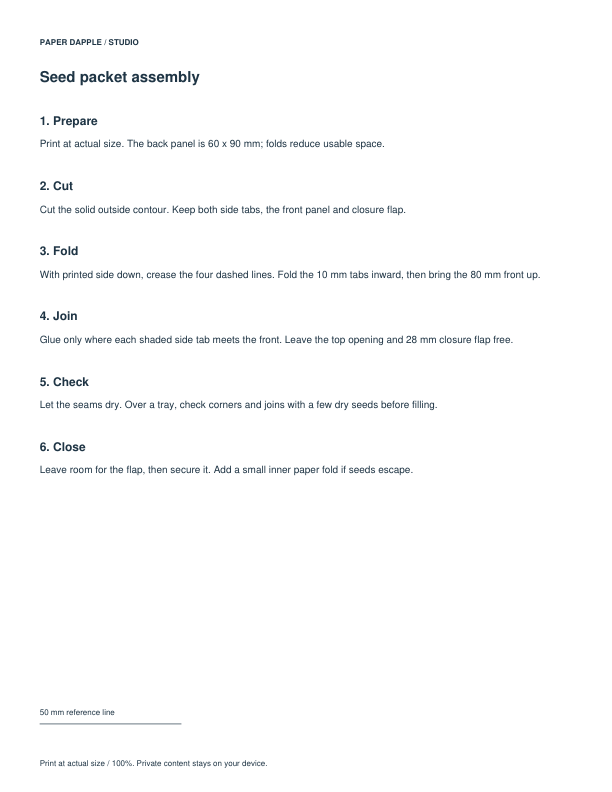
Follow the scale and assembly notes on your selected files. Make a physical trial when fit, folding or dimensions matter.

Choose paper · Check scale