

Classic cut-corner gift tags
Room for names
Six cut-corner tags, each 50.8 × 88.9 mm. Spaced For/From rules and a small Arc motif leave room to handwrite names. Cut the outline and punch the marked circle. These corrected PDFs are print-only.
A PRINTABLE PATH
Choose a tag with the writing room you need, or make a small sliding box. Compare four actual designs, then download a free US Letter or A4 PDF to finish your gift.
For a reading gift, pair a Woodland dedication bookmark with its open-top sleeve. For a repeat-visit project, the One Place Four Visits viewing frame helps return to one view; it is a hand-held frame, not gift packaging.

Choose the bookmark sleeve and its assembly guide
Start the observation project and see the viewing frame
Choose Letter or A4, follow the stated paper and orientation, and make an empty trial before giving a sleeve. The project guide shows the viewing frame’s place in a complete two-visit set.
FOUR USEFUL CHOICES
Compare the writing space and the cut shape, then choose the PDF for the paper in your printer. Every image is an actual file preview.
Room for names
Six cut-corner tags, each 50.8 × 88.9 mm. Spaced For/From rules and a small Arc motif leave room to handwrite names. Cut the outline and punch the marked circle. These corrected PDFs are print-only.
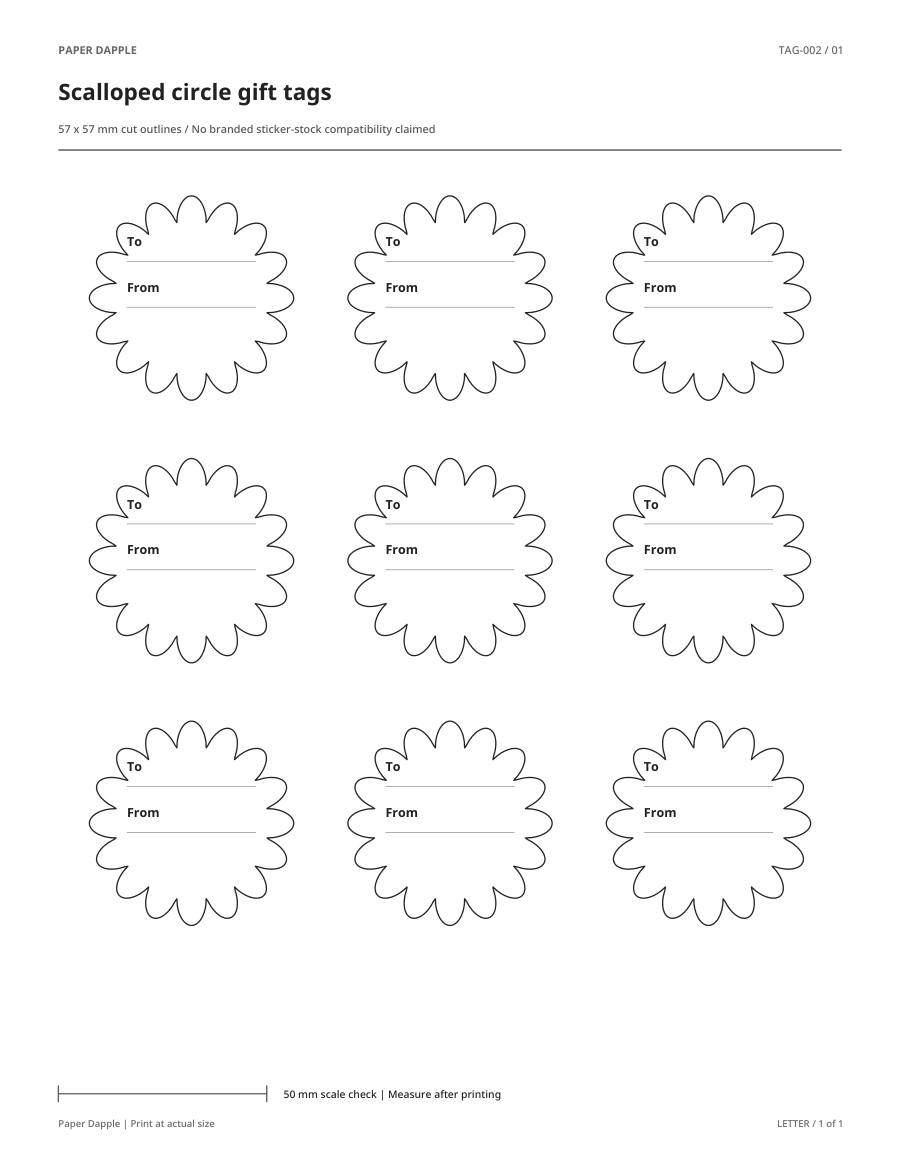
A compact round finish
Nine scalloped tags, each 57 × 57 mm. Two short To/From lines suit brief names; the scalloped edge takes more careful cutting. Handwrite on the flat sheet before trimming.
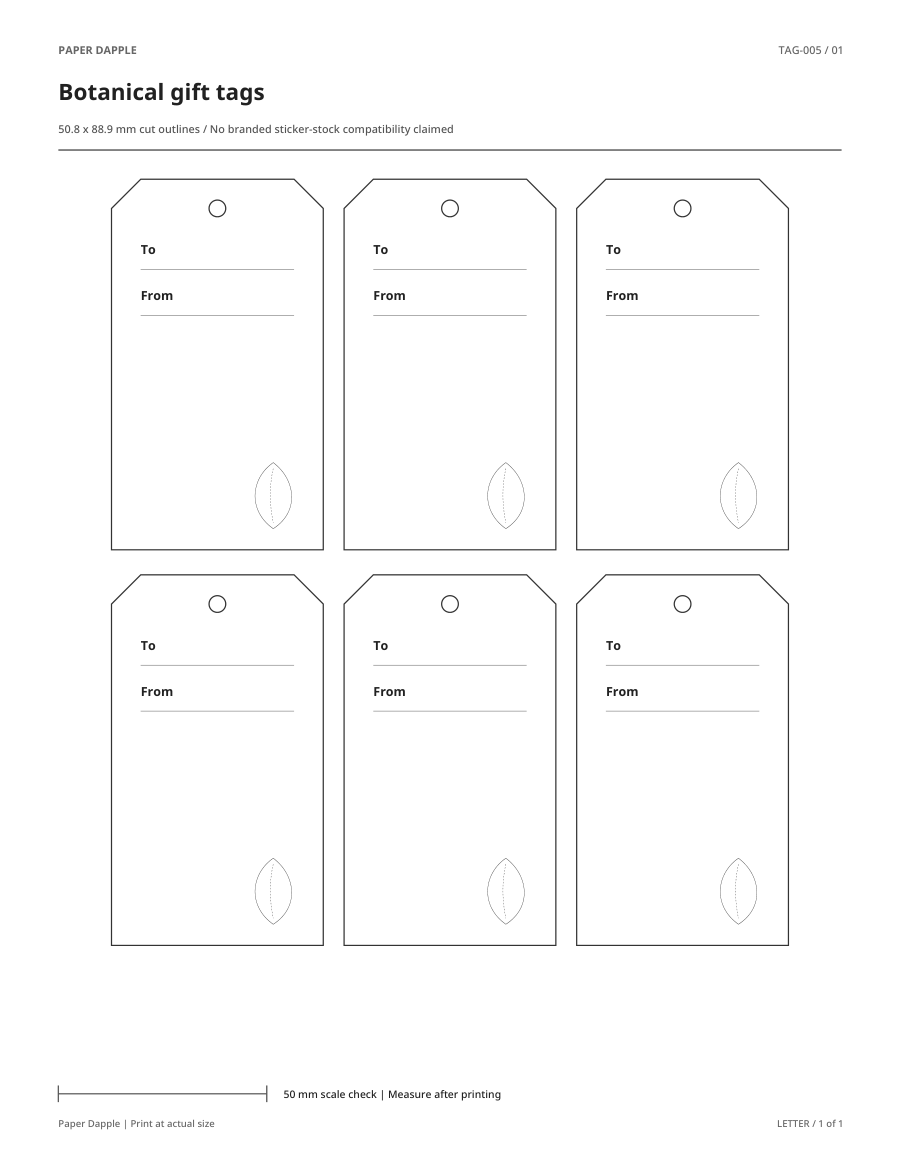
Space for a little extra
Six cut-corner tags, each 50.8 × 88.9 mm. To/From lines sit above a large open area and a small leaf motif. Add a short handwritten message below the names.

Make a sliding presentation box
A tray with a nominal 62 × 45 mm base and 18 mm walls, plus a separate sleeve. Three PDF pages: two nets and assembly instructions. Trial the sliding fit on scrap paper; these dimensions do not guarantee usable interior space or load capacity.
Choose US Letter (8.5 × 11 inches) or A4 (210 × 297 mm), print at 100% / actual size and measure the printed check line. Write names while the sheet is flat, then cut and attach your tag. For the box, cut both nets, crease the marked folds and follow the third-page assembly instructions before checking a scrap-paper trial.
Print cut pieces at their intended size · Read cut, fold and joining marks
Personalize supported gift tags in Studio. Studio uses supported original designs; the corrected Arc PDFs above and the scalloped, botanical and box files here are for printing and handwriting. Open the Classic resource page to compare earlier designs and their available tools.
Loading the printable index…
MORE OPTIONS
These images show the actual printable files.
 Preview unavailable
Gifts & celebrations
Keep a small card and message together inside a paper enclosure.
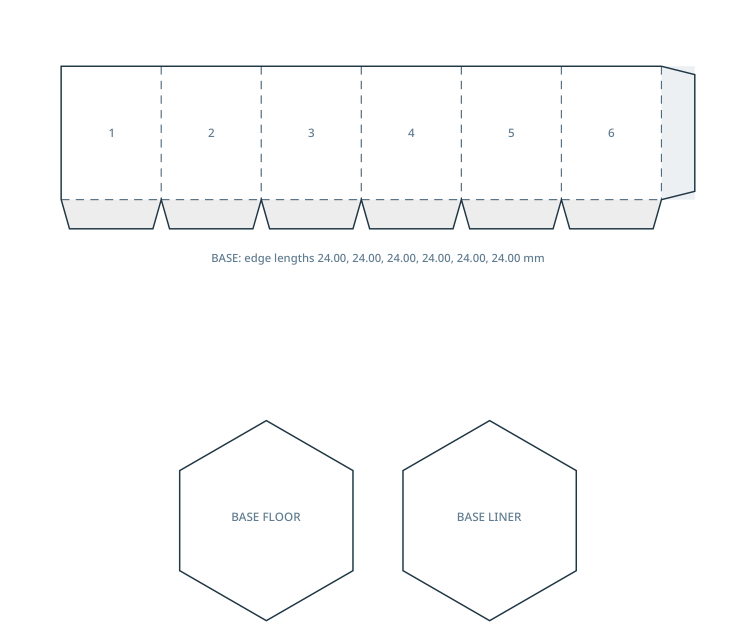 Preview unavailable
Gifts & celebrations
A 6-sided paper box with 24 mm side edges, 32 mm walls and a separate shallow slip-over lid.
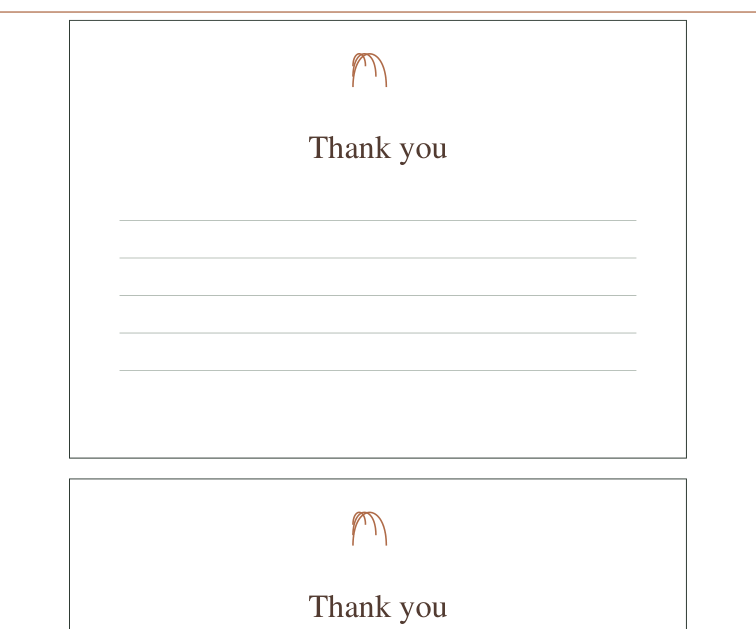 Preview unavailable
Gifts & celebrations
Write a specific thank-you without needing a full-size letter.
KEEP EXPLORING
Open a resource to compare paper sizes and download its exact PDF.
 Preview unavailable
Gifts & celebrations
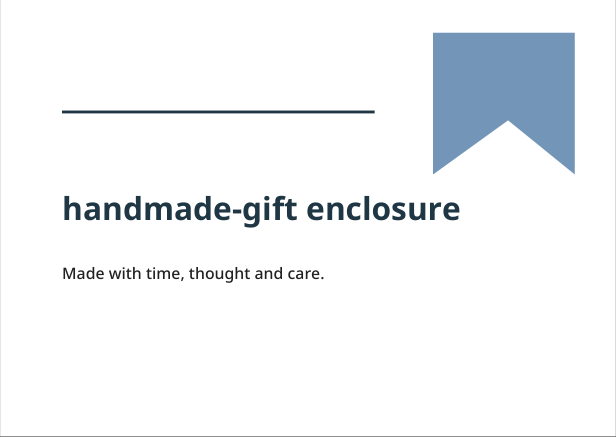
A card with “Made with time, thought and care.” on the outside and a blank inside for your own words.
 Preview unavailable
Gifts & celebrations
Build a fold-up tray and a separate sleeve for a sliding presentation box. Keep the two parts together and check their movement before adding decoration or contents.
 Preview unavailable
Gifts & celebrations
Cut circular paper seals to decorate a gift closure. Separate Letter and A4 PDFs each include the seal sheet and assembly instructions.
 Preview unavailable
Gifts & celebrations
Use a paper band for a short label or presentation detail around an item.
 Preview unavailable
Gifts & celebrations
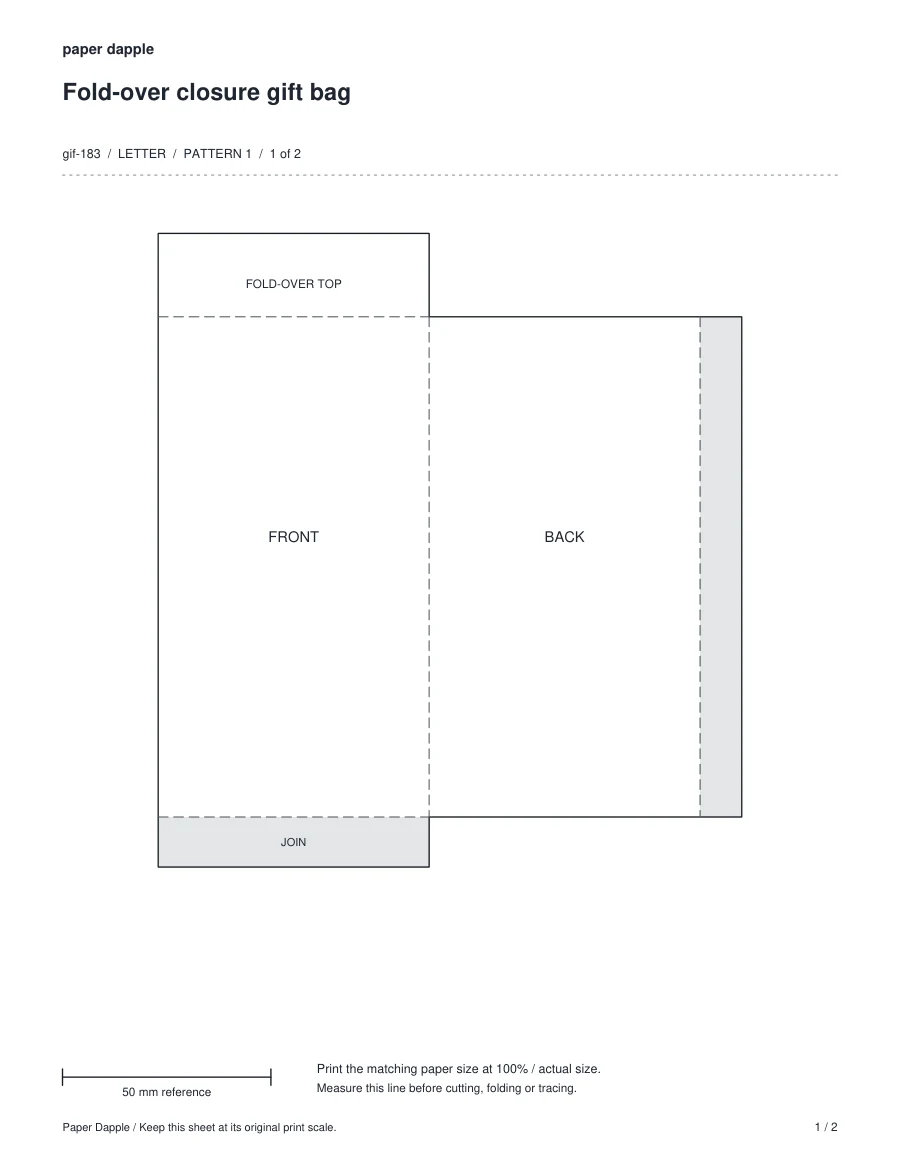
A flat, ungusseted presentation bag with a wide fold-over top; intended for a lightweight paper gift.
 Preview unavailable
Gifts & celebrations
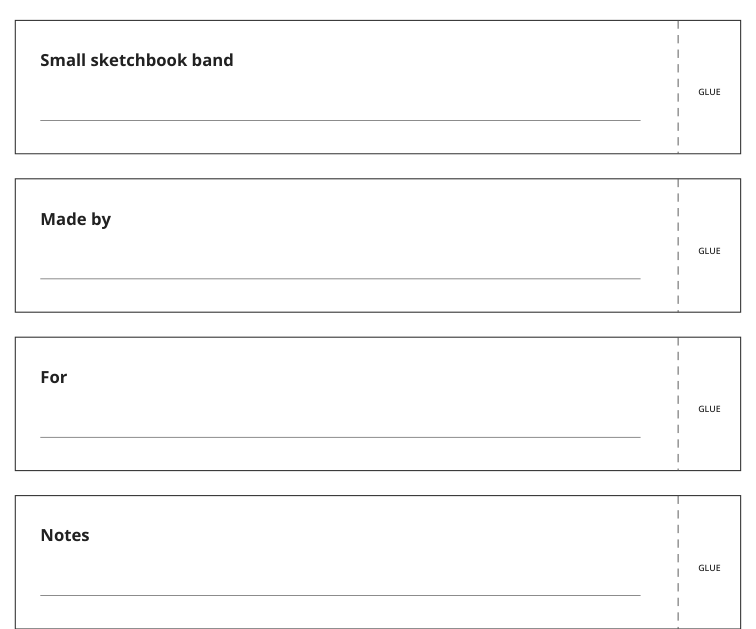
Use a paper band for a short label or presentation detail around an item.
 Preview unavailable
Gifts & celebrations
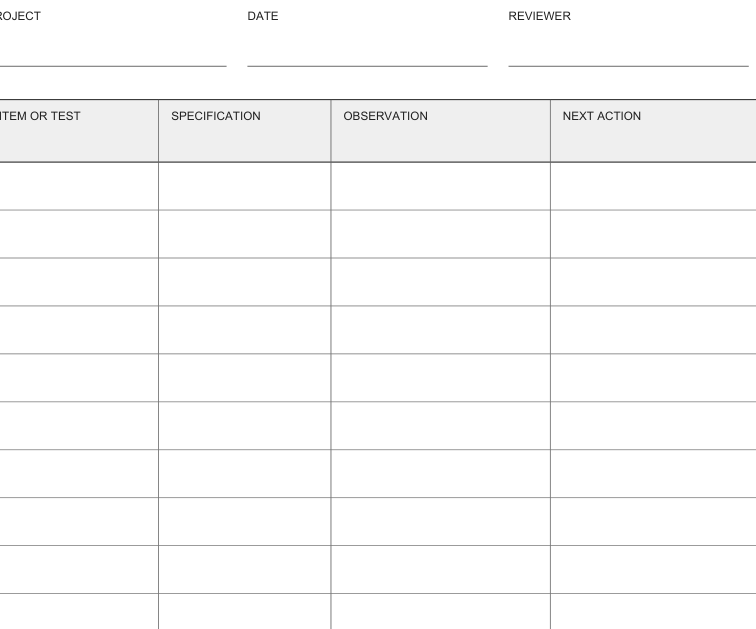
Keep “Item or test”, “Specification” and “Next action” together in a working record.
 Preview unavailable
Gifts & celebrations
Separate a gift receipt from the main greeting so it is easy to find later.
 Preview unavailable